
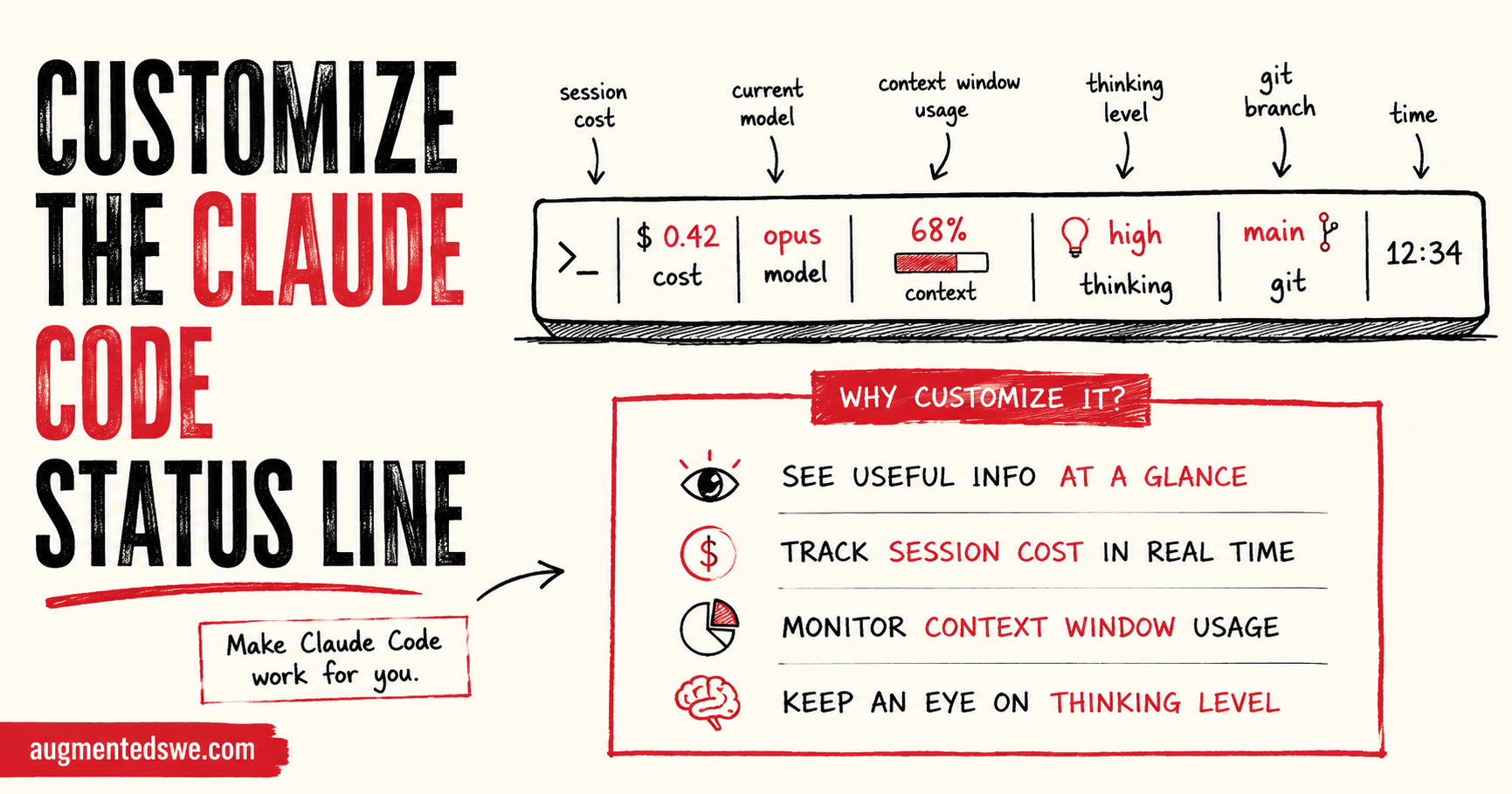
If you’re using an agentic tool, every little optimization to your workflow pays dividends. For CLI tools like Claude Code, it can be a little hard to get all the info you might need in one screen.
Fortuantely, Claude Code lets you configure the status bar to contain info that’s important to you, specifically.
Some good options for the Claude Code status bar
What kind of information might you want to display in the status line? Here are some popular ideas
Context window usage
Current session cost (this is becoming increasingly important)
Git branch
Current model
Effort level
Rate limit usage %
There’s more options shown in the Claude Code documentation, but these are the most common. They also happen to be the ones that I use!
I’ll show you how to use Claude to configure the status line in natural language with a prompt you can copy and paste.