
One of the fun parts of Claude Code are little spinner verbs that show up while the model is thinking.
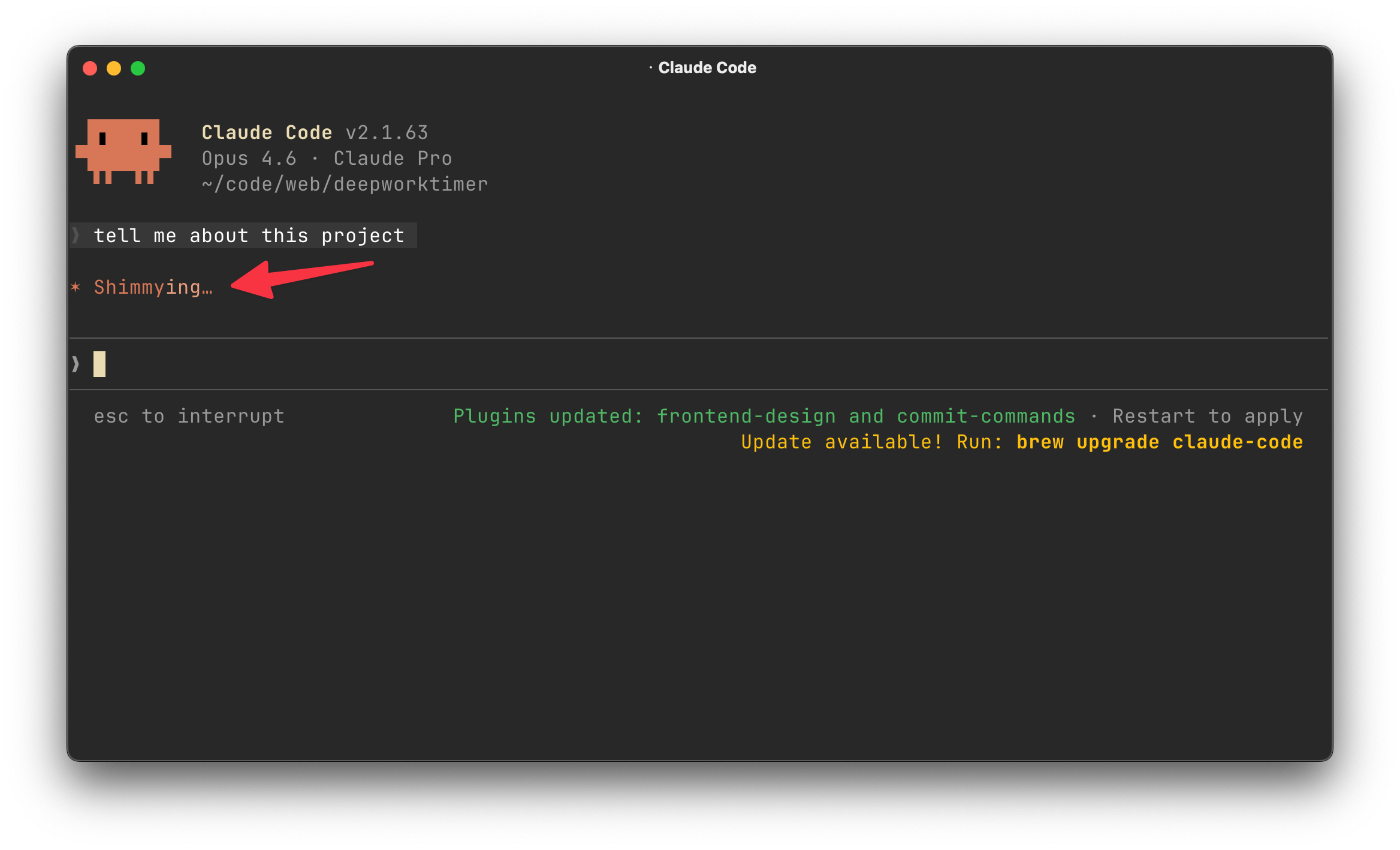
But have you ever wished you could change them?
Claude Code recently added a spinnerVerbs option to its settings. Today, I’ll walk you through how to change your Claude Code settings to customize these spinner words that show up when Claude is doing it’s thing.
How Claude Code settings work
This could probably be a post in itself.
You can set Claude Code settings at globally or at the project-level. This is helpful if you want behavior to be different from project-to-project or you want the settings in version control for your peers.
I really only use user settings though, and that’s what makes the most sense for spinner verbs.
User settings are defined in ~/.claude/settings.json and apply to all projects. My settings are very vanilla - one of the great things about the product is the strong and useful defaults.
There are a ton of available settings though.
You can edit your settings by editing the ~/.claude/settings.json file directly or you can ask Claude to do it for you. I’ll show you how for spinner verbs.
Today’s newsletter is sponsored by my friends at Augment Code.
Augment was kind enough to give me early access to Intent, their next-generation tool for developing software.
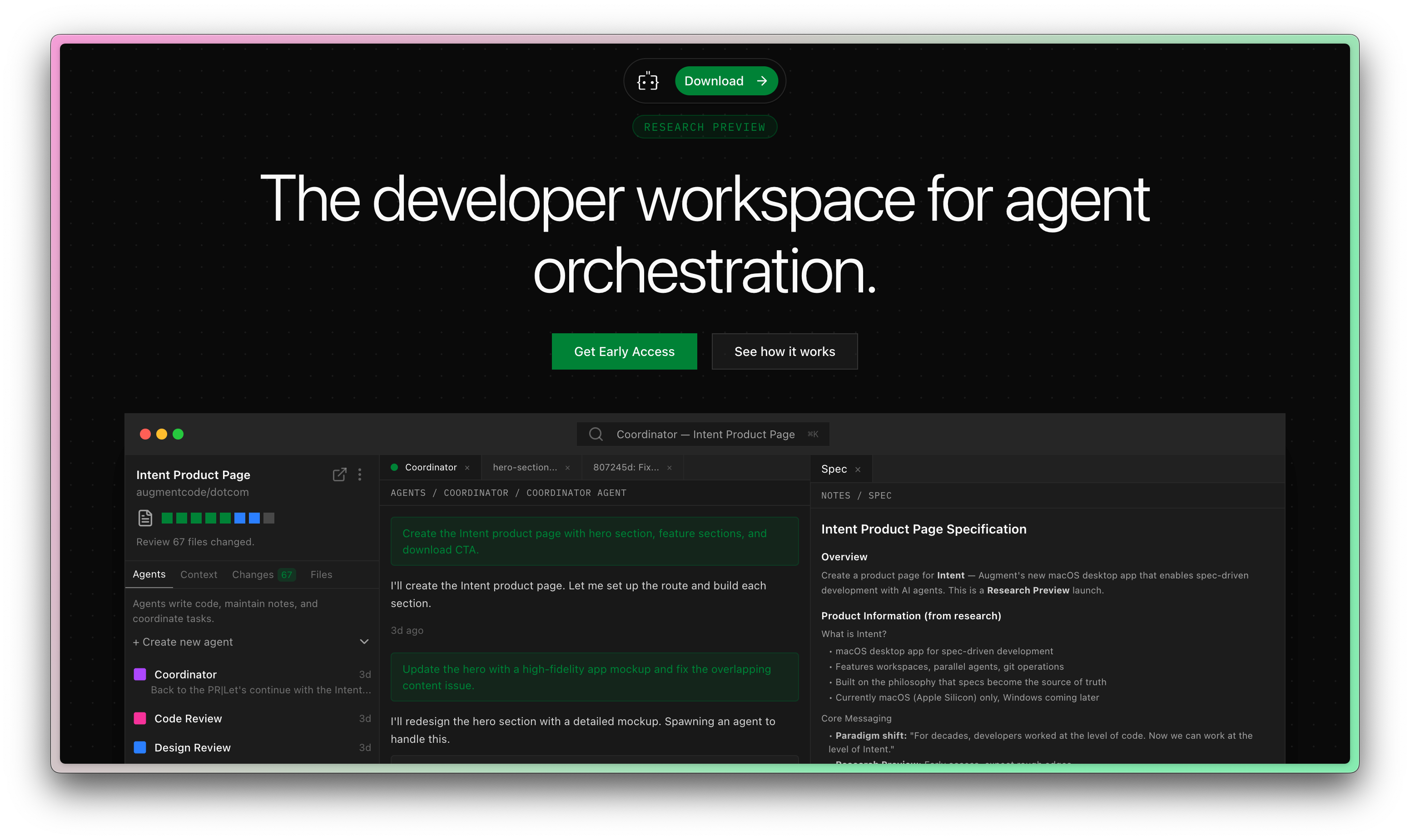
All signs are pointing to the fact that the IDE is no longer the ideal place to create software.
Augment Code has jumped on this opportunity, and my first impressions are great.
Setting your spinner verbs
One important thing to keep in mind is that you should use present participles (ending in "-ing").
I asked Claude to update the file for me (I’m lazy), here was my prompt:
Edit my ~/.claude/settings.json to customize the spinner verbs. I want the spinner verbs to be Star Trek themed - use present participles (ending in “-ing”). Replace the defaults with 60 start trek verbs that sound fun.
The result was pretty good! The verbs are a little cringy but they’ll do for now.
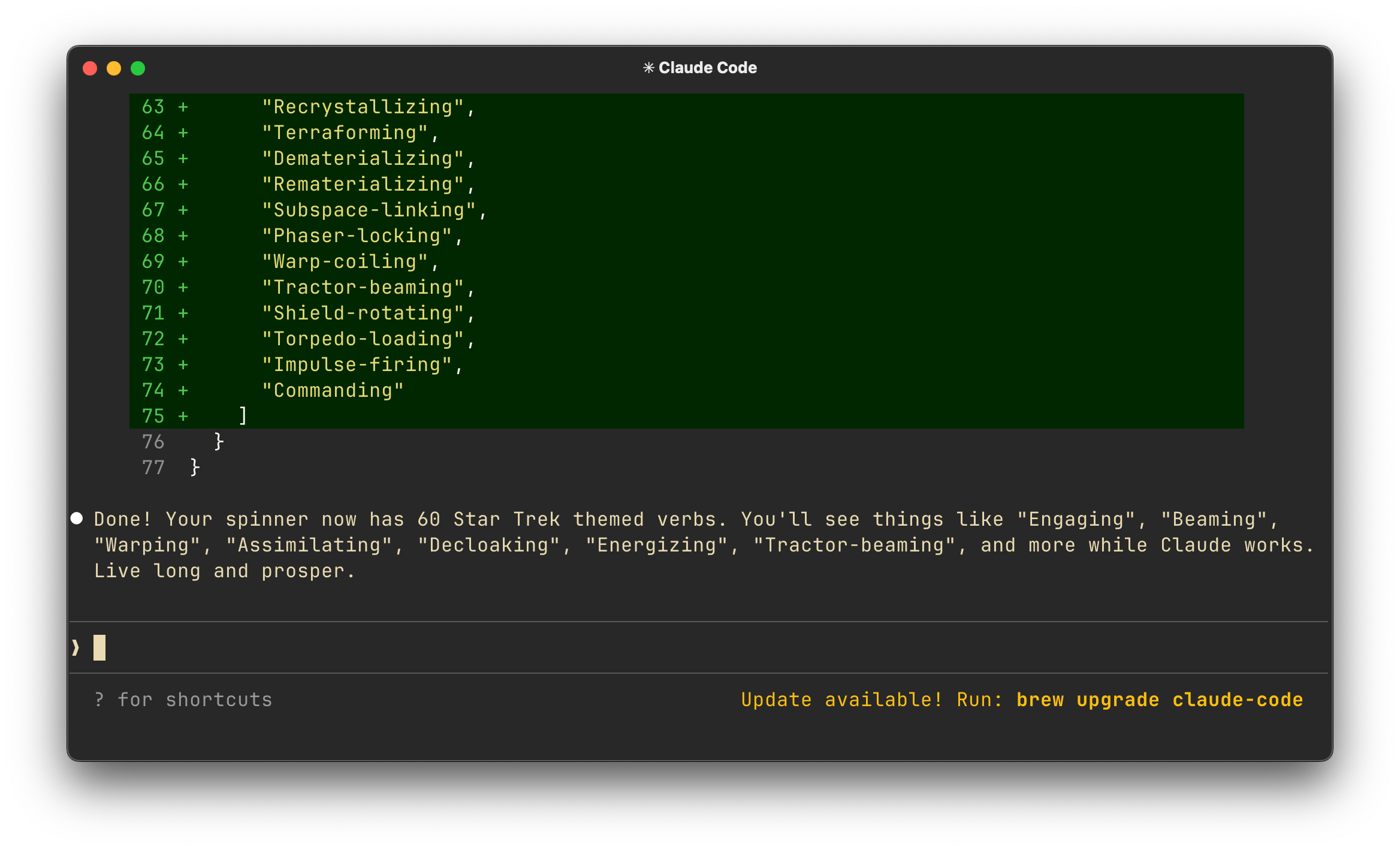
The model literally just added a section to my settings:
"spinnerVerbs": {
    "mode": "replace",
    "verbs": [
      "Engaging",
      "Beaming",
      // Rest of file ommited for brevity
     ]
I hope this adds a bit of whimsy to your workflow!
“One important thing to keep in mind is that you should use present participles (ending in "-ing")”
aaah nice tip here! good read thx :)
Haha this is very fun to know! Thanks for sharing the tip!