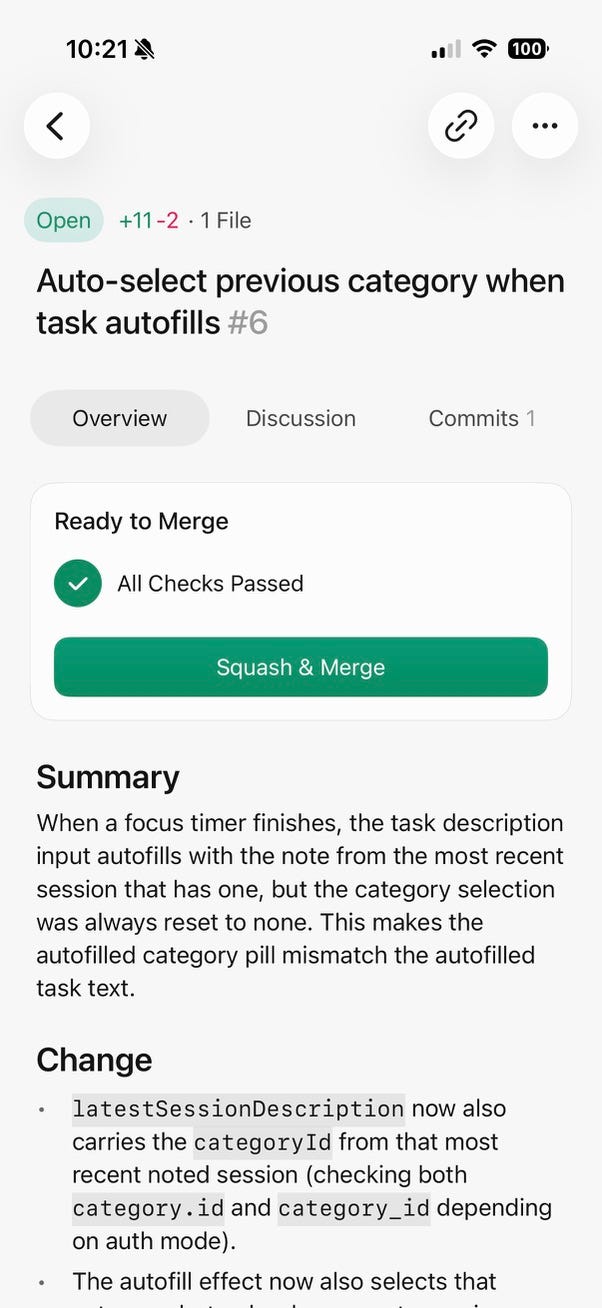
Cursor is really cooking with their mobile app.
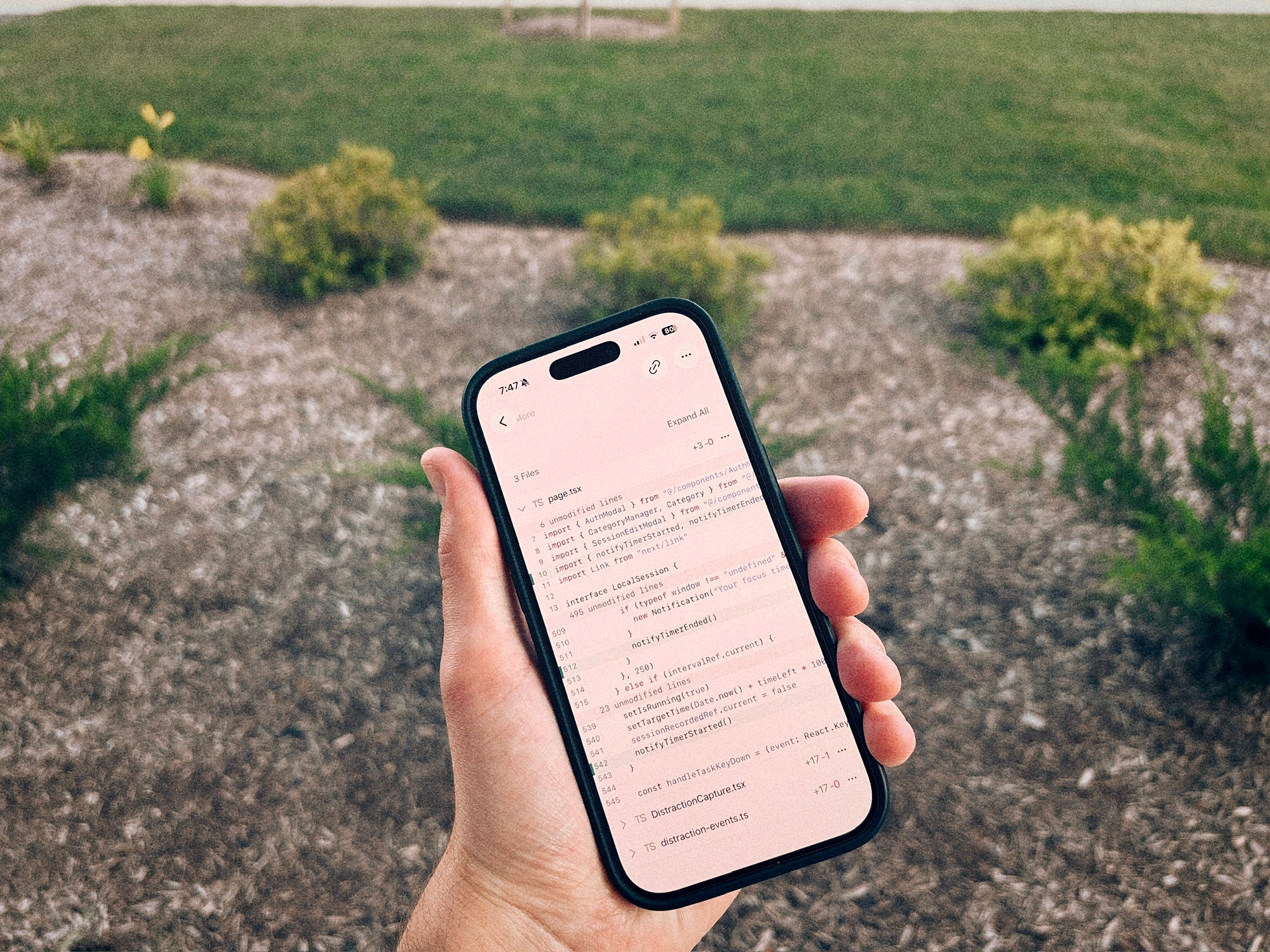
I don’t know why it took me this long to try it. Writing software is becoming more and more agent-first, so it does feel natural that we would be able to eventually step away from the computer.
In this tutorial, I’ll show you how I used the Cursor mobile app to build 4 features for my Deep Work Timer.
I’ll show you how I go from prompt, to changes, to pull request, then testing, and merge.
The Cursor mobile app is agent-first
Don’t download the Cursor app expecting to edit files and micromanage diffs. The app is built for managing agents.
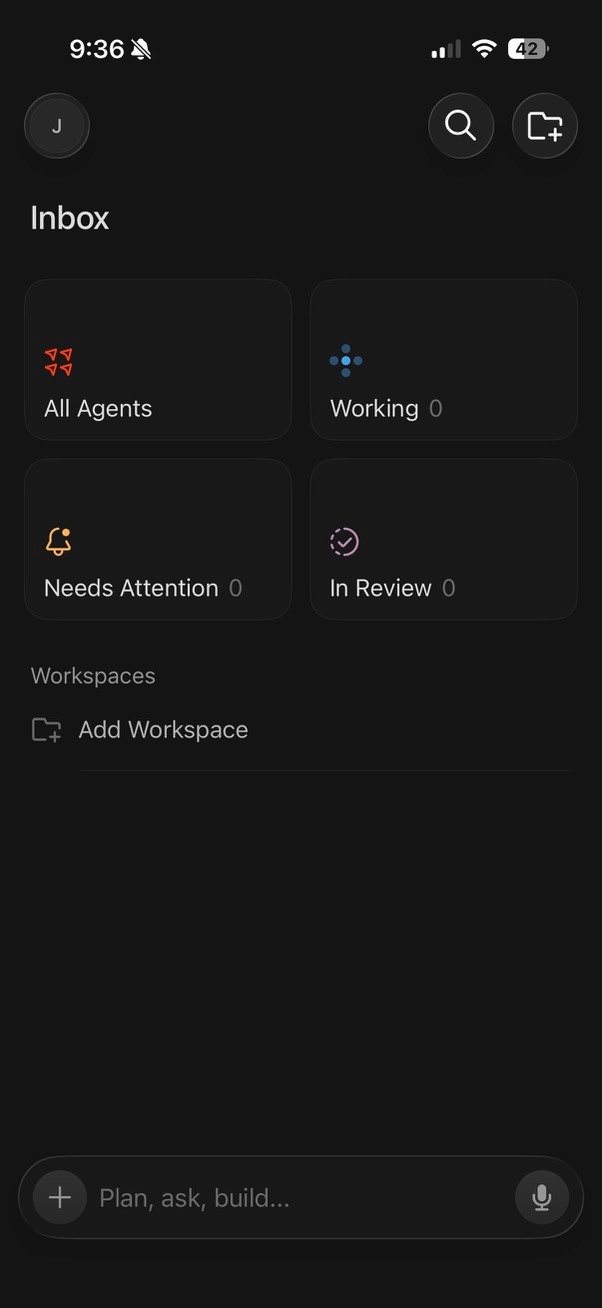
You can easily add a workspace by selecting a GitHub repository. Once you do, you can create a new chat/agent and get to work.
If you’re curious about making apps from your phone, you’re in good company. The AI-Augmented Engineer is dedicated to helping software professionals use AI to make meaningful improvements to their work.
I’d love to have you join us and get notified when we share more tutorials like this.
Building a feature with Cursor mobile
My deep work timer allows the user to optionally leave a note about what they’re working on during a session, and they can also select a custom category.
When a session ends, the task description keeps the task unless the user starts to edit it. But right now, the task category resets.
For my first feature, I’d like to fix that! Session categories should also stay between sessions, since it’s very simple for the user to change it.
I started by explaining this in a quick prompt:
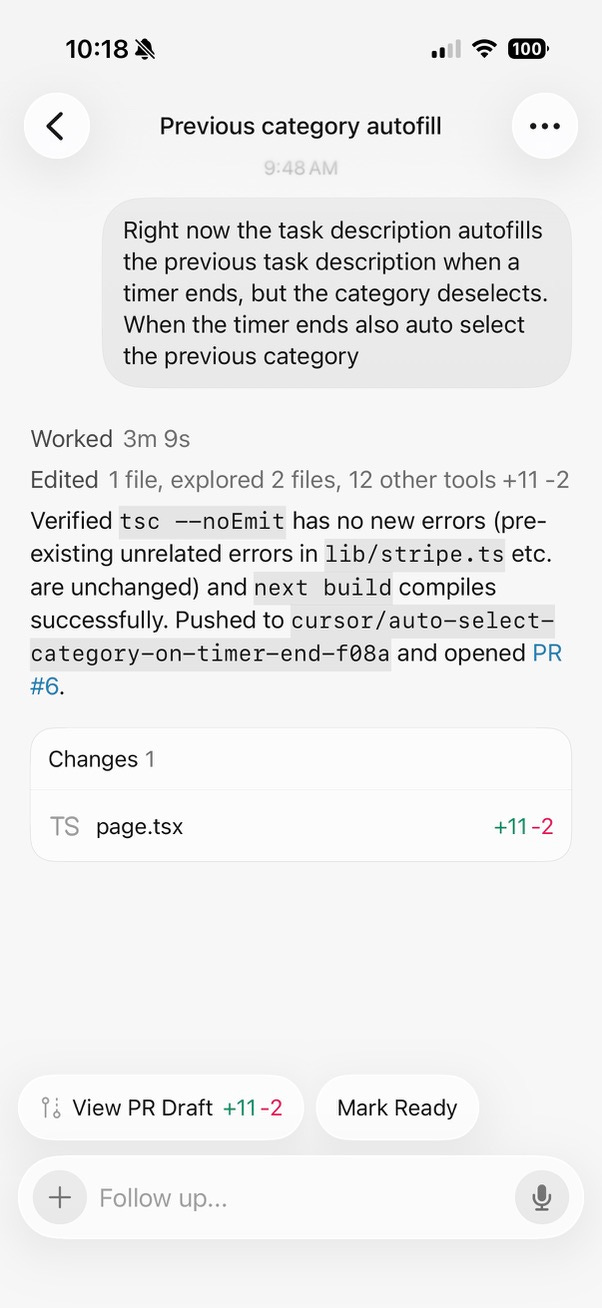
In this case, I selected Sonnet 5, since this task is very small and straightforward. It’s a competent, cost-effective model.
If you’re happy with the draft from the Cursor app, you can mark it ready, which will create a pull request on your behalf.