
About a year ago, I showed you how I vibe coded an iPhone app I use every day.
That app, Simple Meds, still gets used every day!
But it’s ugly! It works exactly as expected, but has no design frills whatsoever.
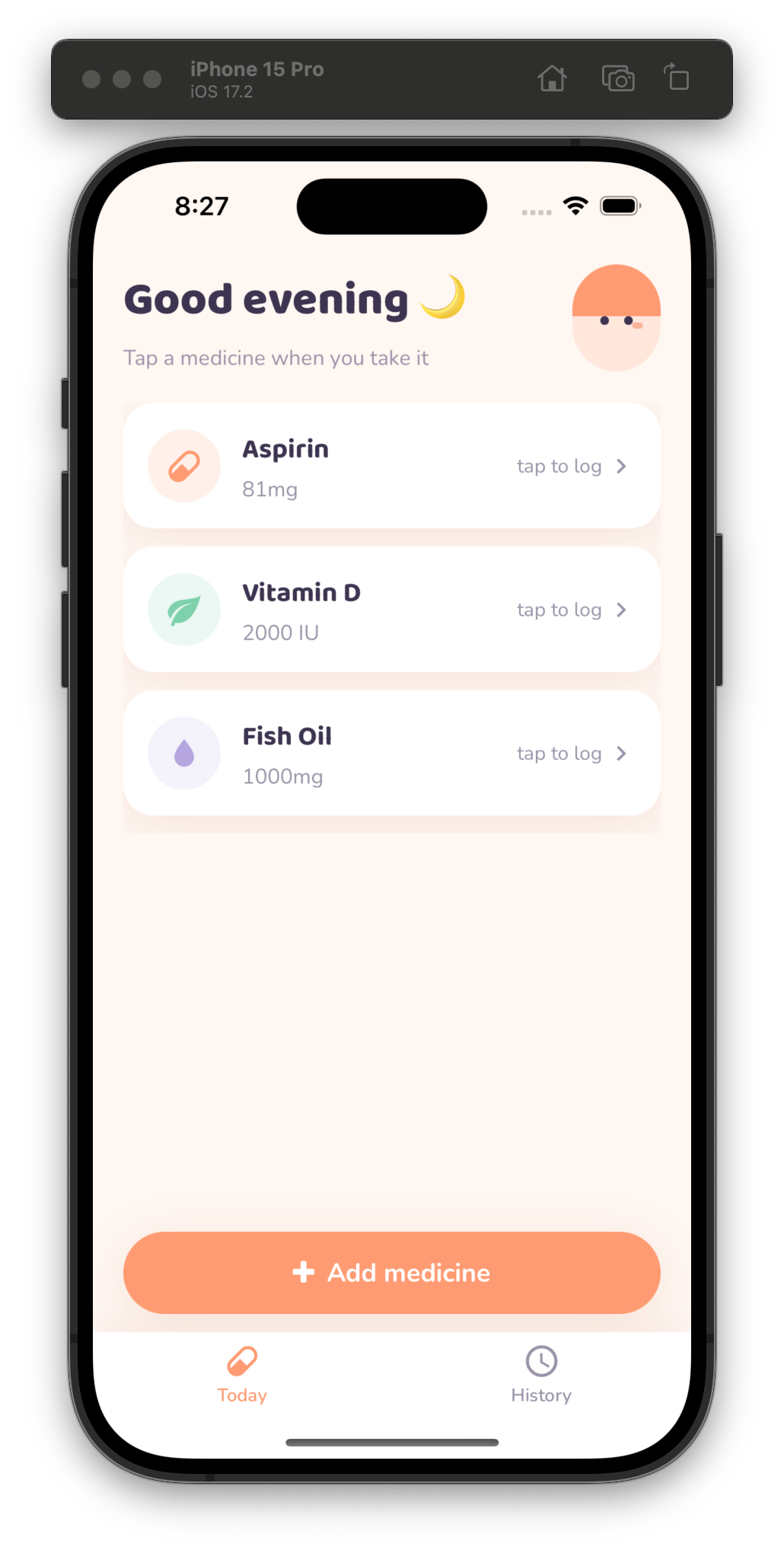
So today, I’m going to show you how I used Claude Code to make it much more delightful to use. Here’s what we’re turning it into:
AI tools are so much better than a year ago
When I made this app, I used Cursor’s chat to write every single line - I showed you how in what ended up being one of my most popular posts ever:

SO MUCH has changed since then. First, Cursor is no longer the leading AI tool for developers. It’s a great tool, but it’s been surpassed a bit by Claude Code and Codex.
Why? Agents.
Agents are the primary mechanism to use AI for software engineering now. Cursor isn’t oblivious to this - they completely redesigned Cursor around agents. So if you’re using Cursor today, you’re not behind. I still keep a subscription and use it from time to time, but it’s not my daily driver anymore.
Models have also gotten so much better in the last year. I wrote this app with GPT-4o. We’ll do our redesign with Claude Opus 4.7, which isn’t even the latest model!
I’ll also use newer image generation models to get a better logo that matches our new design.
The rest of this guide is exclusive for paid members of the newsletter. Join today to get access to regular technical guides like this, plus the entire Member Vault.