Grok Bot is easy to misunderstand if you approach it like another AI chat app.
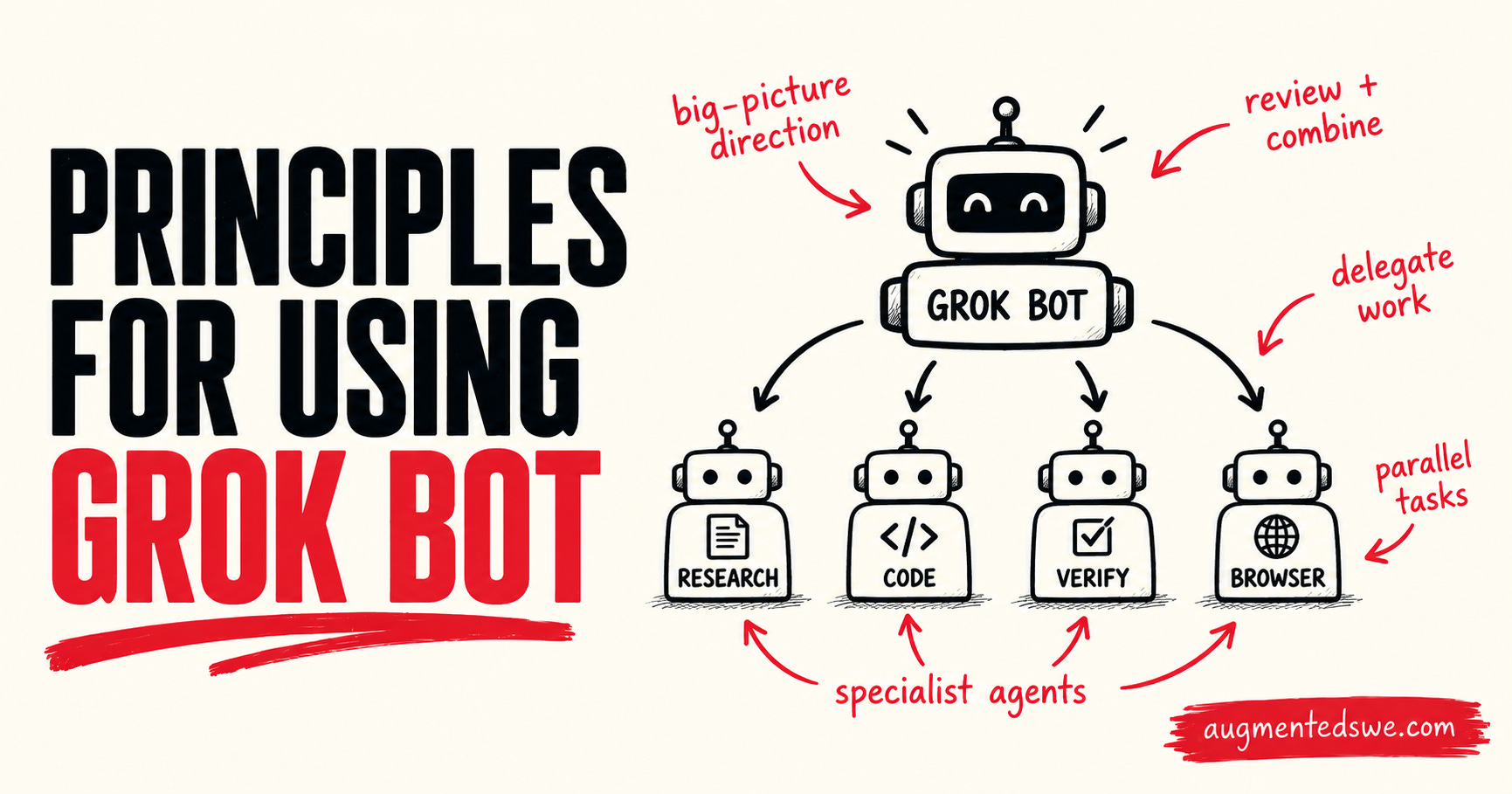
You give an agent a job, connect it to your tools, let it operate a computer, schedule it to run on its own, and even have it delegate work to other agents.
This makes it much closer to building a small system of AI workers than opening another chatbot tab.
I’ve been experimenting with Grok Bot by putting it to work on a real area of my life: assisting me in running The AI-Augmented Engineer.
Along the way, I found that the quality of the experience depends much more on how you structure the agents and their responsibilities than on writing some perfect prompt.
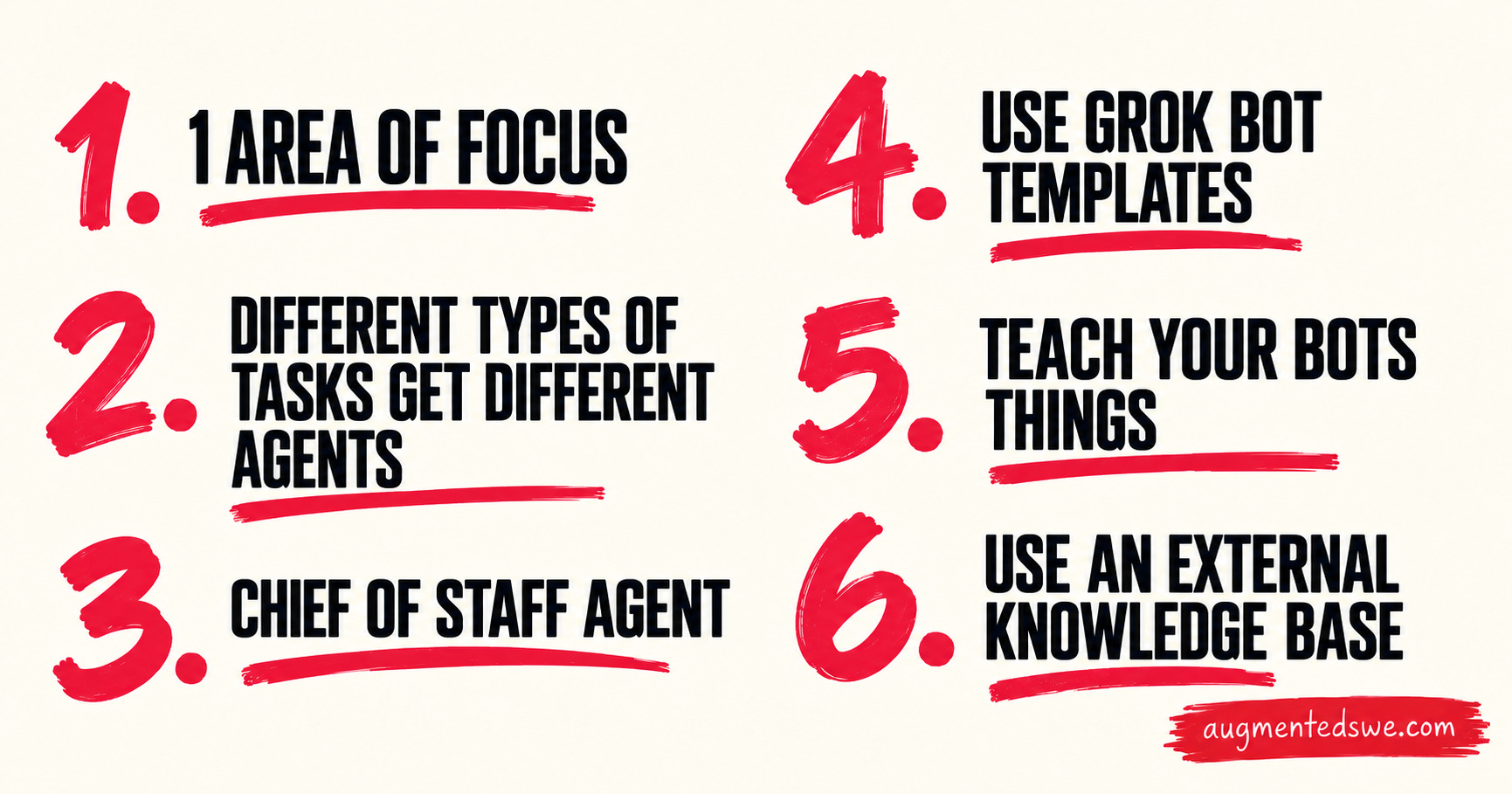
So rather than give you a giant list of features, I want to walk through the six principles I think matter most when you start building with Grok Bot. I’ll use the actual setup I built for this newsletter as the example.
Grok Bot pricing
You can get access to Grok Bot through both Cursor and Grok.
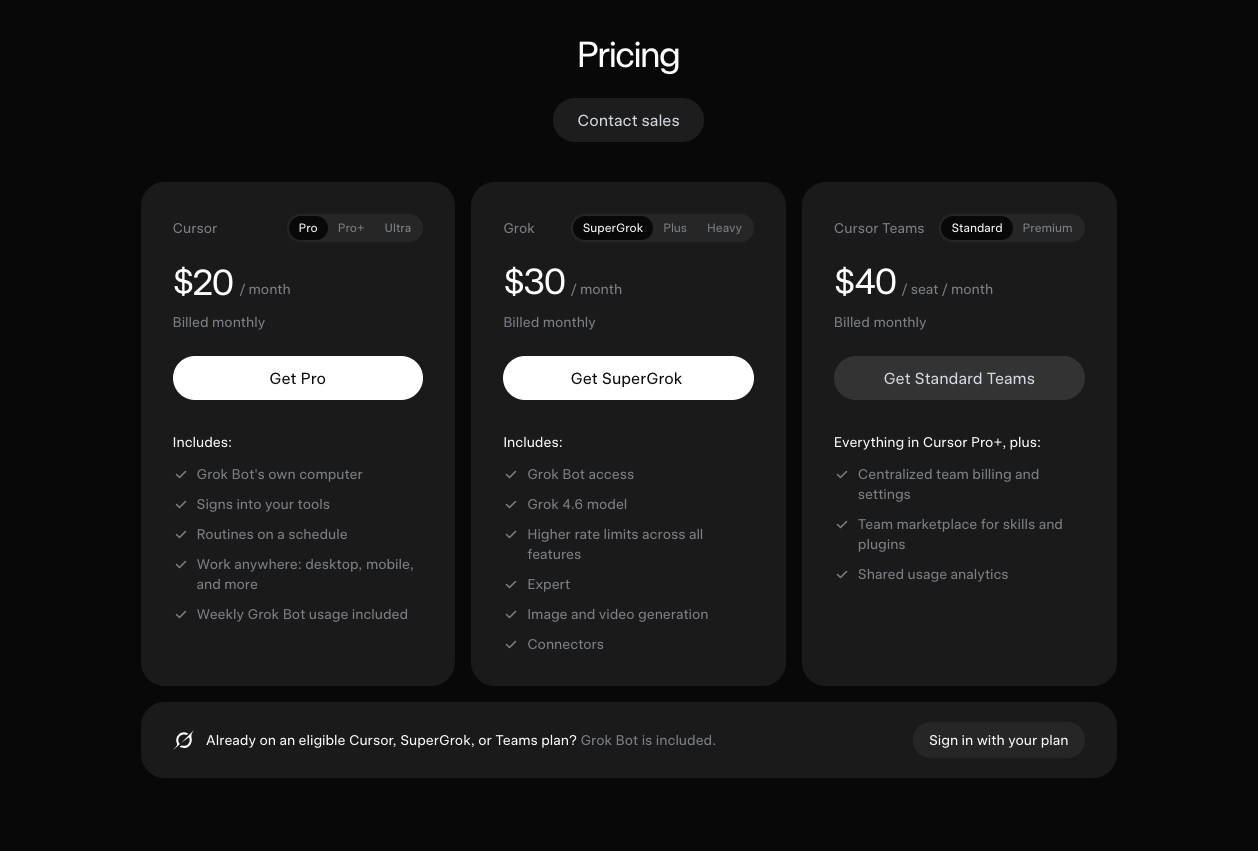
If you’re already a paying user of either of these products, sign in with that! I’m a Cursor Pro user, so that’s how I’m getting Grok Bot access. That means Grok Bot is included in my $200/yr Cursor Pro subscription, which is probably the cheapest way to get access.
How to set up Grok Bot
First, download Grok Bot from the website:
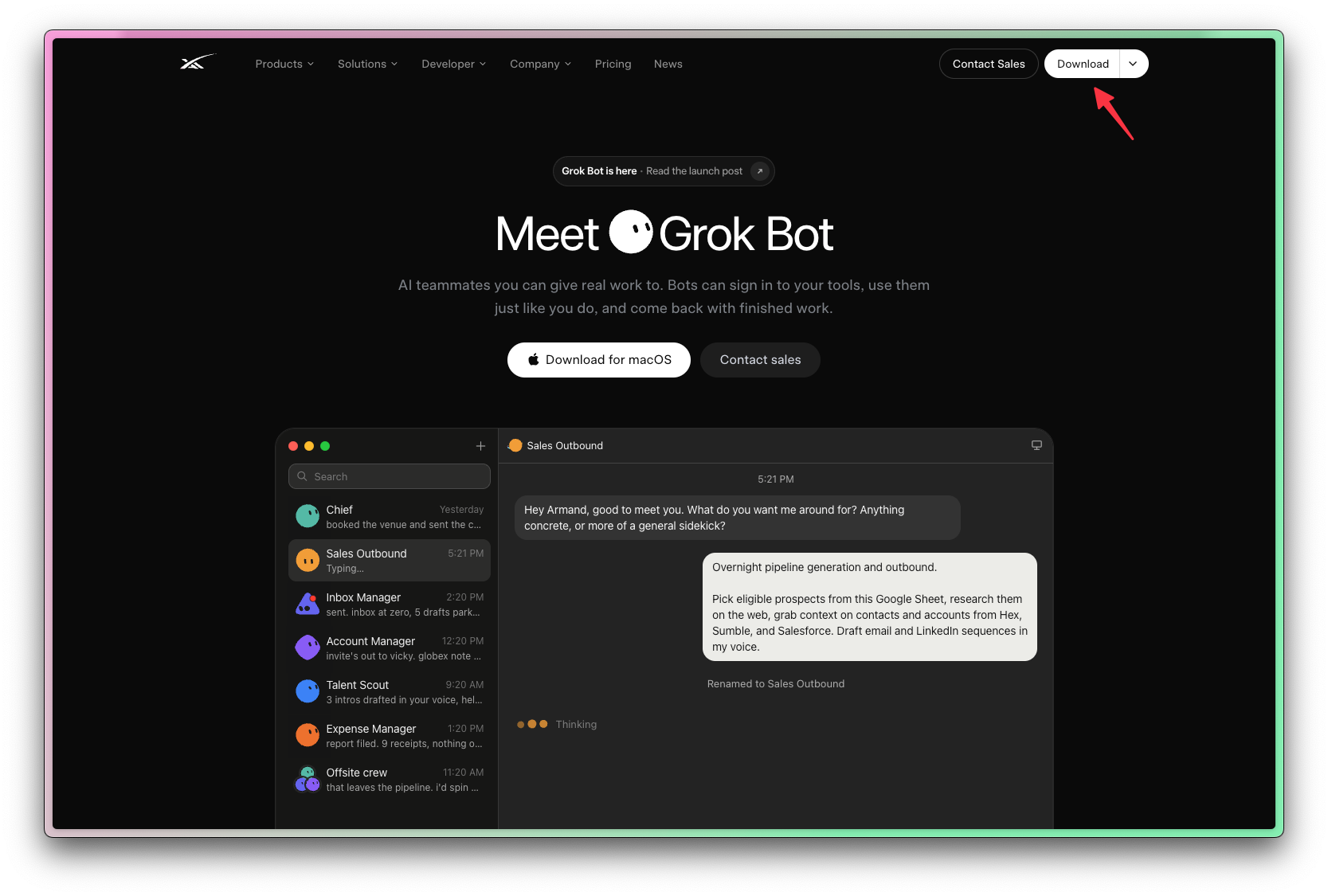
Alternatively, you could start in the iPhone or iPad app.
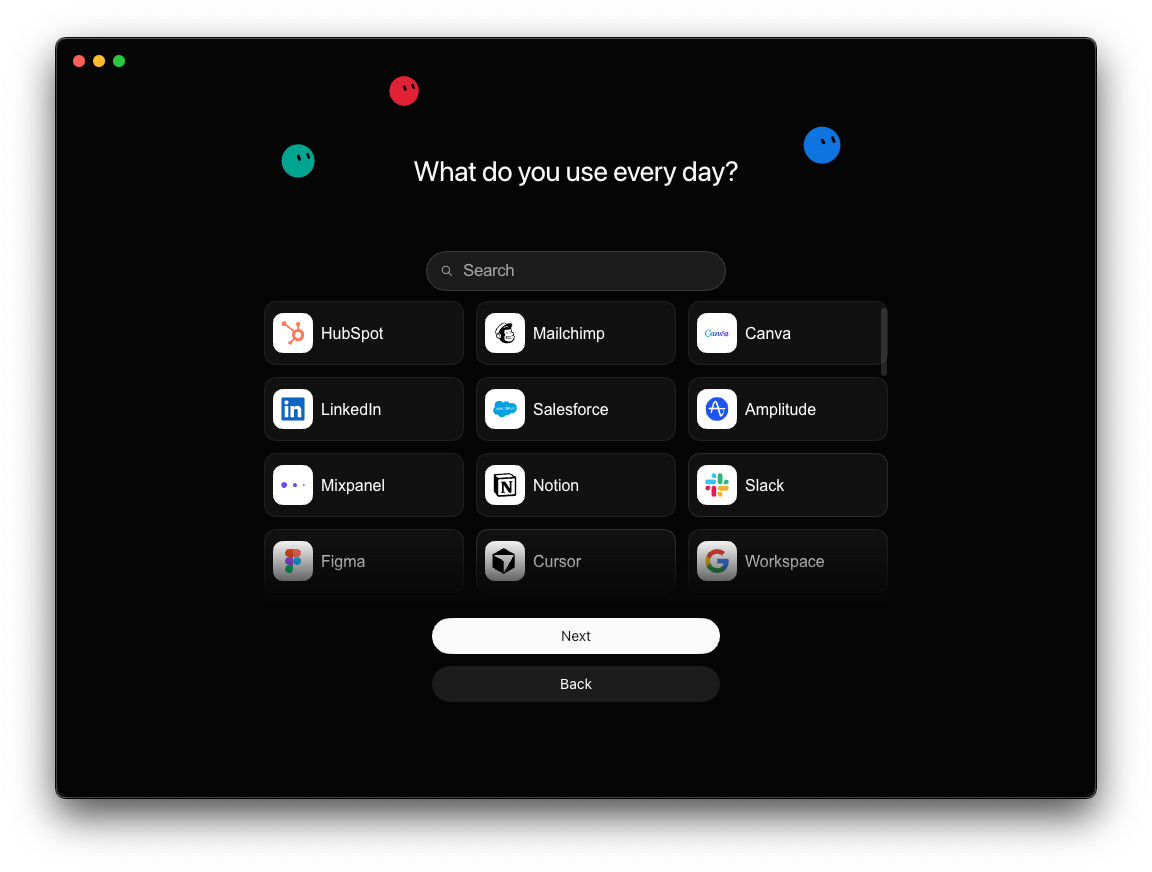
You’ll pick a type of work that you’ll be delegating, then shown a list of tools to connect Grok Bot to.
If you’re curious about using agents for your work, you’re obviously in the right spot. I spend dozens of hours researching each of these guides so you have a shortcut to building software with AI.
I’d love to have you join us and get notified when we share more tutorials like this.
Next, you can finally set up your first agent. I’ll walk you through this, but it’s important to explain the principles that will help you get the most out of Grok Bot as I do it.
Here are all the principles at a glance: