
I don’t really think the future of software engineering is in the IDE.
I don’t think it’s in the terminal either.
Fortunately, OpenAI agrees.
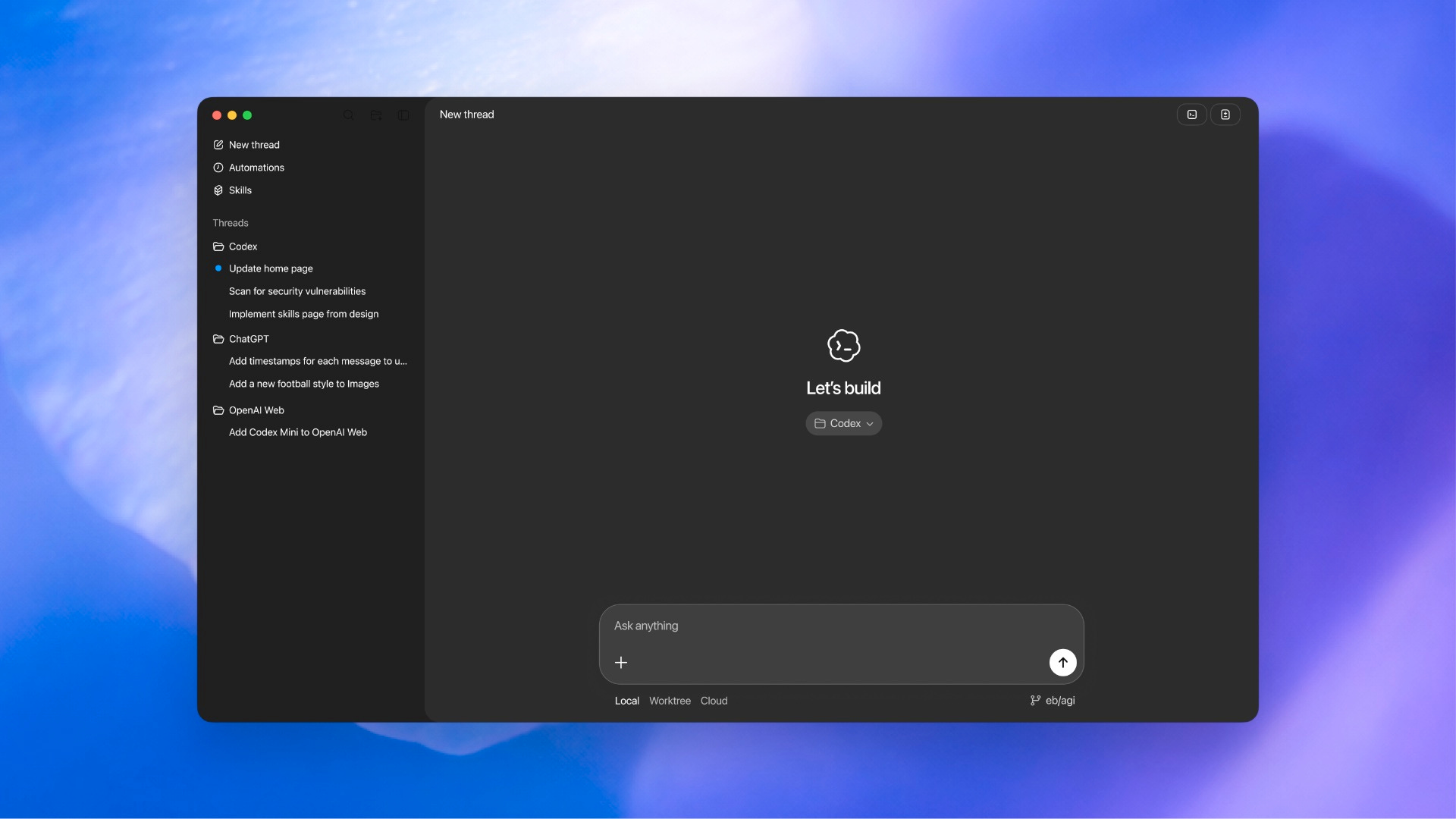
Today, I’ll show you what the new Codex app is, how it differs from other Codex products, and how you can use it to build a sweet SaaS landng page.
This newsletter is for tech workers who want to multiply their impact using bleeding-edge AI tools. If you want to accelerate your career, you’re in the right place.
Wait, doesn’t Codex already exist?
Yah, it does. Like 4 times over.
OpenAI appends Codex onto models, like the GPT-5.3-Codex that just got released. These models have been fine-tuned for software engineering tasks, and they’re really good at long-running agentic workflows.
OpenAI also published Codex web product a while back, which was a remote agent orchestrator. I tried it, and I hated it, so I never tried it again.
Then they shipped Codex CLI, which is really good. You can read more about that here:

But Codex CLI wasn’t great - it was missing some core features that I loved in Claude Code, so I never moved over.
But the Codex app is another story.
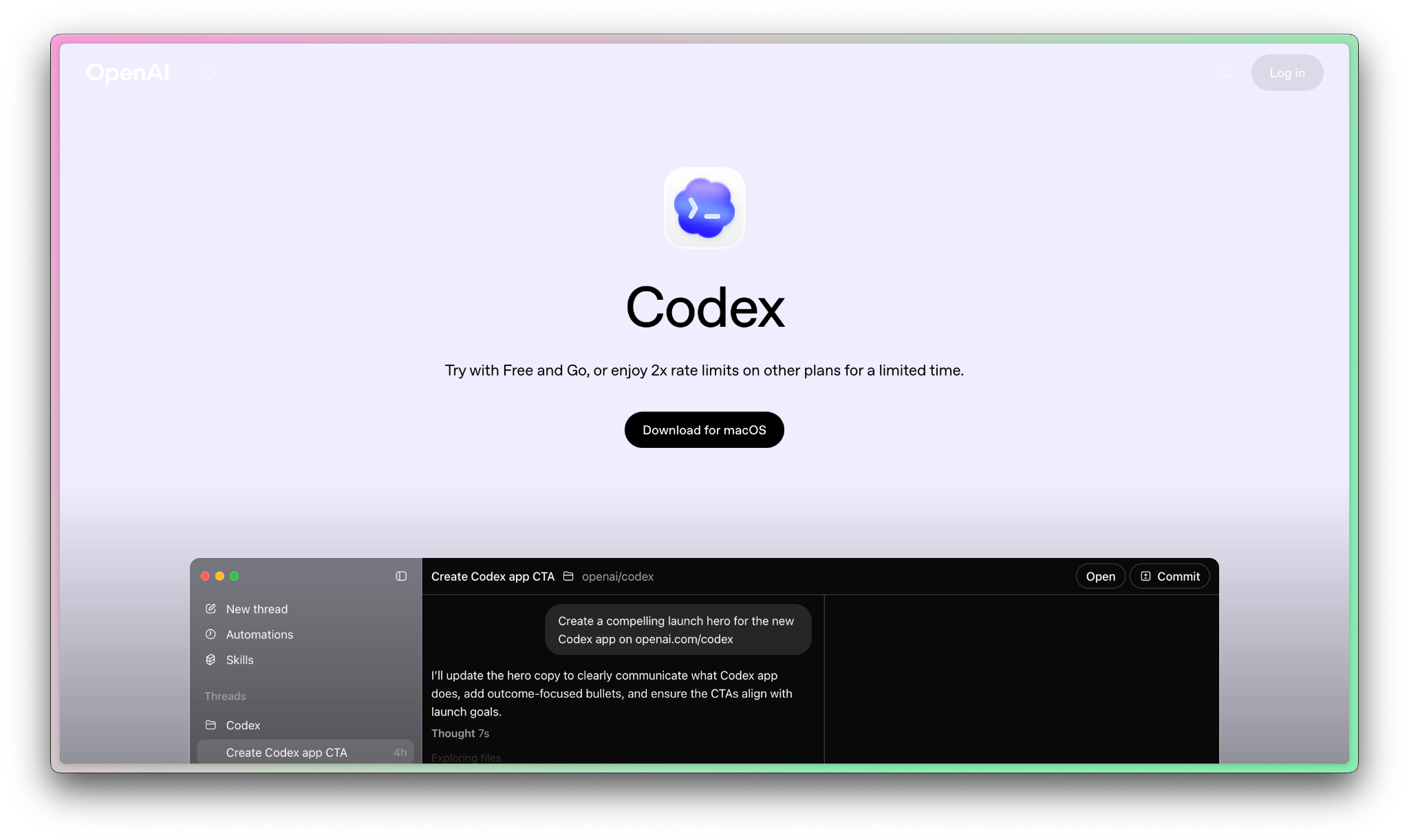
Introducing OpenAI’s Codex app
You can visit the Codex website and install the app quickly. You can also use your ChatGPT account, which comes with really generous limits (for a while at least).
When you notice it, you’ll notice it looks like a mix between a chat app and Cursor.
It has some really incredible features that I’m loving:
A diff view that makes it really easy to see what’s changed
Awesome support for parallel agents
Worktrees so your parallel agents don’t break each other’s work
Skills (that are easier to use than Claude Code Skills)
Built-in browser
A button to open changes in your preferred IDE
The app is built completely around the thesis that software development is going to change quickly. The workflow this app supports is one where you kick off new agents for tasks on one or more projects, and those agents work in parallel.
The app supports you checking in on each agent and interrupting them if they get off-course.
I think this is probably the most correct view of all the AI tools for developers. I think we’ll see Cursor move this way, and I know we’ll see a lot of cool tools on the market that also take this view. (I’m early-access testing one now, can’t wait to share with you all).
So are you ready to try building something with Codex? Let’s get started!
First, will you help me improve the newsletter by answering this quick poll?
Building a landing page with Codex
The growth of this newsletter has been overwhelming. As it’s grown, I’ve connected with some really awesome newsletter operators on Substack. I had an idea for a tool I think might help some of us, especially writers focused on curation.
So let’s prompt Codex for an app landing page and waitlist lead capture.