
Claude Opus 4.5 is out, and I’m hearing it’s really good at frontend.
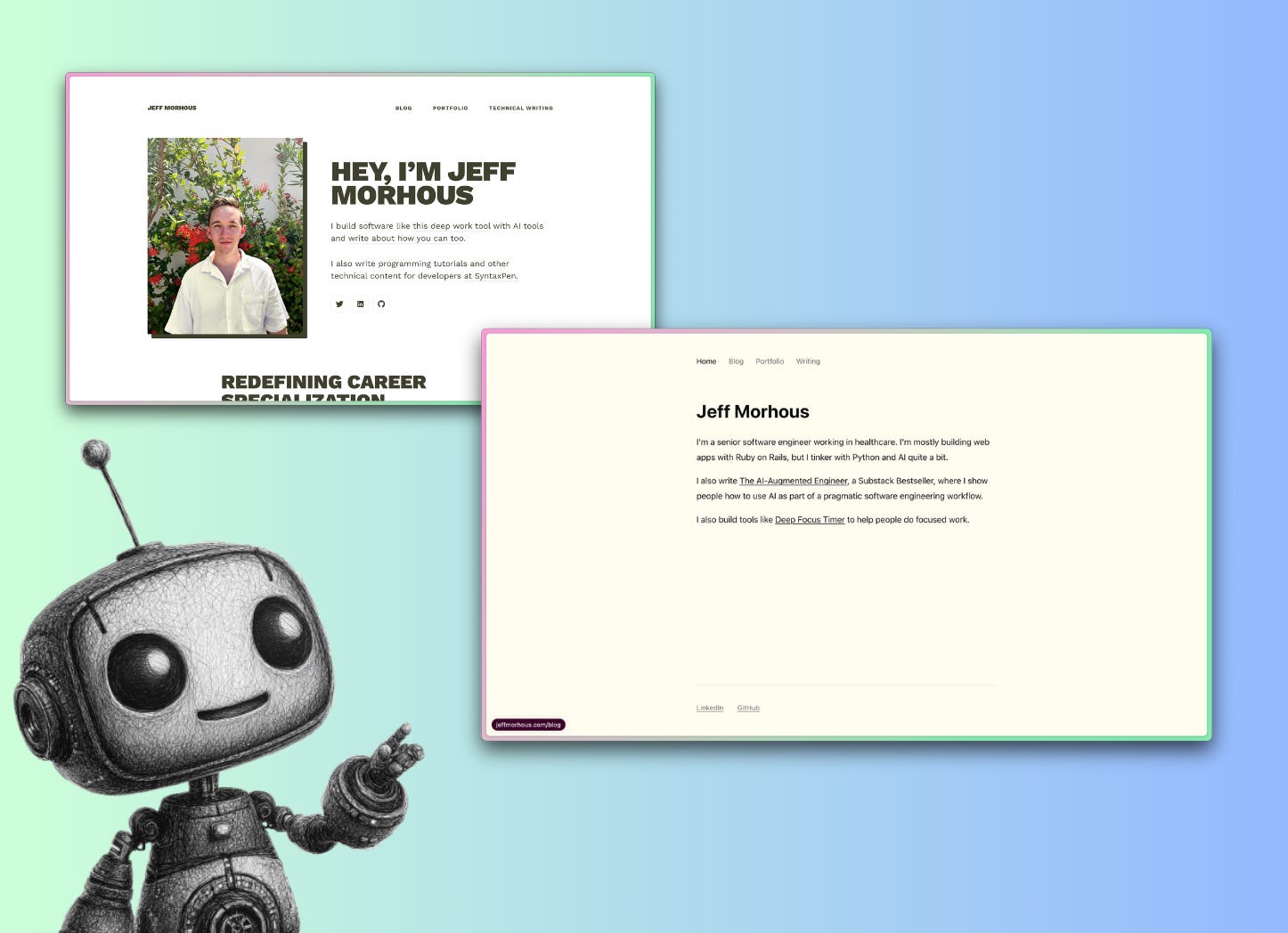
I’m long overdue for a personal site refresh. I’ve never been super great at frontend, no matter how many times I refresh my own site. It seems like a great opportunity to test out the model.
I’ve been preaching for a long time that we live in the age of personal software. You can build pretty much anything you want at very little cost, especially little projects like these:


So lets test this theory on something even more simple - my own website.
In today’s article, I’ll show you how I use Claude Code, specifically with Claude Opus 4.5, to:
Understand the existing code in my old Jekyll site
Create a plan to improve the website design
Execute on that plan without breaking any links
Ready to get started?
👋 Hey there, I’m Jeff. I tackle real software problems using AI. This newsletter is about building meaningful projects using bleeding-edge AI tools (and accelerating your career)
Paid subscribers get access to the full archive of deep dives like this one, and many expense it to their company’s education budget.
Getting oriented in a new codebase with Claude Code
I really only touch this site once a year or so (other than to publish). I bought the Jekyll theme online and have only made minimal changes to it. So while the codebase is not exactly “new” to me, I’m hardly familiar with it.
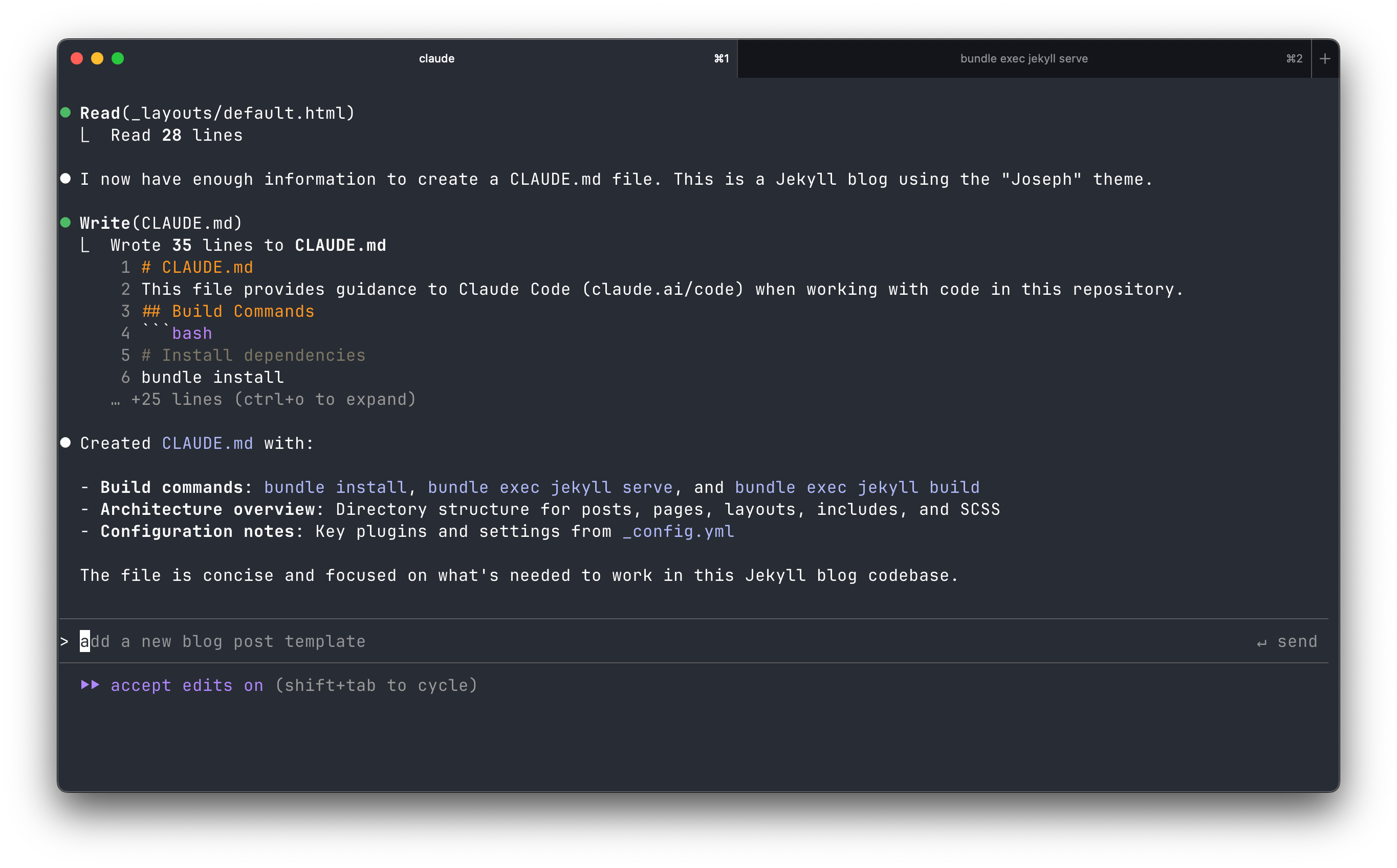
The first thing I’ll do is open Claude Code and use the /init command to spin off the agent to read and understand the codebase, documenting what it finds in CLAUDE.md.
If this is your first Claude Code adventure, navigate to your intended directory and start with just executing:
claudeThen, if you want to choose your model (I’m choosing Claude Opus 4.5), type:
/model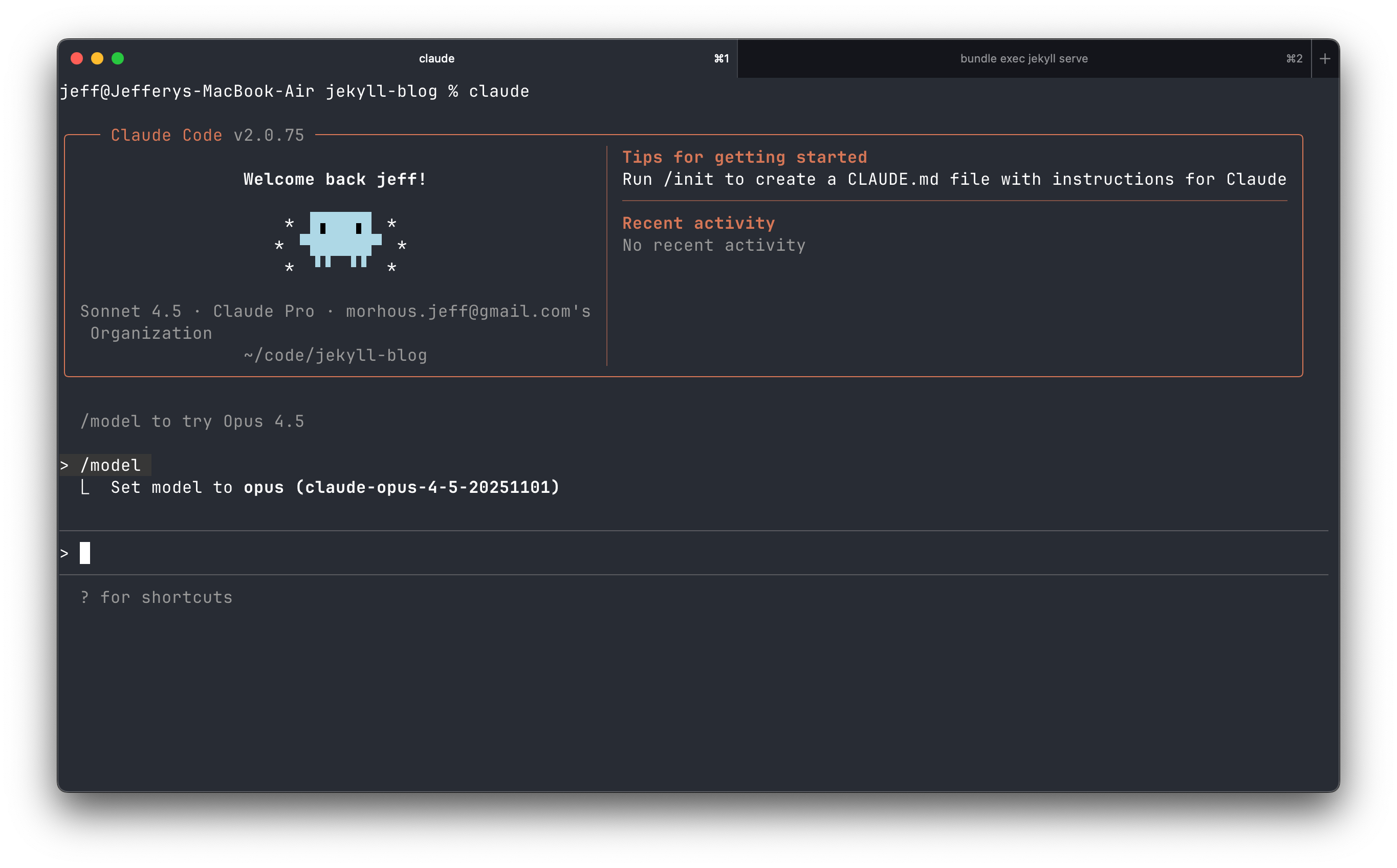
Finally, to turn the agent loose on its initial investigation, run:
/initUnderstanding a codebase was actually the first use of Claude Code at Anthropic, so it’s a really well-supported feature!
It didn’t take long for this app.
Planning out the site redesign
I’ll start in plan mode by typing SHIFT + ENTER.
Then, I’ll prompt for the redesign with some examples I like: