
OpenCode is the open source coding harness that most closely matches frontier lab features.
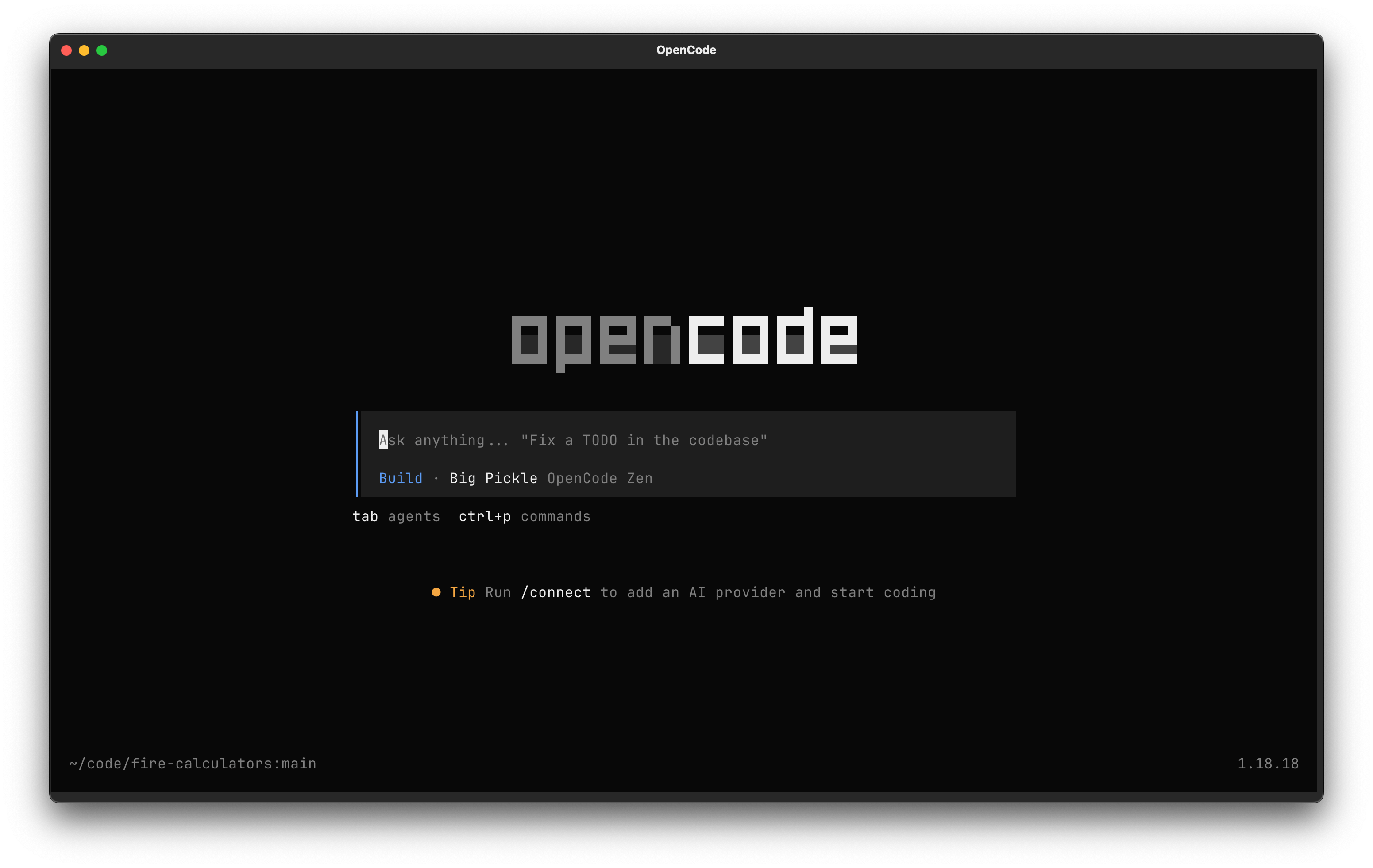
OpenCode lets you select your model without gluing yourself into one ecosystem. Codex is great, but it locks you into OpenAI models. Claude Code is great, but it locks you into Anthropic models.
I’ve written at great length about swapping back and forth between these harnesses, mostly switching when one lab releases a new frontier model.
But wouldn’t it be great if you didn’t have to? OpenCode lets you just select your preferred model. In this way, it’s like Cursor.
But it’s also open-source, which Cursor is not.
But enough telling you what OpenCode is. I’ll show you how to install and use it!
How to install OpenCode
The recommended way to install OpenCode is by running the install script:
curl -fsSL https://opencode.ai/install | bashBut you can also install through your package manager of choice. If you chose the above, skip these options:
Install OpenCode with NPM
npm install -g opencode-aiInstall OpenCode with Homebrew
brew install anomalyco/tap/opencodeThen, run opencode from the directory you want to work in.
If you’re curious about open source coding harnesses, you’re obviously in the right spot. I spend dozens of hours researching each of these guides so you have a shortcut to building software with AI.
I’d love to have you join us and get notified when we share more tutorials like this.
Configuring an OpenCode AI Provider
OpenCode is just a coding agent harness. You actually need an LLM model behind that harness, so you’ll need to configure one.
The great thing here is you get to choose.
You can choose your model in Cursor, but not your model provider. With OpenCode, you can drop in an API key for OpenAI, Anthropic, Grok, or some other provider. Choosing a frontier model is tricky, and your choice will probably change over time.
Run /connect in the CLI to see some options:
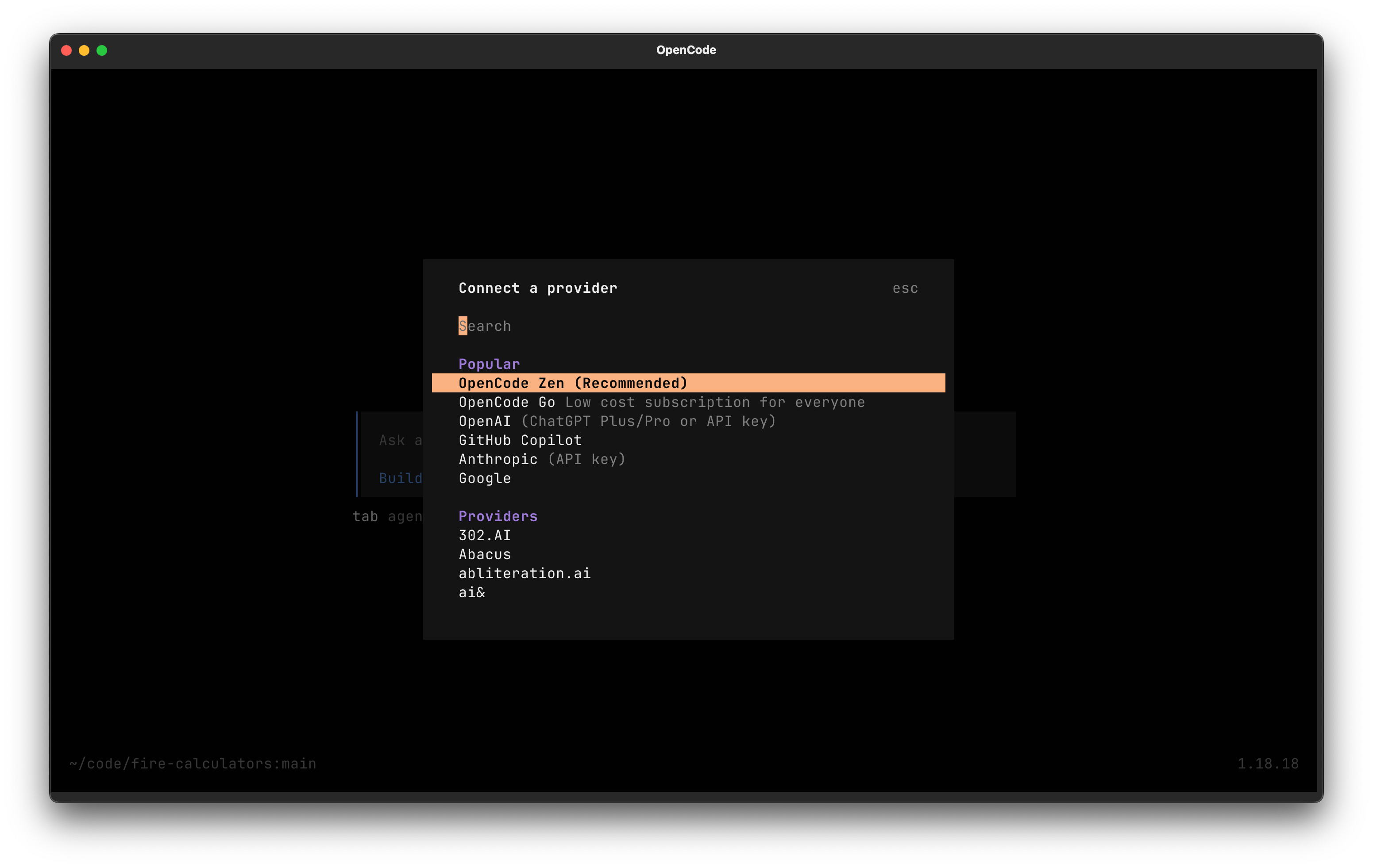
Which should you choose? I have a few recommendations: