
AI tools for software engineers are great for 2 big reasons:
The help us ship better code at work (faster too!)
They accelerate side projects
I’ve always been a big fan of tinkering on side projects. I think it’s the fastest way to grow your skills as a software engineer, and it’s a ton of fun.
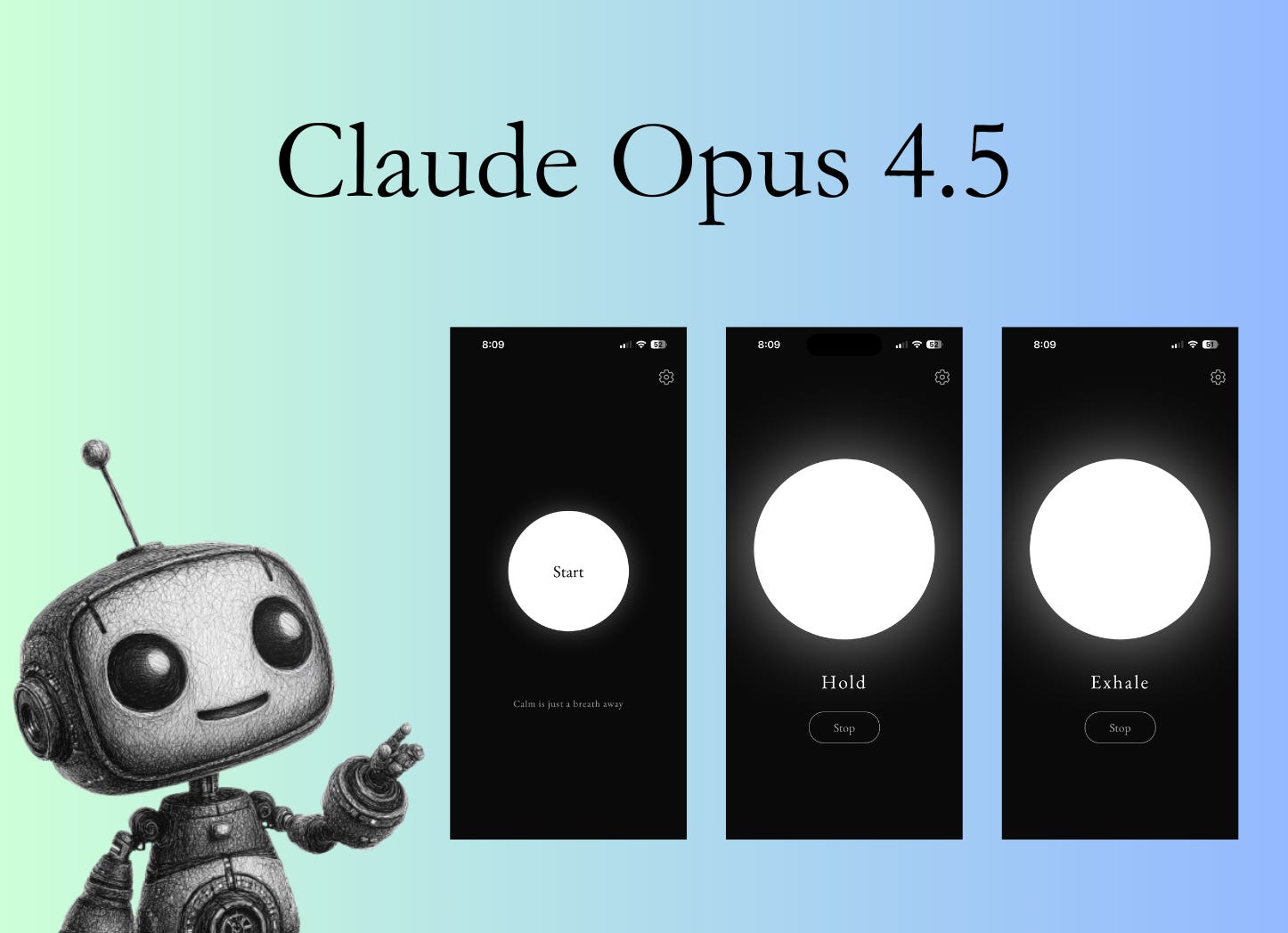
Tools like Cursor and Claude Code have actually resulted in me spending more time building fun little projects, because I get to focus on the fun parts and skip the less fun parts.
I just wrapped up making a breathwork iPhone app using Claude Opus 4.5, and I figured it was a good time to get in my first experience adding a paywall to a mobile app.
I’ve monetized plenty of web projects with Stripe, which you have probably already read about:

So what about mobile apps?
Why use RevenueCat?
This is not a RevenueCat advertisement. You can probably get similar results from their competitor, Superwall.
Apple’s payments APIs are notoriously difficult, and a couple of big players in the space have built good businesses making it easier. Both RevenueCat and Superwall offer an easy way to set up payments on a mobile app.
So what do they make easier?
Adding paywalls to your app
Accepting payment for your app
Logic-gating paywalled features for your app
Running experiments for pricing
Running experiments for the paywall
If you’re earning less than $2,500/mo, RevenueCat is completely free!
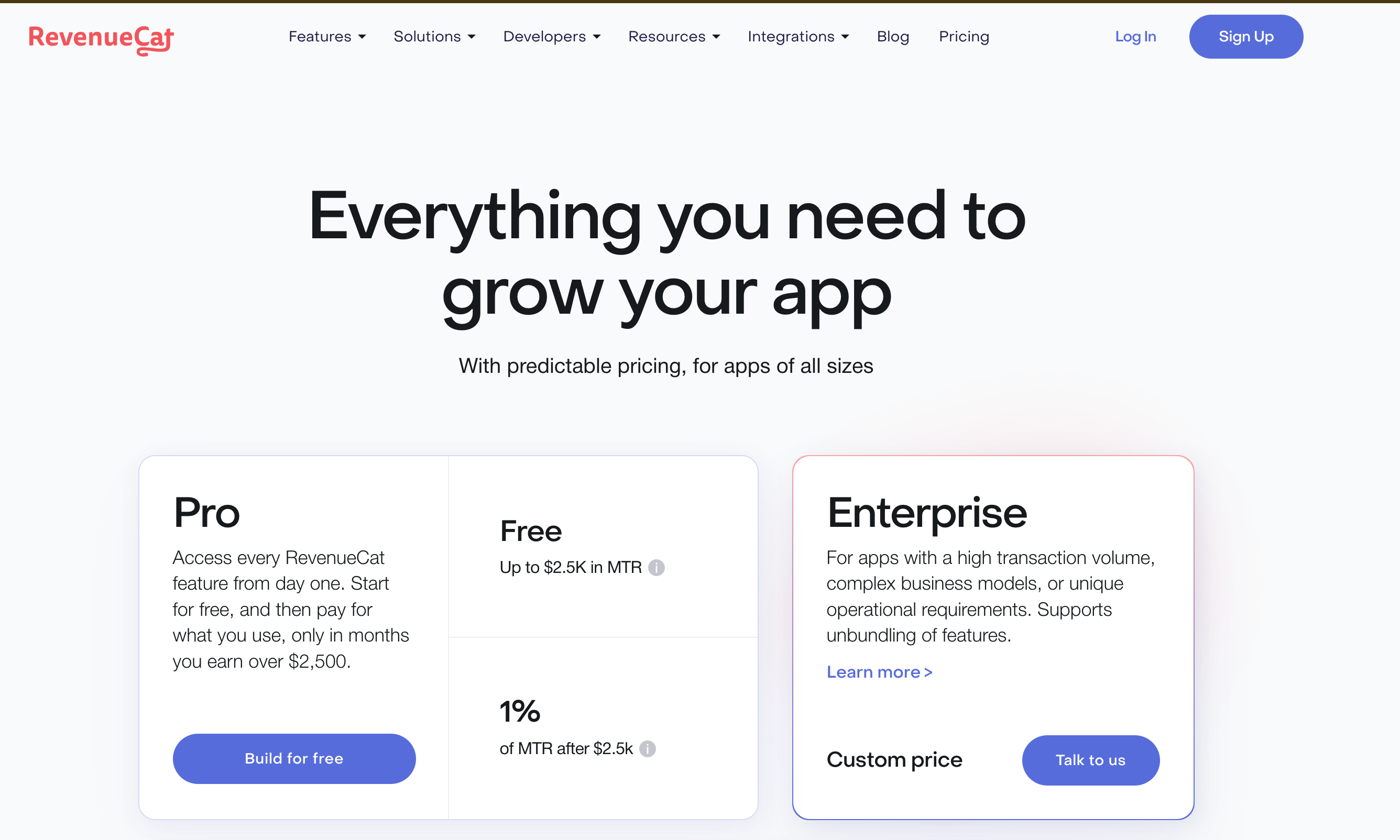
Kind of a no-brainer.
Make a new app in RevenueCat
Signing up for RevenueCat is easy - you’ll immediately be prompted to make a new app. Then you’ll get sample code for the integration.
Interesting enough, the sample code also includes a “Copy Prompt” button in case you’re using AI!