
Did you know OpenAI has an entire project showcase for things they’ve built with Codex?
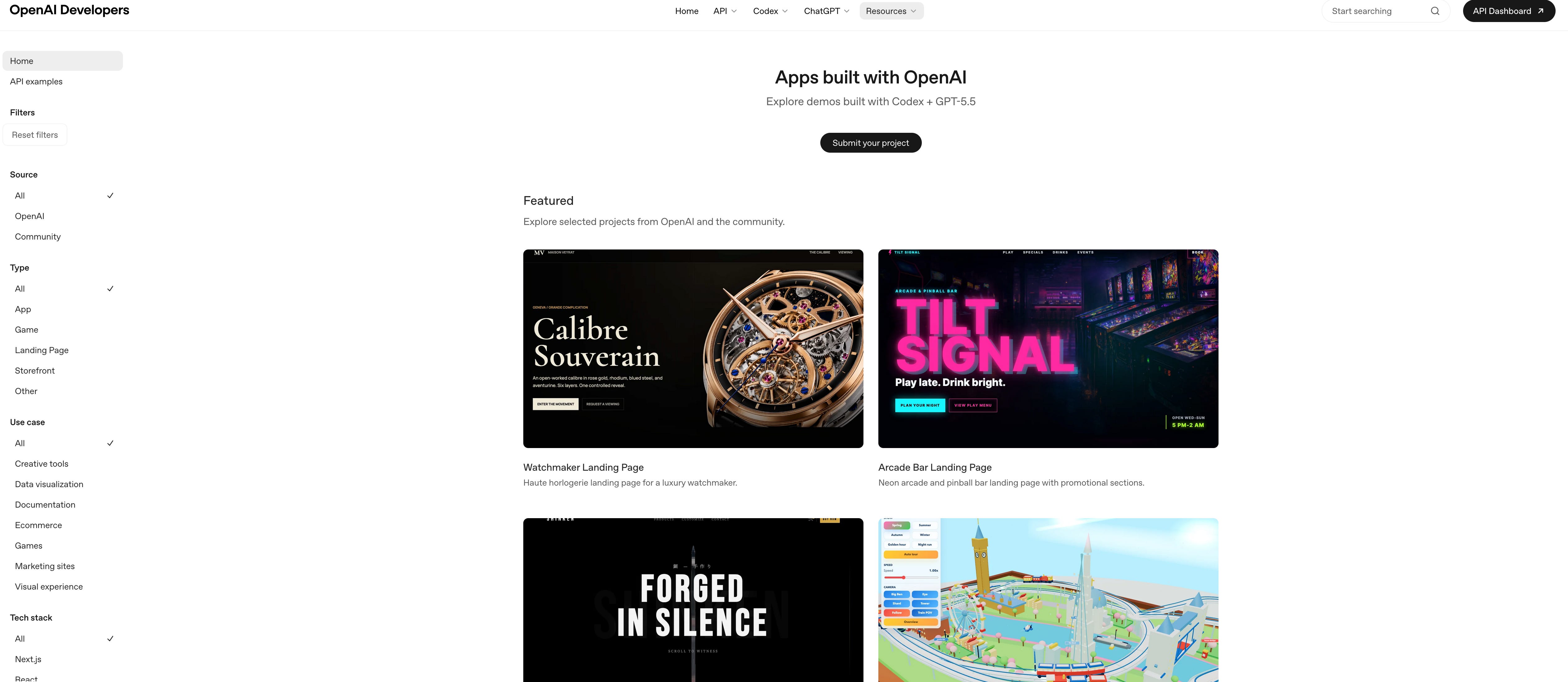
That’s right - the makers of Codex are showing you cool things they built with Codex AND how they used Codex to do it.
In today’s newsletter, I’ll show you a few of these cool projects and highlight some cool prompt tricks they published alongside them.
Let’s start with “Swifty Dungeon”.
Using the imagegen skill in Codex to make a game
One of the cool project in this showcase is Swifty Dungeon, a native SwiftUI first-person dungeon crawler with generated textures, sprites, and telemetry.
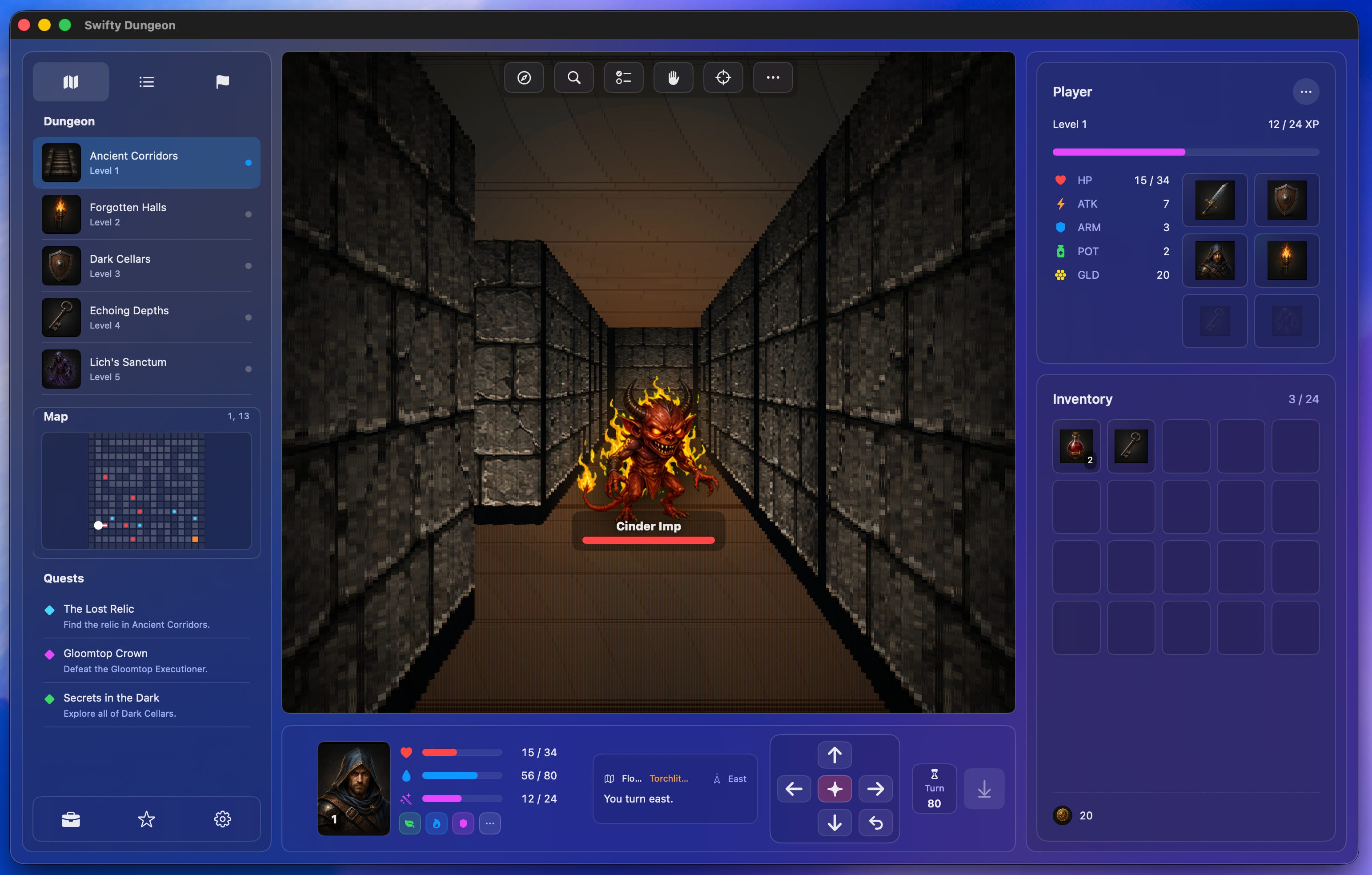
Here’s the initial prompt they gave Codex:
Use $imagegen and @Build macOS apps to build a native macOS first-person dungeon crawler.

First, use $imagegen to generate a screenshot/interface of the ideal app: a native SwiftUI Liquid Glass app with the playable dungeon view in the center, the character and on-screen arrow keys in the bottom area, and player status plus inventory in the right sidebar.
Notice the use of the $imagegen skill.
In the Codex app, you can explicitly invoke a skill with the $ prefix. It’s easy to remember, and it will trigger a dropdown/autofill for available skills.
You can manually invoke a plugin with the @ prefix. Here, the @Build plugin allows computer use, which is super helpful (and also new).
These are two HUGE pieces of alpha that are hidden in this inital prompt.
Today’s newsletter is sponsored by my friends at Augment Code.
Augment was kind enough to give me early access to Intent, their next-generation tool for developing software.
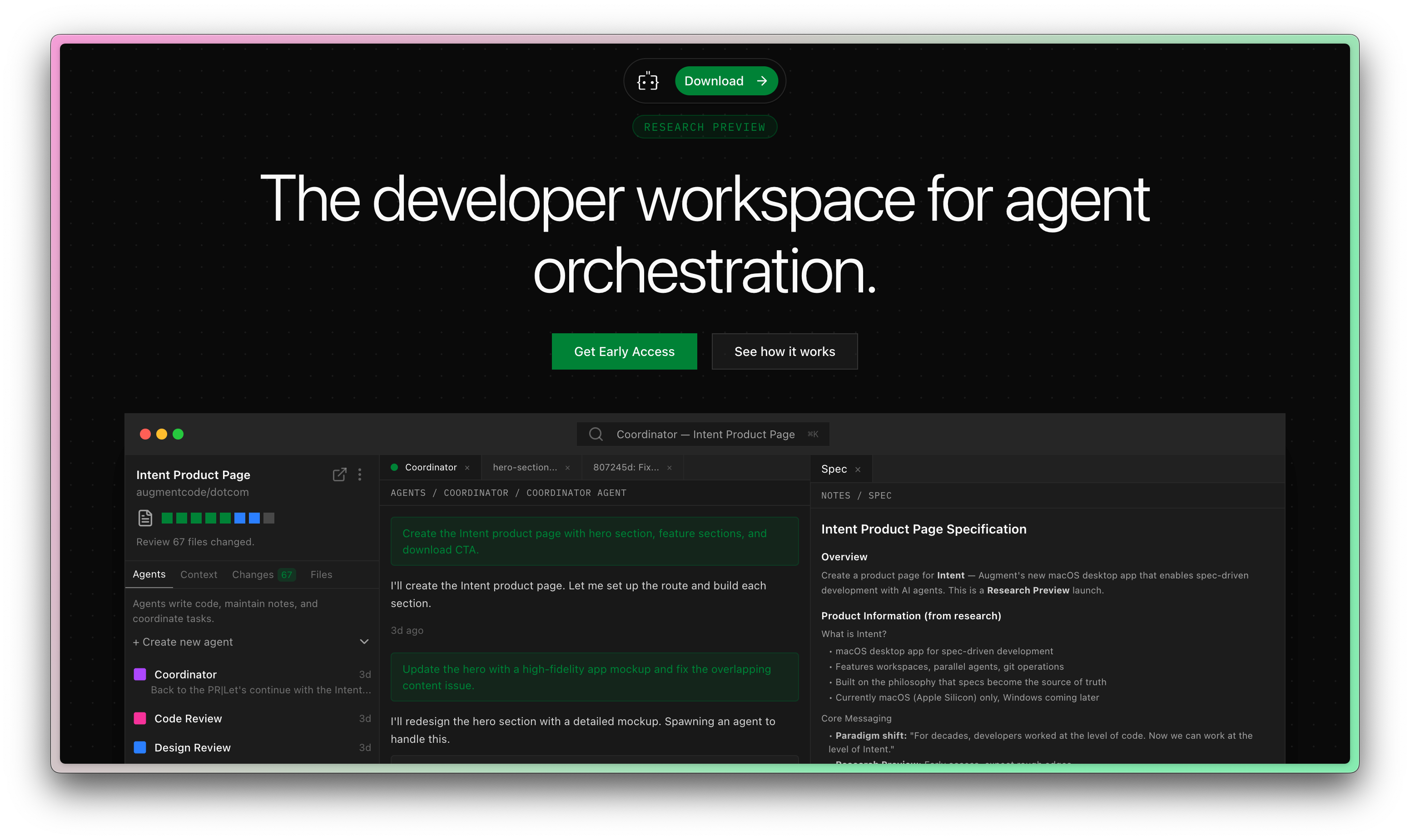
All signs are pointing to the fact that the IDE is no longer the ideal place to create software.
Augment Code has jumped on this opportunity, and my first impressions are great.
Building an incredible landing page
Another project in the showcase that really caught my attention was the “Watchmaker Landing Page”, which is a simple but elegantly designed marketing site.
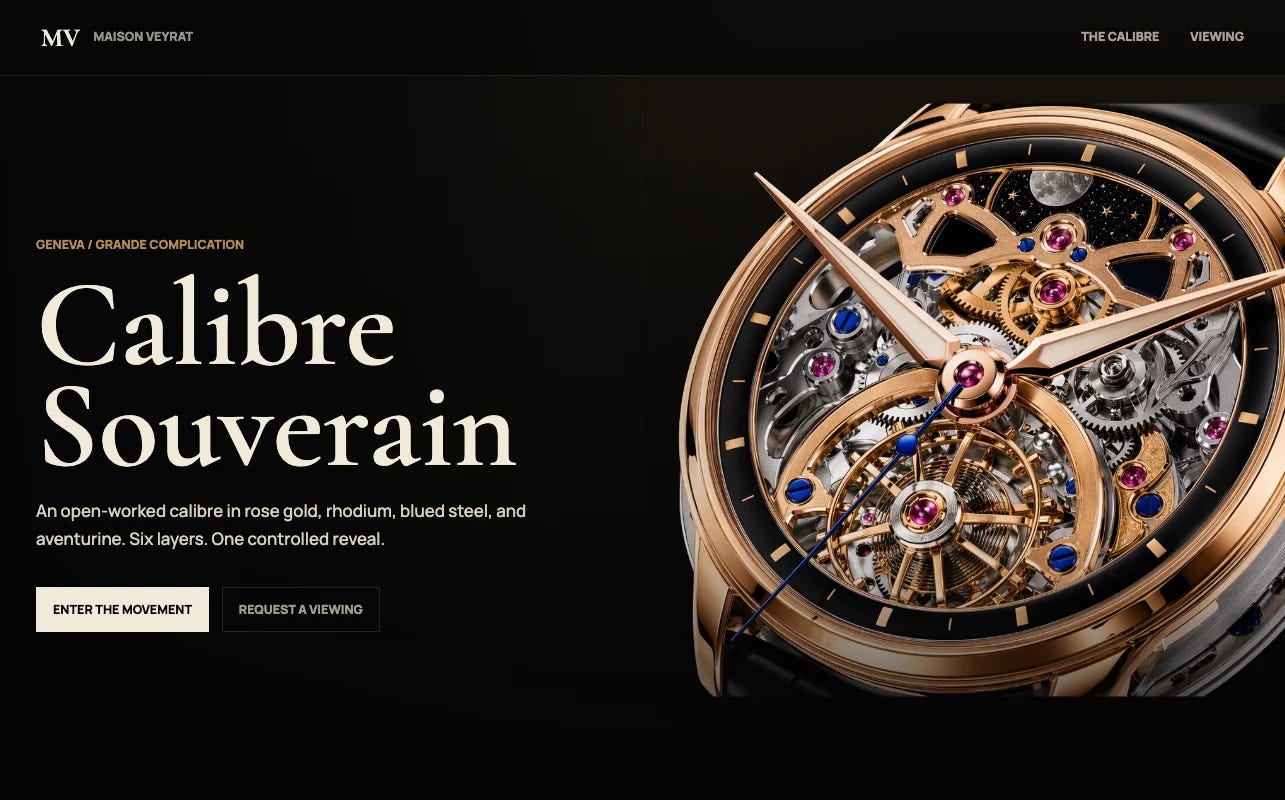
Here’s their inital prompt:
Create a new landing page for a complicated watch design with parallax effects. First generate the concepts using imagegen, then create the visual assets: each one a different piece of the watch mechanical design, and when scrolling, they should assemble into the whole design.

For each piece, there should be an accompanying paragraph on the left or right (alternate), and scrolling brings up the next paragraph and the next piece with a fading animation for the previous paragraph. I want a really smooth, traditional yet modern design - think high end luxury Swiss watchmaking.
It’s not complicated, but don’t discount its economic utility.
Building landing pages like this used to require really skilled frontend developers and designers, which is of course quite expensive. Now, sufficiently technical people with Codex can pull it off in single digit minutes.
I actually used a similar prompt to build my own landing page for interested sponsors of the newsletter, and I was really happy I could move it off of Notion with such little effort.
Building a procedural city generator
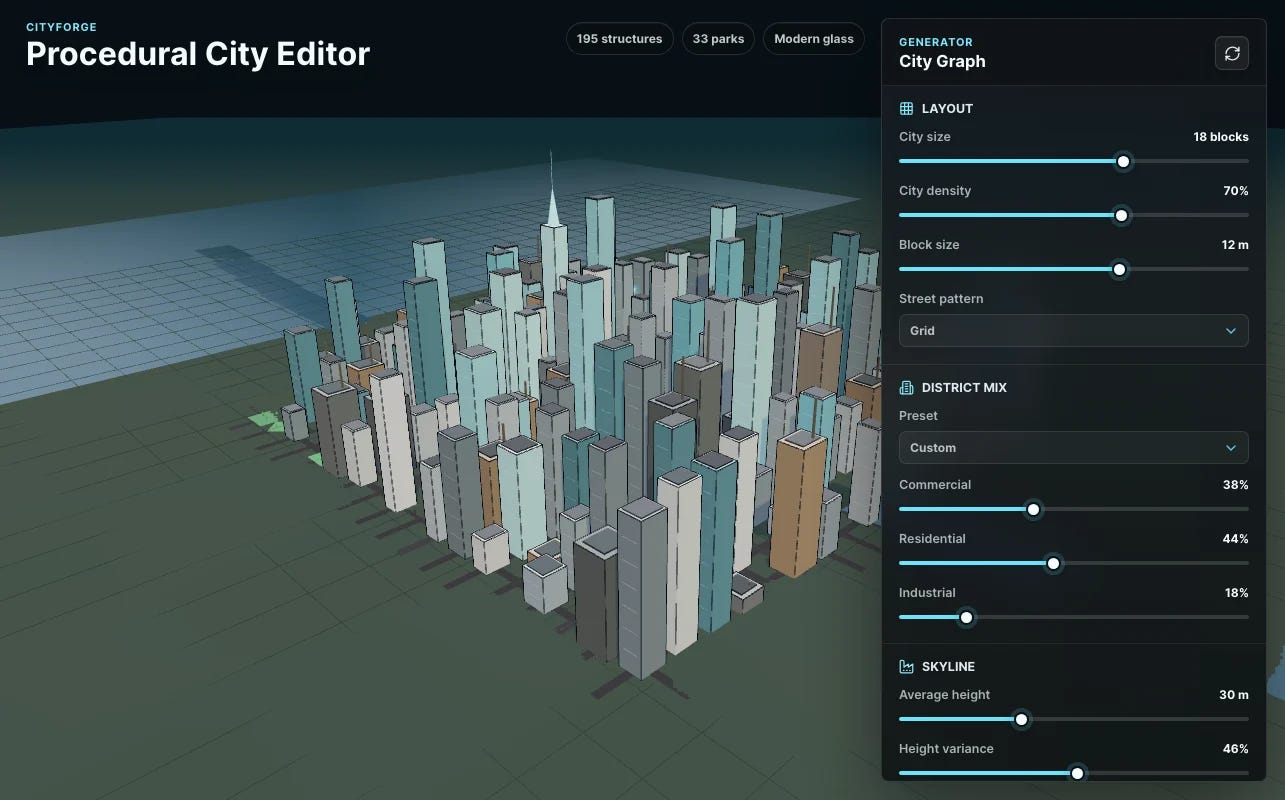
The last project I’ll highlight is a procedural city generator that lets you adjust layout, density, skyline, and visual parameters to see the city update in real time.
Here’s the initial prompt:
Generate a React app to do procedural 3D city generation. Start by generating a mockup of what a beautiful editor for procedural generation might look like, then implement it staying as close as possible to the mockup.

There should be a full screen view of the generation, then a floating control panel on the right with controls for city size, city density, block size, street pattern, commercial vs residential vs industrial balance, and presets like industrial belt or residential area.

Add skyline controls such as average height and height variance. Add city style controls for modern glass, European, Tokyo dense, cyberpunk, and other styles that change the overall color palette and building style.

Add world controls for river probability, parks percentage, terrain roughness, and terrain style switchers like coastline or mountains. Finally, include view presets such as overhead and orbit, and make the editor pane feel modern and like a 3D editor or game engine.
The big takeaway here is the specificity. They specify that it should be React, that it should match a given mockup, and the exact features they want. If you’re starting from scratch, consider using a chat tool to make a PRD and some wireframes and then feeding that into your coding tool with plan mode. More on that here:
How to use AI to plan a new app

Starting a project from scratch can be daunting. In today’s article, I’ll show you how I use AI tools like Claude Code, Codex, and Cursor to get architect and design new work from scratch.
If you want to see more exact prompts to hone your AI skills, join the paid membership for the newsletter, where you’ll find deep technical guides that take you further than initial prompting.