
Hey friends - today’s newsletter is a long overdue look at the Claude Code app.
Until now, I’ve had the newsletter’s sponsorship details in a Notion page. It describes some stats on The AI-Augmented Engineer for companies who may be interested in sponsoring the newsletter.
Here’s what I used the Claude Code desktop app to make:
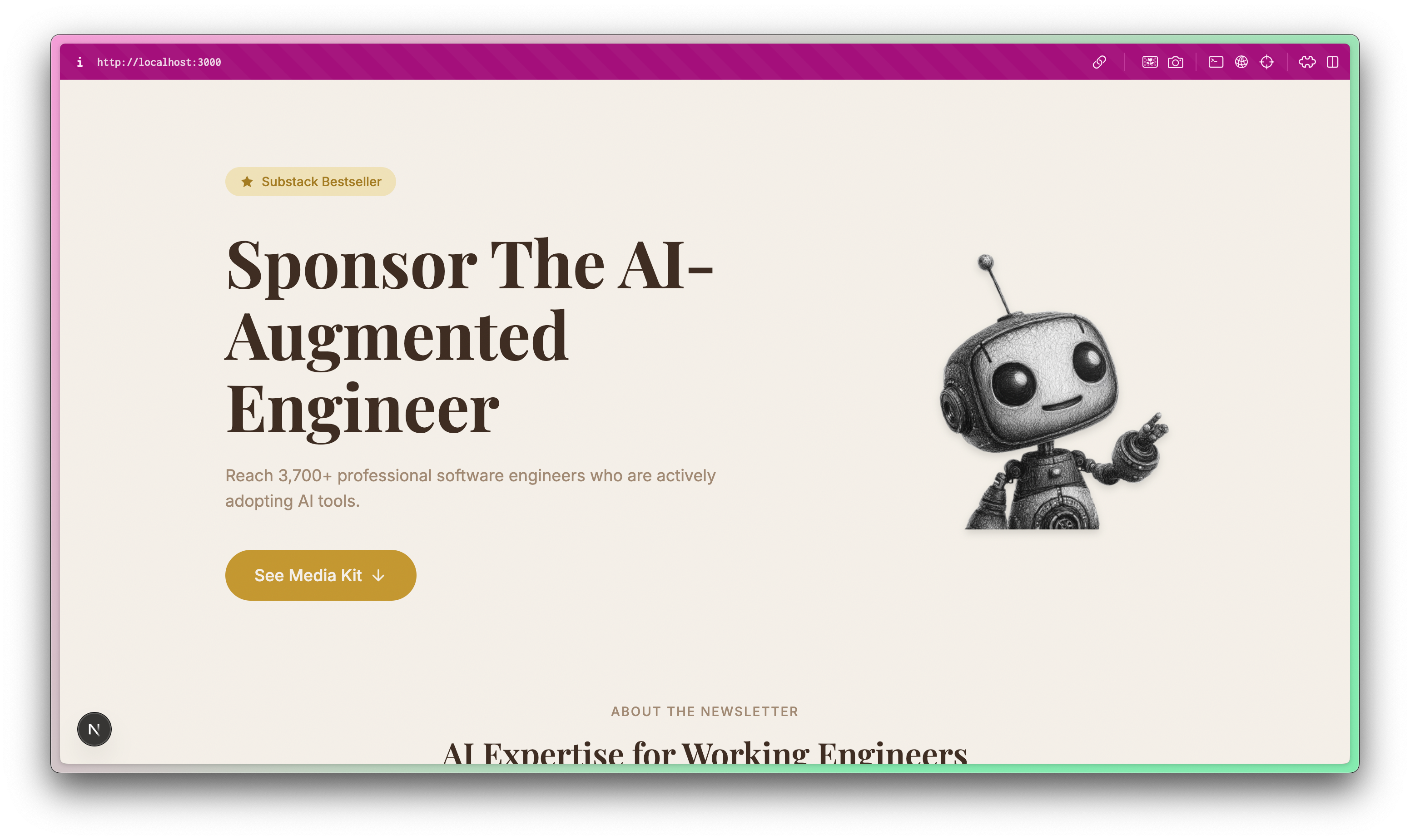
Frankly, I’m bad at frontend development, so AI is doing more than making this project go faster. It’s making it possible at all. The reason it’s in a Notion page now is because that was the fastest way for me to get the info publicly accessible.
Before we dig into the Claude desktop app, it’s important to draw a line between vibe coding and AI-augmented engineering.
Separating vibe coding from AI-augmented engineering
It’s really important to draw a distinction in your mind between vibe coding and AI-augmented engineering.
I’ve written at length about this, but it can be summarized as this:
Vibe coding has a focus on shipping, implementation details aren’t checked very thoroughly
AI-augmented engineering has a focus on amplifying the output of incredible software engineers
If you’re employed full-time as a software engineer, you should try to avoid vibe coding at work (for the most part). You likely have a lot of responsibility for what you ship, and a keen eye on the work your agents are doing will go a long way. That doesn’t mean you can’t trust agents, you just need to learn how to set up agents you can trust.
That being said, vibe coding is still useful! This project is pretty low-stakes. It won’t store data, handle auth, handle payments, or have a lot of total visitors. So it’s a safe playground to use AI tools without too much oversight. The consequence of screwing something up is low, and the likelihood of screwing something up is similarly low.

A quick note about ads:
My goal is for ads to be genuinely useful to you, the reader. I won’t put something in front of you that I don’t think you’d get genuine value from. I’ve declined sponsorship details with (great, reputable) business whose product just isn’t uniquely interesting to readers of the newsletter.
Ads are always clearly marked, often in a callout block like this one.
Using the Claude Code desktop app
I’ve used Claude Code plenty over the last year, but always in the CLI. But every since I got hooked on the Codex mac app, I’d been meaning to try Anthropic’s take on Claude Code in GUI (as opposed to TUI).
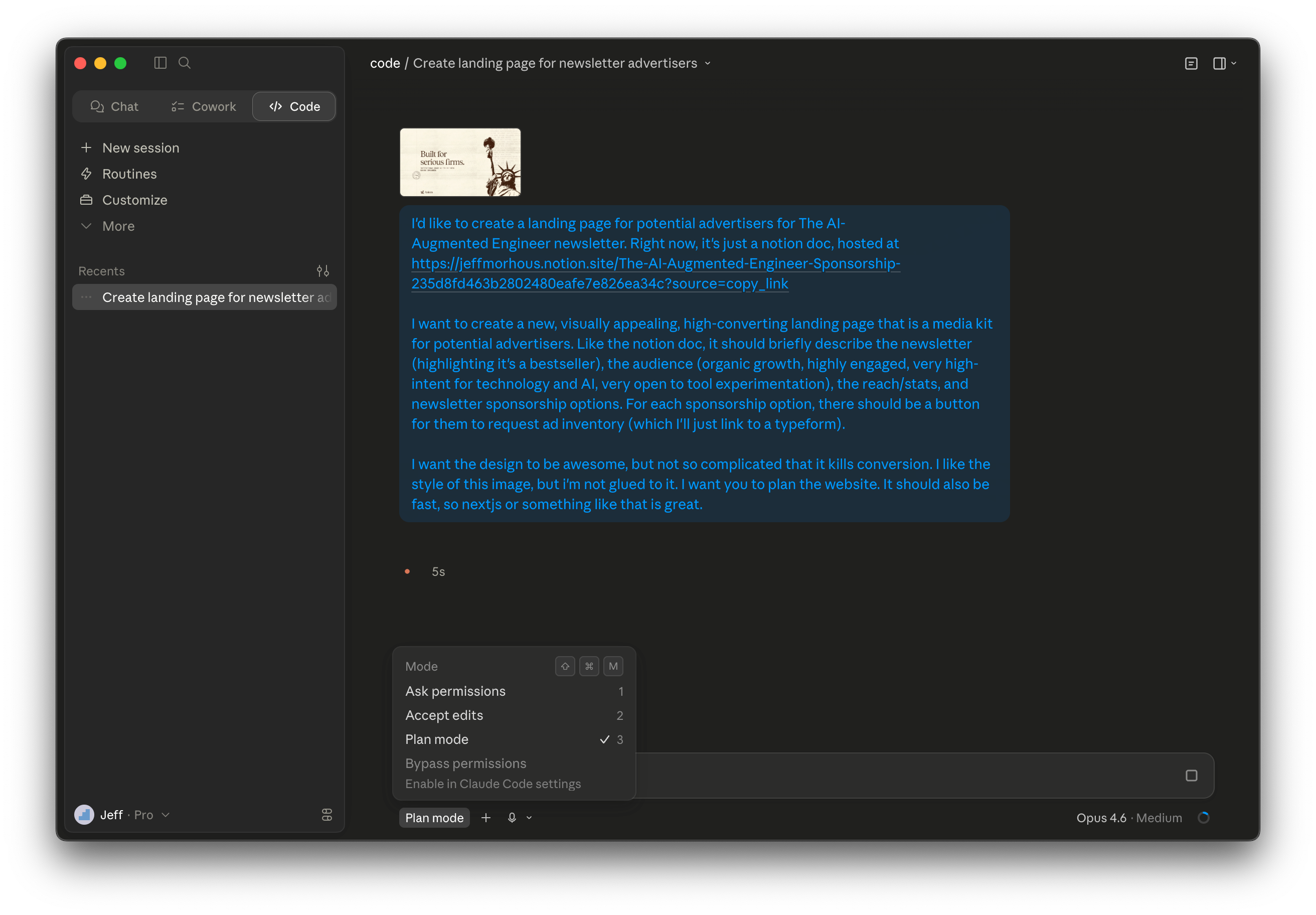
I gave my initial prompt and was sure to select plan mode, as well as provide a reference image. Here’s the prompt I used: