
Vibe coding is fast. It’s flashy. It produces awesome side projects. But it struggles as your needs and your codebase grows in complexity.
Augmented engineering, on the other hand, is about using AI as your infinitely patient sidekick. It’s centered around directing the model with intent and context, so it operates like an expert in your massive codebase.
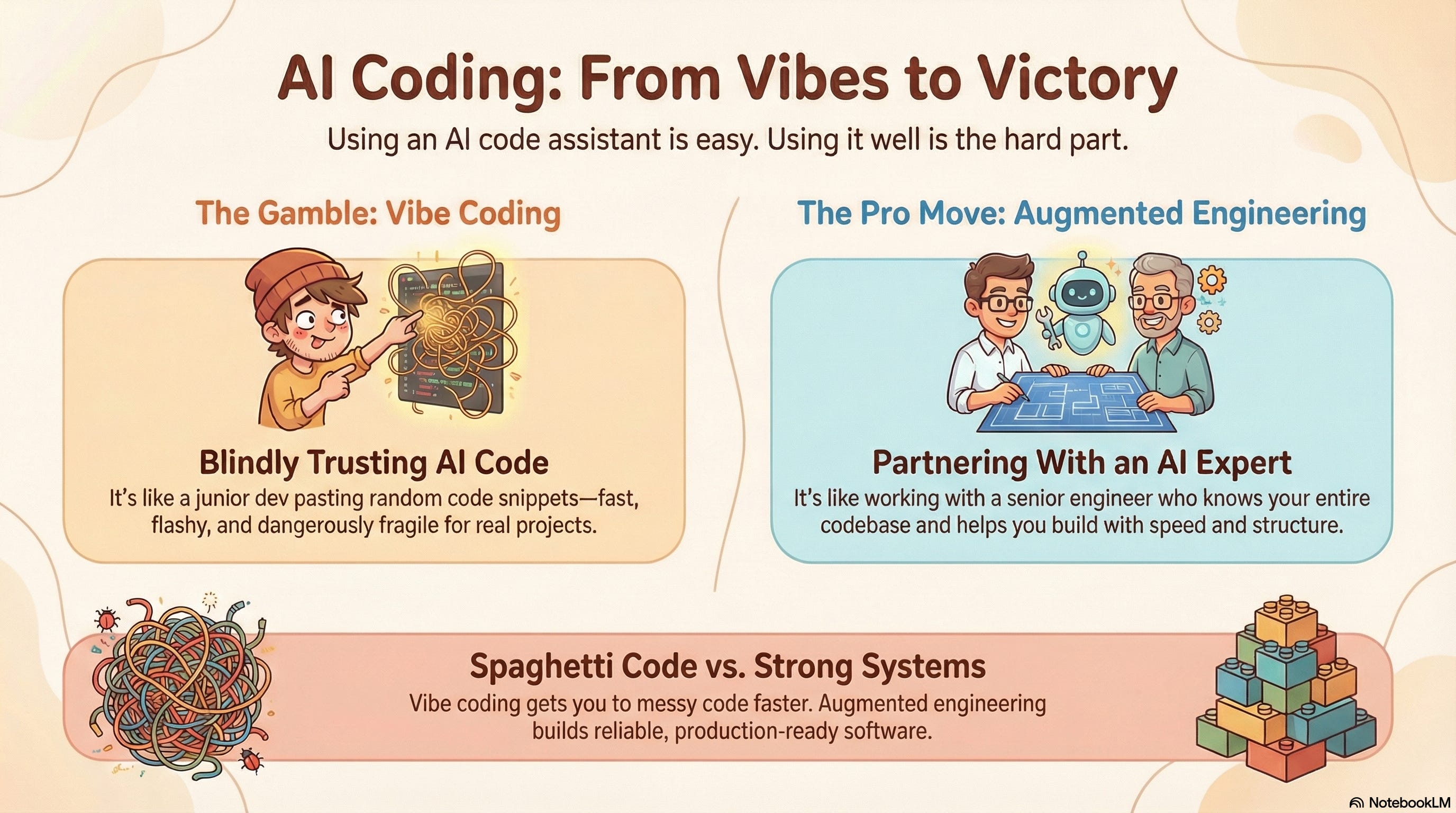
This is obviously an opinion I hold very strongly, I named the newsletter after it!
Think of vibe coding vs augmented engineering as the difference between a junior developer pasting random code from stack overflow and a staff engineer who has the full context of the codebase.
So how can we be sure to work with AI instead of outsoucing our thinking? We have to use the right tools in the right way.
That’s why I’m super excited to partner up with Augment Code, a powerful AI software development platform backed by an industry-leading context engine.
Augment Code was kind enough to sponsor this post, giving me the ability to explain today’s principles with side-by-side comparisons of Augment and Cursor.
Ready to dig in?
Why AI struggles in big codebases
For experienced engineers maintaining big codebases, the hype of AI coding assistants often hits a hard wall of reality. If you’re a reader of the newsletter, there’s a good chance your day-to-day involves digging really deep into big codebases.
Let’s call out a few pain points that “vibe coding” reveals in these scenarios.
First, there’s context rot. Long conversations and huge prompts actually deteriorate model accuracy. This is well-documented, even with models that have massive context windows like Gemini 3 Pro.
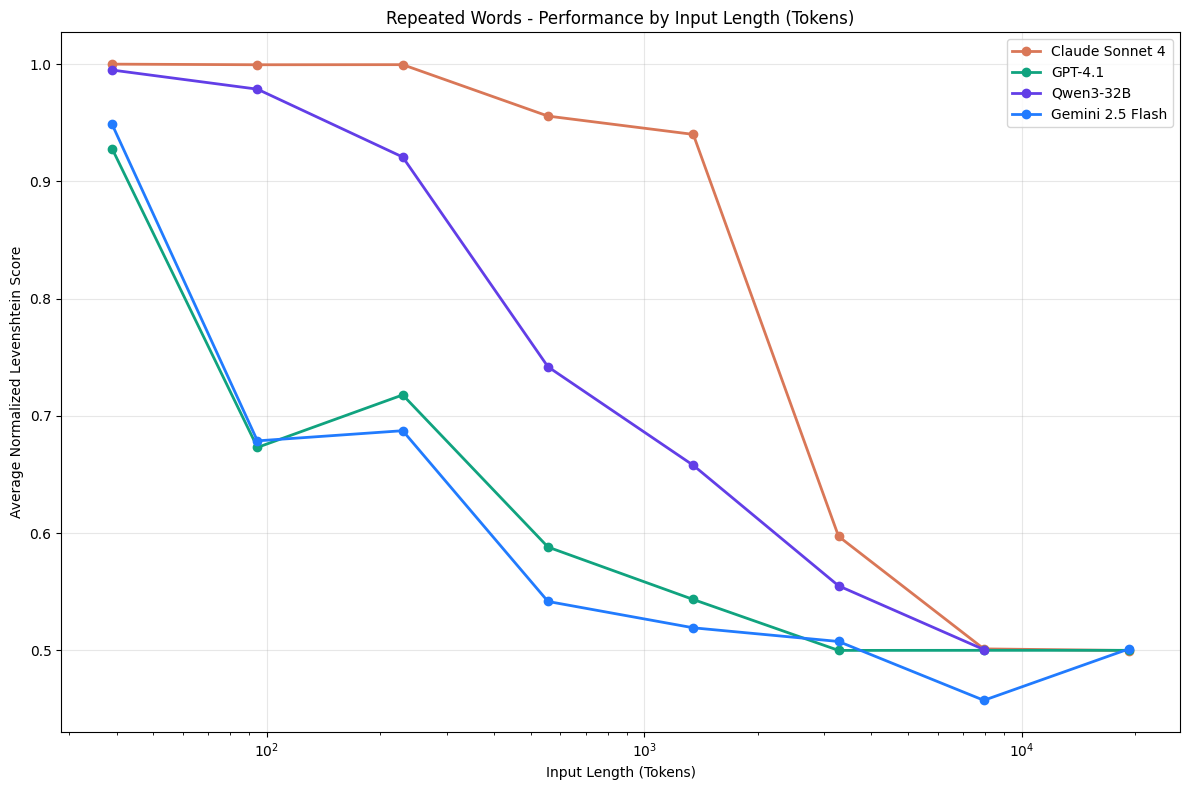
The more tokens you stuff in, the more the AI starts losing the thread and even hallucinating. We call this context rot because the agent’s focus and reliability rots away as context grows polluted with increasingly less relevant tokens.
Many AI tools give you the impression that they indexed your repo and totally understand your code. A lot of them rely on generic embedding APIs and simple vector search.
Poor codebase retreival really sucks in big projects.
There are some things you can do to make vibe coding more productive, but a you’re only as good as your tools.
How Augment Code is different
If the above problems sound too familiar, you may like Augment Code, the AI coding platform built for serious software engineers working on big projects.
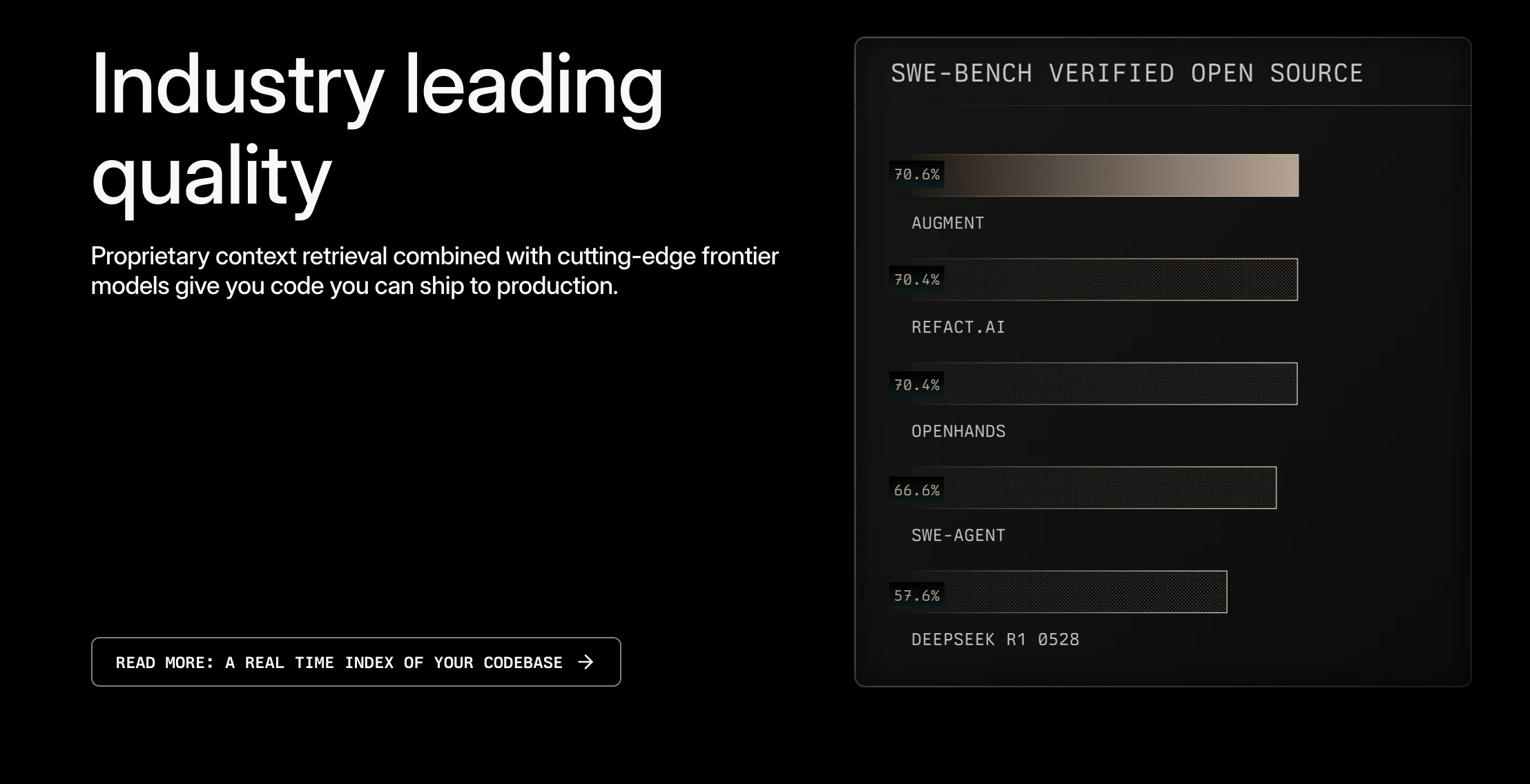
Augment isn’t trying to replace your IDE or force you into a custom editor. It’s an add-on plugs into your existing workflow, whether VS Code, JetBrains IDEs, or even Vim/Neovim.
This matters because real engineering teams have established tools and processes and may be unable to migrate to a new tool like Cursor 2.0 or Claude Code. Augment enhances them rather than trying to rip and replace.
Augment was also built from day one for company codebases. It’s SOC 2 Type II compliant.
The context engine is Augment’s biggest differentiator. It ingests your entire project and keeps a real-time semantic index. This means when you ask a question or generate code, Augment truly knows the surrounding context.
If you’re anything like me, you want to actually see the difference. You know that I love Cursor, so I’m going to compare responses from both Cursor and Augment Code, using the same models thoughout.
Getting oriented in a large codebase
Cursor is a truly awesome tool, especially for small-scale work. It indexes a single repository and even supports up to 50k files with an agent mode. Most of the examples I show you from week-to-week on the newsletter are building things from scratch or adding features to small projects. But what happens when you go beyond the trivial?
To make things tricky, I’m going to open a pretty big codebase I’ve never seen before. 37 Signals (the Rails & Basecamp folks) recently released a new Kanban-board software called Fizzy, which they open-sourced.
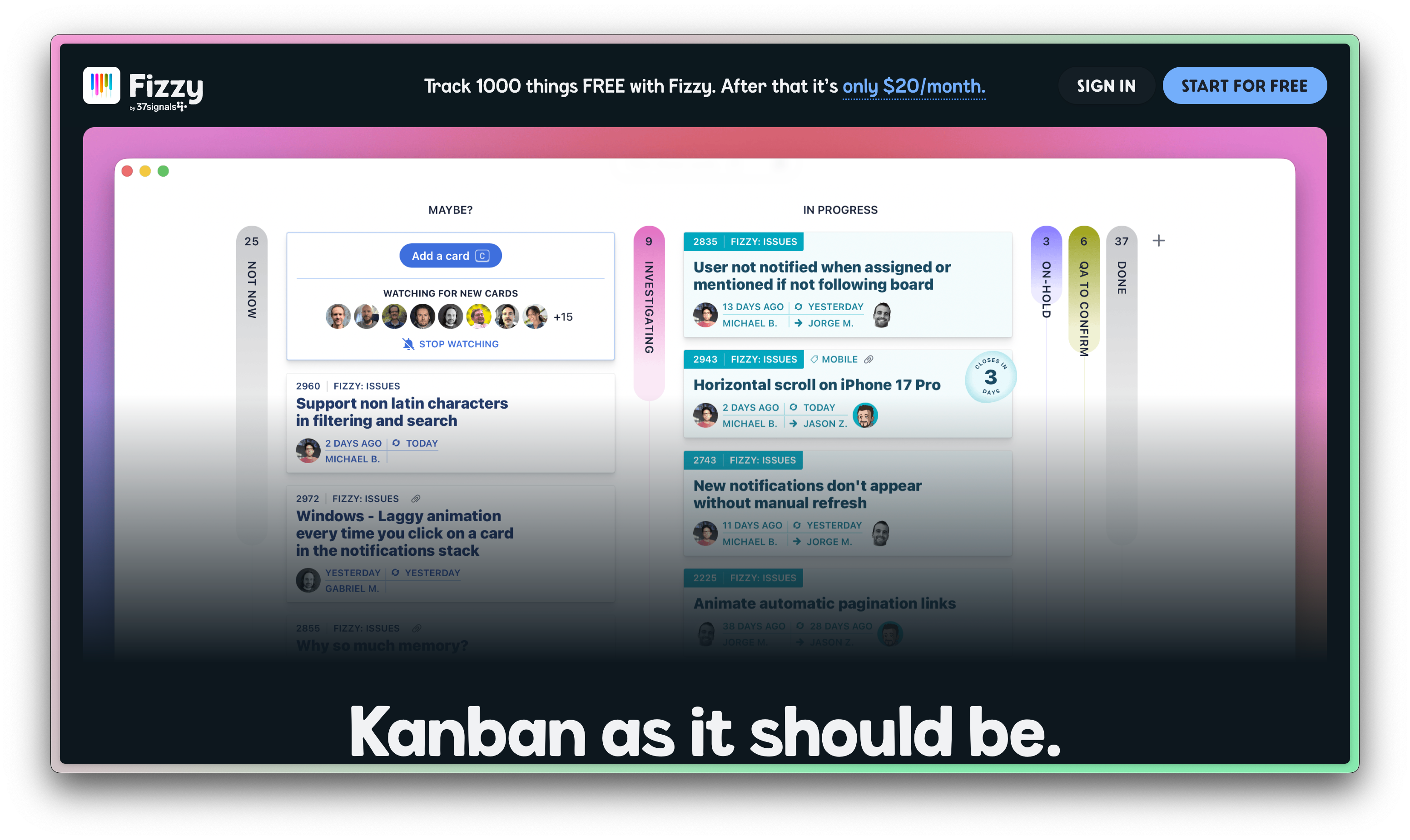
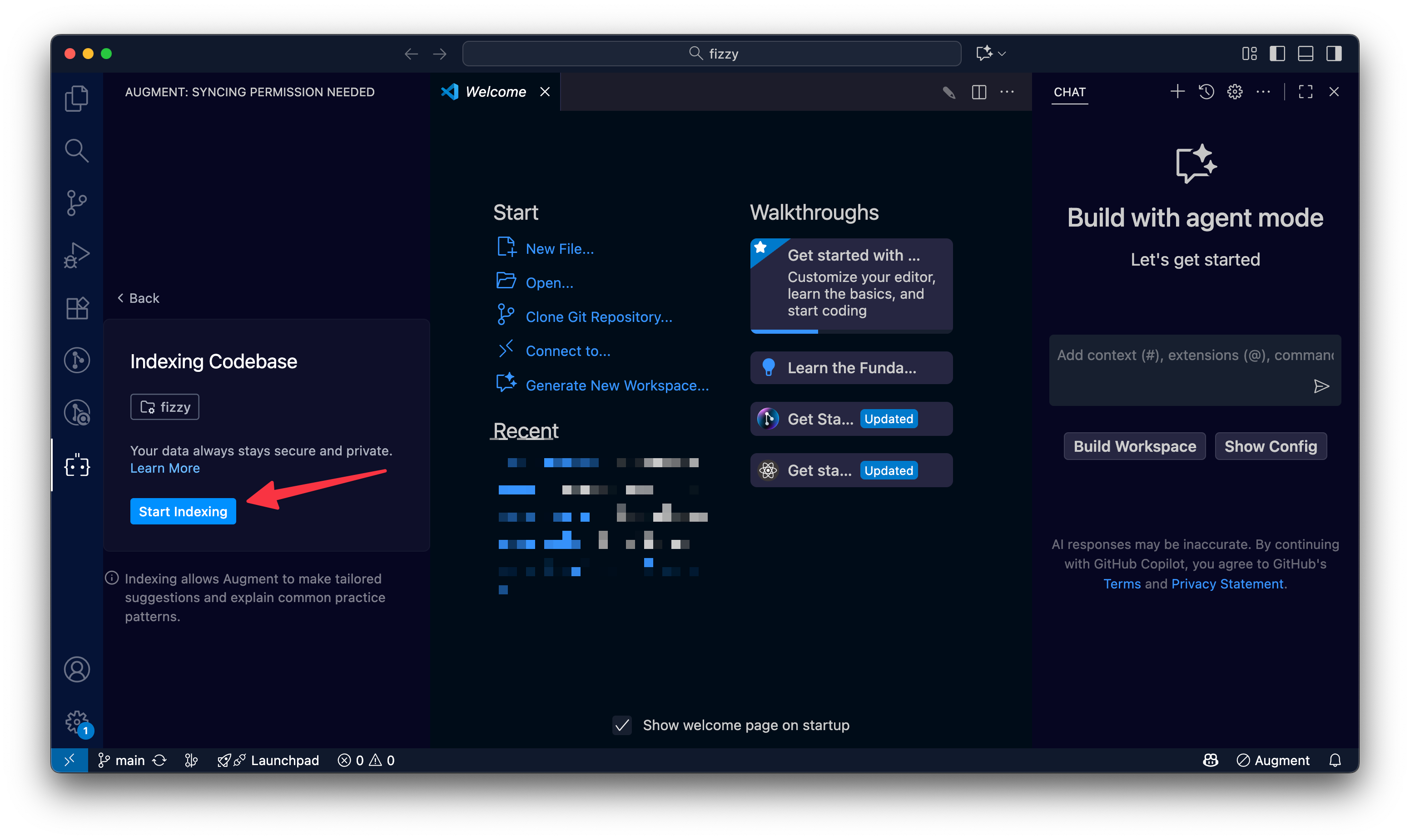
When I open the project in Augment Code, I first give it permission to index the files.
Then, it goes ahead and gives me a summary, unprompted.
Augment just finished syncing with your codebase! Here is a summary of what we saw:
Fizzy is a collaborative Kanban-style project management and issue tracking application built by 37signals/Basecamp. Here’s a brief overview:
What it is
Kanban board tool for managing cards (tasks/issues) across workflow columns
Teams can collaborate via comments, mentions, and assignments
Features automatic “entropy” system that postpones stale cards to prevent endless todo accumulation
Key Architecture
Multi-tenant: URL path-based tenancy (
`/{account_id}/boards/...`)Passwordless auth: Magic link authentication with global
`Identity`and account-specific`Users`Rails 8: Built on Rails main branch with modern stack (Stimulus, Turbo, Importmap)
Database: Supports both SQLite and MySQL with UUID primary keys
Background jobs: Uses Solid Queue (database-backed, no Redis)
Search: 16-shard MySQL full-text search instead of Elasticsearch
Development
Runs on
`http://fizzy.localhost:3006`Login with
`david@example.com`(dev fixtures)Commands:
`bin/setup`,`bin/dev`,`bin/rails test`,`bin/ci`Deployment
Uses Kamal for deployment
Available as open source under O’Saasy License
37signals runs a SaaS version with additional
`fizzy-saas`gem
These all check out to me, so let’s ask a follow-up question. I chose a question that was actually suggested by Augment:
What is the entropy system and how do cards automatically postpone after inactivity?
The answer is incredibly detailed, something I’d expect to get from a few hours or so asking an experienced engineer questions about their project 1:1.


Here’s the output in text form.
The Entropy System
The entropy system is Fizzy’s automatic card cleanup mechanism that prevents endless todo lists from accumulating. It automatically moves stale cards to “Not Now” after a period of inactivity.
How It Works
1. Configuration Hierarchy
Account-level default: 30 days (set when account is created)
Board-level override: Each board can override the account default
The system uses
COALESCEto check board-level first, then falls back to account-levelDEFAULT_ENTROPY_PERIOD = 30.days included do has_one :entropy, as: :container, dependent: :destroy after_create -> { create_entropy!(auto_postpone_period: DEFAULT_ENTROPY_PERIOD, account: self) } end2. Tracking Activity
Cards have a
last_active_attimestamp that updates with any activityThe system calculates when a card should be postponed:
last_active_at + auto_postpone_perioddef auto_clean_at card.last_active_at + auto_clean_period end3. Automatic Postponement
A recurring job runs every hour (at minute 50) to find and postpone due cards
Cards are considered “due” when:
last_active_at <= (now - auto_postpone_period)The system user performs the postponement action
def auto_postpone_all_due
  due_to_be_postponed.find_each do |card|
    card.auto_postpone(user: card.account.system_user)
  end
end
4. What Happens When Postponed
When a card is auto-postponed:
Moves back to triage (no column assignment)
Reopens if closed
Creates a
Card::NotNowrecordDestroys any activity spike marker
Tracks an
auto_postponedeventdef postpone(user: Current.user, event_name: :postponed) transaction do send_back_to_triage(skip_event: true) reopen activity_spike&.destroy create_not_now!(user: user) unless postponed? track_event event_name, creator: user end endAdditional Features
Early Warning System
Cards “postponing soon” are those at 75% of their entropy period
This gives users a heads-up before cards disappear
Activity Spikes
The system detects “activity spikes” (multiple people commenting, assignments, reopening)
Cards with recent activity spikes are tracked separately as potentially “stalled” work
UI Configuration
Admins can configure periods via settings: 3, 7, 30, 90, 365, or 11 days
The UI shows when cards will auto-close and provides reminders at 25% of the period
The philosophy is simple: if nobody’s touched a card in X days, it probably doesn’t need to be on your active board. This keeps boards focused on current work rather than becoming graveyards of forgotten tasks.
This is impressive, and I really like the inclusion of code samples in the explanation
I try the same thing in Cursor’s agent using ask mode.
The entropy system prevents boards from becoming cluttered by automatically moving inactive cards to a “Not Now” (postponed) state.
How it works
Configuration (Entropy model)
Every Account has a default entropy period (default: 30 days), defined in Account::Entropic.
Boards can override this period via their own Entropy record (Board::Entropic).
Stored in the entropies table (polymorphic to Account/Board).
Scheduling
A recurring task runs every hour at minute 50 (config/recurring.yml).
It executes Card.auto_postpone_all_due.
Selection Logic (Card::Entropic)
The due_to_be_postponed scope finds cards where last_active_at is older than the configured period.
It calculates the period by checking the Board’s entropy first, falling back to the Account’s default.
Postponement Action (Card::Postponable)
Cards are moved to “Not Now” by creating a Card::NotNow record.
This removes them from the visible board columns (active scope excludes postponed cards).
An auto_postponed event is tracked in the card’s history
The Cursor output (which is using Gemini 3 Pro!) isn’t wrong, but it’s lacking in detail, especially code samples. It tells how how some of the system works, but doesn’t back it up or show you.
Imagine onboarding into a new codebase being that much better!
Making your prompts better with the prompt enhancer
Even with a great AI model and a robust index, the way you prompt the AI can make a huge difference. Many devs aren’t prompt engineering experts, nor should they need to be. Though if you want to get better at prompting, this is a great starting point:

Augment’s Prompt Enhancer can turns a few rough lines of instruction into a high-quality query, and it’s a great way to learn.
If you give a half-baked prompt, a normal AI might misunderstand and give a wrong answer. Prompt Enhancer fixes that by automatically pulling in the relevant context from your code and session, and restructuring your prompt.
Let’s start with a simple prompt:
Plan out a change to rebrand “Fizzy” into “Augmented Kanban”
Clicking the prompt enhancer button will expand it into something more thoughtful.
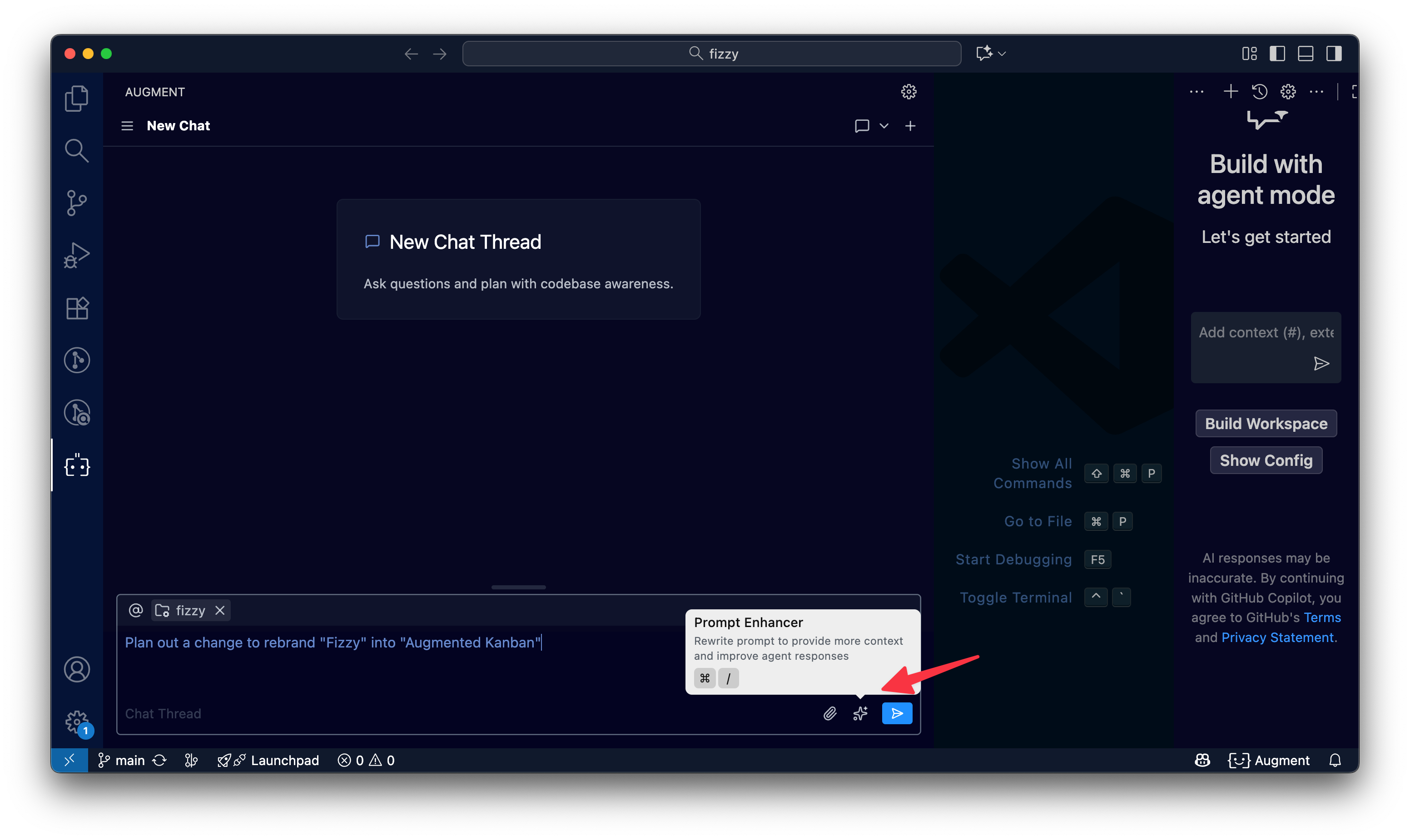
Here’s what the prompt enhancer turned that into:
Plan out a comprehensive rebranding change to rename “Fizzy” to “Augmented Kanban” throughout the entire codebase and application. This should include:
1. **User-facing text and UI elements**: All visible product names, titles, headers, labels, and messages shown to end users
2. **Code identifiers**: Module names, class names, constants, and configuration values that reference “Fizzy” (but NOT variable names or internal implementation details unless they’re part of public APIs)
3. **Documentation**: README files, comments, help text, and any documentation that mentions the product name
4. **Configuration files**: Application configuration, environment variables, deployment configs (e.g., Kamal), and any infrastructure-as-code references
5. **Database content**: Seed data, fixtures, and any hardcoded content that displays “Fizzy” to users
6. **Email templates and notifications**: Any email subjects, bodies, or notification text
7. **URLs and routing**: Domain references, URL helpers, or path configurations that include “fizzy”
8. **Meta information**: Page titles, meta tags, favicons, and other branding assets
9. **Test fixtures and test data**: Update test data to reflect the new brand name where it would appear to users
Create a structured task list that:
- Categorizes changes by type (UI, code, config, docs, etc.)
- Identifies specific files or patterns that need updating
- Notes any potential risks or breaking changes (e.g., URL changes, database migrations)
- Considers backward compatibility concerns (e.g., existing user bookmarks, external integrations)
- Identifies areas where “Fizzy” should remain unchanged (e.g., internal variable names that don’t affect the user experience)
Do NOT make any changes yet - only create a comprehensive plan with tasks.
Pretty impressive, right?
AI code reviews that understand more than just your pull request
Just this week, Augment launched their AI code review feature.
GitHub Copilot can automatically comment on pull requests, but it’s essentially looking at the diff in isolation with limited awareness beyond it.
Augment Code Review, by contrast, is context-aware. When Augment reviews a PR, it pulls in all the context you’d expect a diligent human reviewer to have. Sometimes humans have to look beyond the diff of a pull request to give good feedback, so AI code reviewers should have that ability.
Choosing serious software over vibe coding
If you’ve read this far, you’re probably the kind of engineer who cares about code quality, about maintainability, about building systems that last.
Augment Code is for serious developers building and maintaining large codebases. It’s the tool for those of us who have felt the pain of context switches, of hunting through a dozen repos for an answer, of reviewing endless diffs at 2 AM, of dealing with bug reports stemming from a “fix” that broke something else.
Ready to level up your engineering team? Try Augment Code for yourself. Install the extension, connect your codebase, and see how it feels to have a principal-engineer-grade AI by your side.
This IS the way.
Wait what the heck!? I might have to try Augment Code, sounds like an amazing tool. Thank you for writing this and explaining how everything works!