
Goals are an awesome new addition to Codex, and I’m super pumped about what they mean for agentic software development.
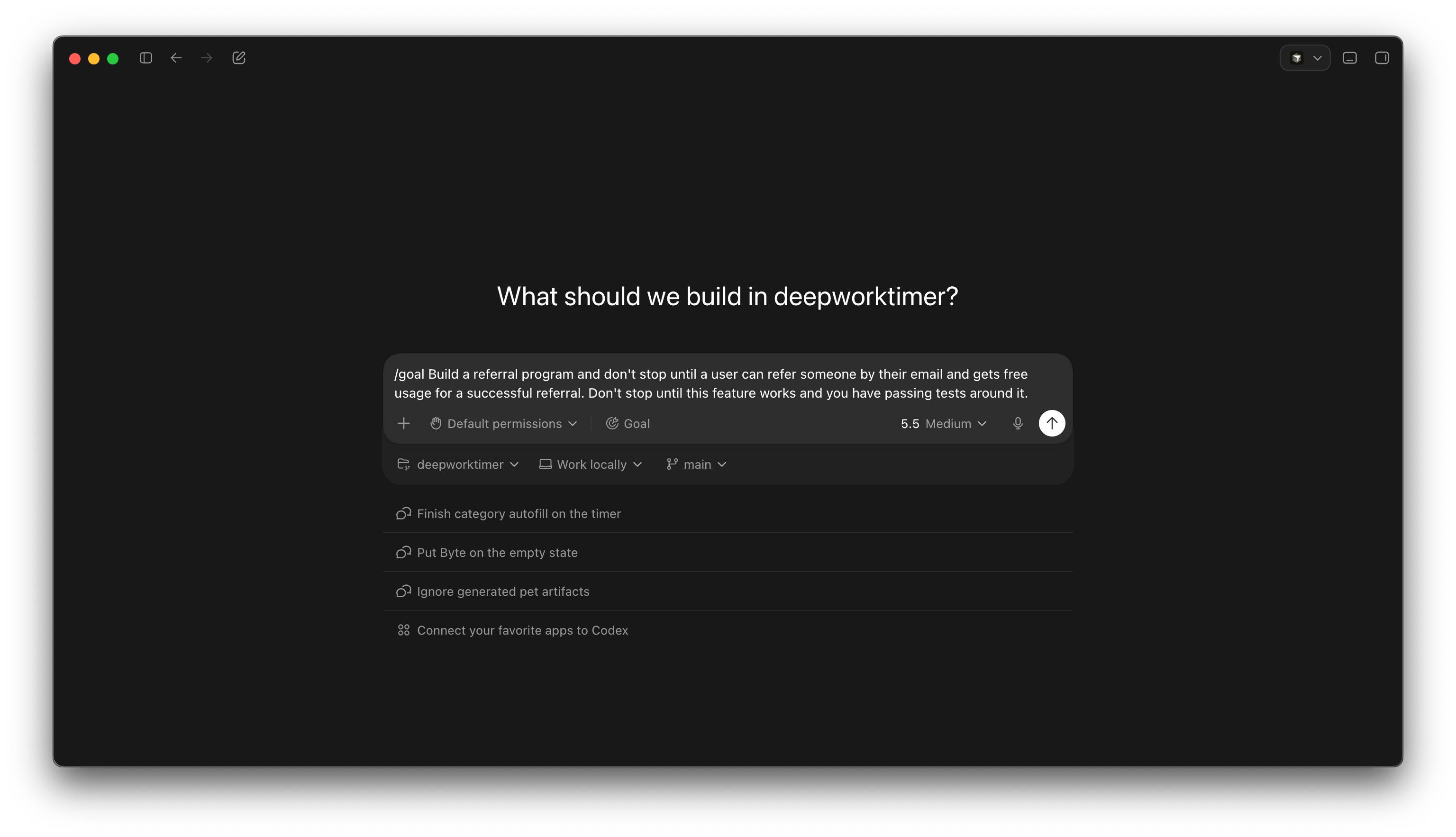
Goals are a built-in way to move your conversation away from a sequence of isolated prompts and into a work loop that iterates until it hits a measured outcome.
You can use /goal in the Codex app or in the CLI, so you can just stick to your preference.
If this is the first you’re hearing of goals in Codex, you’re probably a bit curious how they differ from ordinary prompts. We’ll start by answering that question, then show you the helpful goal commands, then we’ll wrap up with a real example.
Ready to dig in?
What is the difference between a prompt and Codex goal?
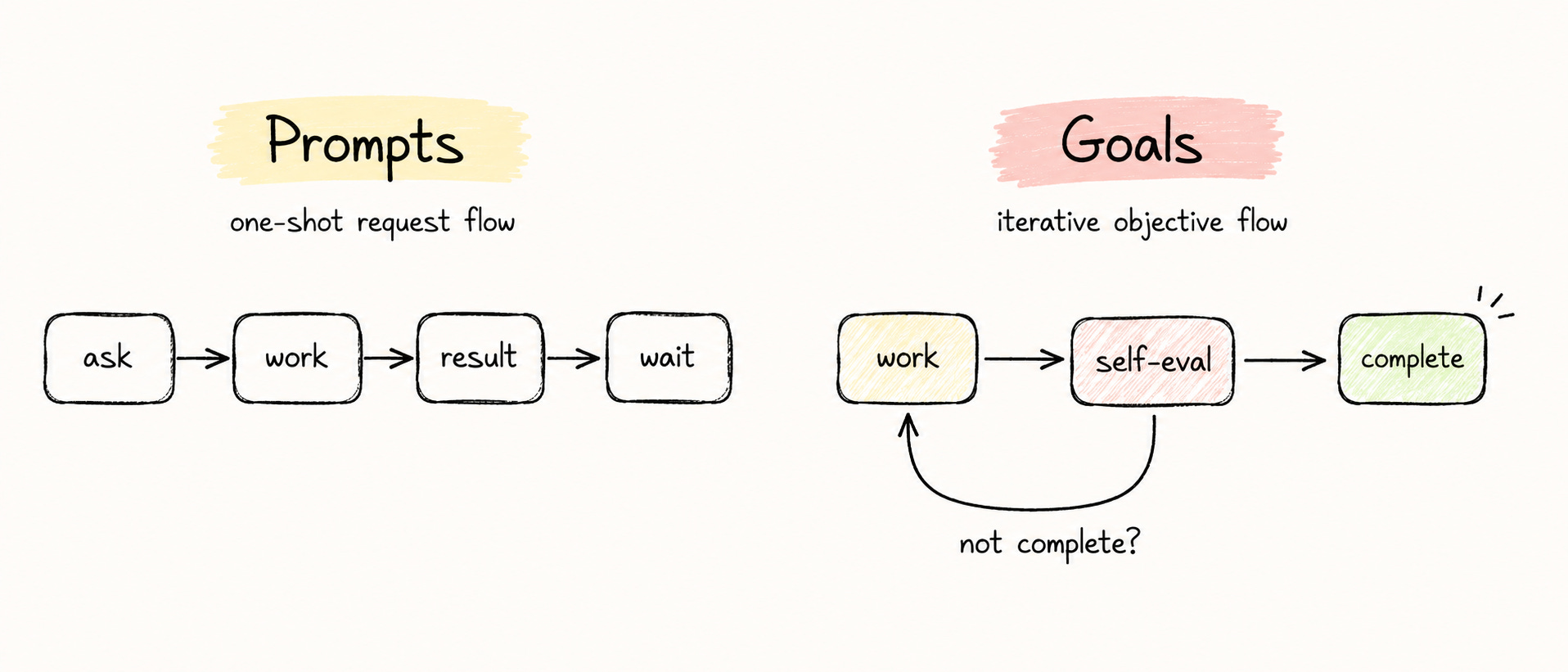
Prompts work for this workflow
ask -> work -> result -> wait
Goals work like this
work -> self-eval -> loop if not complete
In short, Goals are outcome-driven.
If Codex can learn something from what it just done, a goal can help it keep going without you.
But do use goals, you need a verification surface (like tests or browser use) and a measurable outcome.
When to use a goal instead of a prompt
Have you ever been using an agent in Codex or some other tool and found yourself typing the same thing over and over again as responses to agent completions?
Nice, do the next test now.
Or
Awesome, clean up the next controller to use this new method in the parent class
Or
Don’t just show me how to do it, keep going and finish it
If you’re ever in a situation like this, the /goal command is probably going to be very helpful.
Today’s newsletter is generously sponsored by Friday, a powerful agent harness that connects to the software you already use.
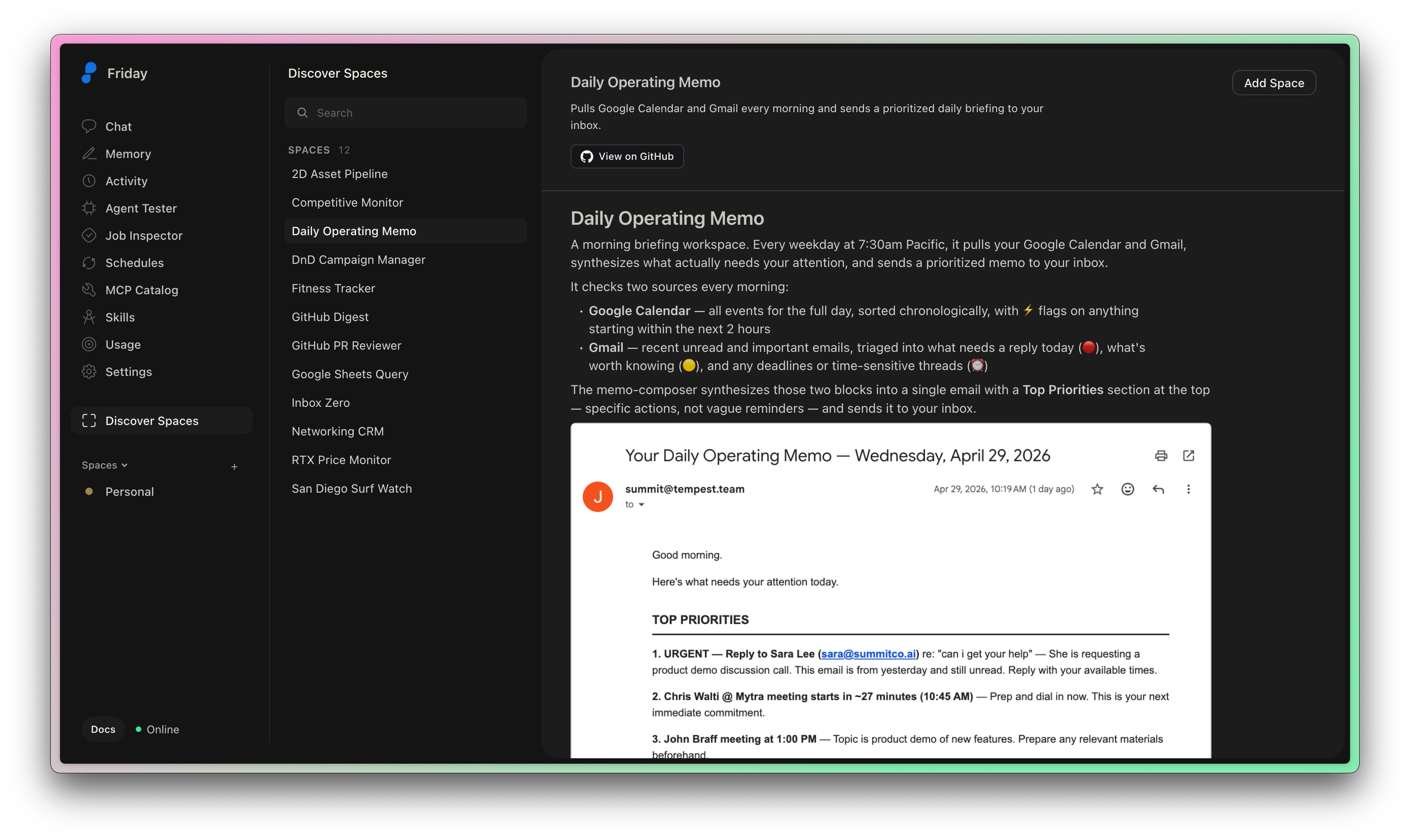
Friday helps you get more done with AI agents, without having to glue tools together. You can bring your own API key for your preferred models, bring your existing skills, and connect to the tools you need with MCPs.
One of my favorite things in Friday is the incredible support for scheduled jobs. Friday lets you describe recurring agentic workflows in plaintext but gives you the option to edit and extend them as code.
Check it out today!
Some helpful Codex goal commands
The /goal command is really simple, and there’s a few variations that can help you in both the Codex app and CLI.
How to set a goal in Codex
Setting a goal in codex is simple with the slash command:
/goal Your goal goes hereHow to view the current Codex goal
If you have a long-running goal, you might need reminded of what you initially asked for:
/goalHow to pause the current Goal in Codex
If you want to pause a goal without losing progress or context, you can do so:
/goal pause How to resume a goal
Resuming a paused goal is easy with:
/goal resumeHow to delete a goal
Deleting a goal will remove the context and allow you to set a new one. Just run:
/goal clearHow to write a Codex goal
The OpenAI docs are a great place to go for instructions on writing goals, but I’ll give you the most important stuff here.
Goals need outcomes. This is how Codex knows when it’s done.
Goals need a way to verify the outcome. Tests, benchmarks, browser use, etc.
Goals should have constraints. You’ll get better results if you tell Codex what not to change.
Goals should know when to report as blocked. If you tell Codex what would indicate that it’s blocked, you’ll save yourself from wasting tokens.
Template for a good goal
Here’s a template for a good goal:
/goal <desired end state> verified by <specific evidence> while preserving <constraints>. Use <allowed inputs, tools, or boundaries>. Between iterations, <how Codex should choose the next best action>. If blocked or no valid paths remain, <what Codex should report and what would unlock progress>.
You could simplify this as:
/goal Complete this thing without stopping until you’ve passed this success criteria
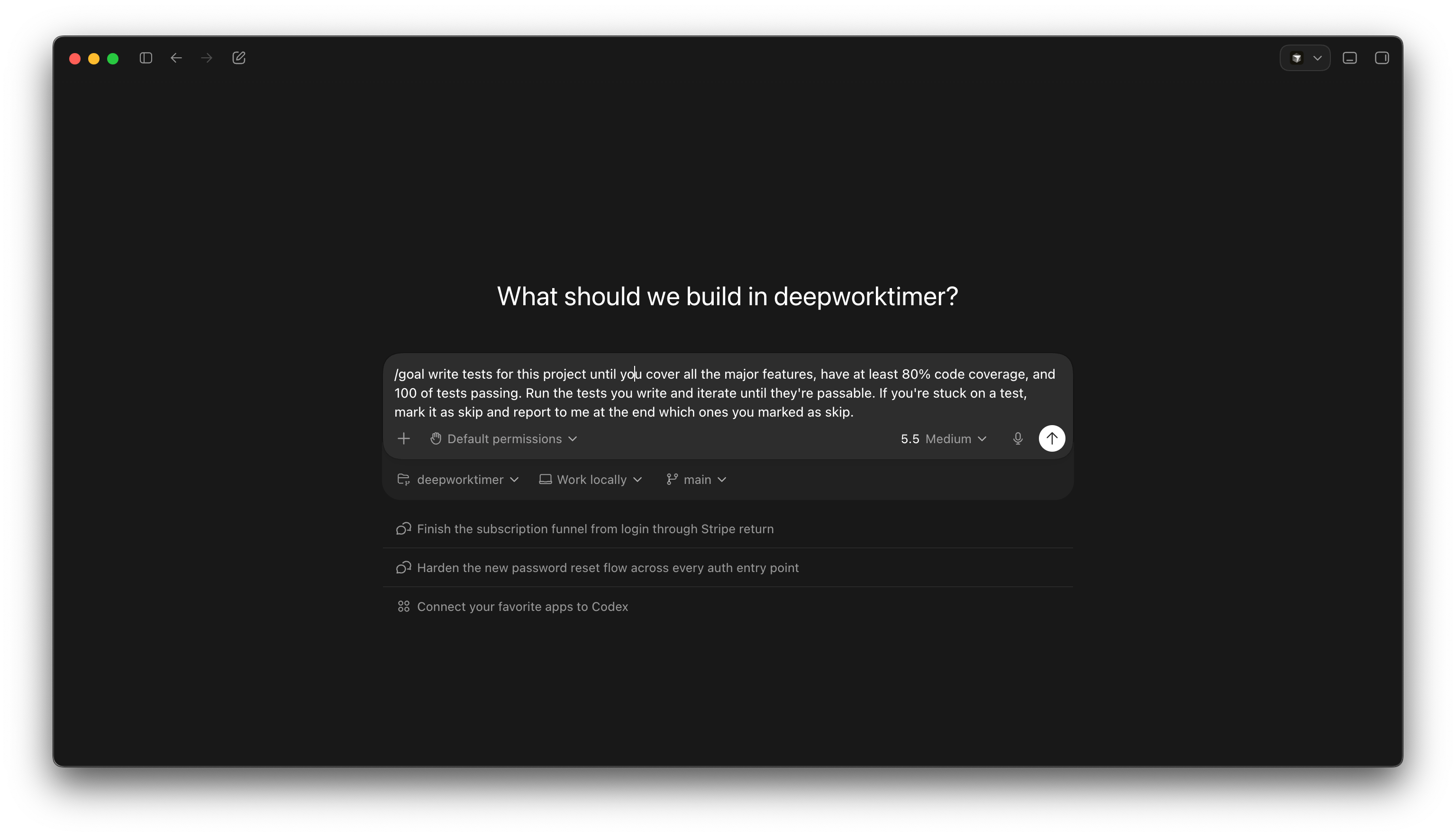
Here’s a goal I used to add some test coverage to a project that doesn’t have any tests.
Goals and token usage warnings
One word of warning for you is to pay attention to your token usage while using goals. The /goal command lets Codex iterate over and over, which will consume truly absurd amounts of tokens. On a sufficiently large project, you’ll probably start hitting your five hour limits long before five hours (on the Plus plan).
Fortunately your limits will reset, so you won’t be stuck for the month, but it’s something to keep in mind.
This is one reason I keep a Codex, Claude Code, and Cursor subscription all active at the same time. Having all three is cheaper than any top-tier plan, gets me ton more usage, and lets me daily-drive whatever tool as the best edge at a given time.
Goals actually work in Codex too, and I suspect Cursor will follow-suit soon.


Getting really good at using agents
I firmly believe the future of software development is agent-first. That doesn’t mean I think software development is going away as a profession. But it is changing. It’s getting harder and harder to deny that it’s changing.
We’ve gone from fancy-autocomplete to agents, and the /goal feature in Codex is making agents even more autonomous, while increasing their economic utility.
If you want to learn how to use agents to ship more software, earn more money, or even get promoted, you’re in the right place. This substack exists to help you use AI tools like Codex better, so I’m happy to have you here.