
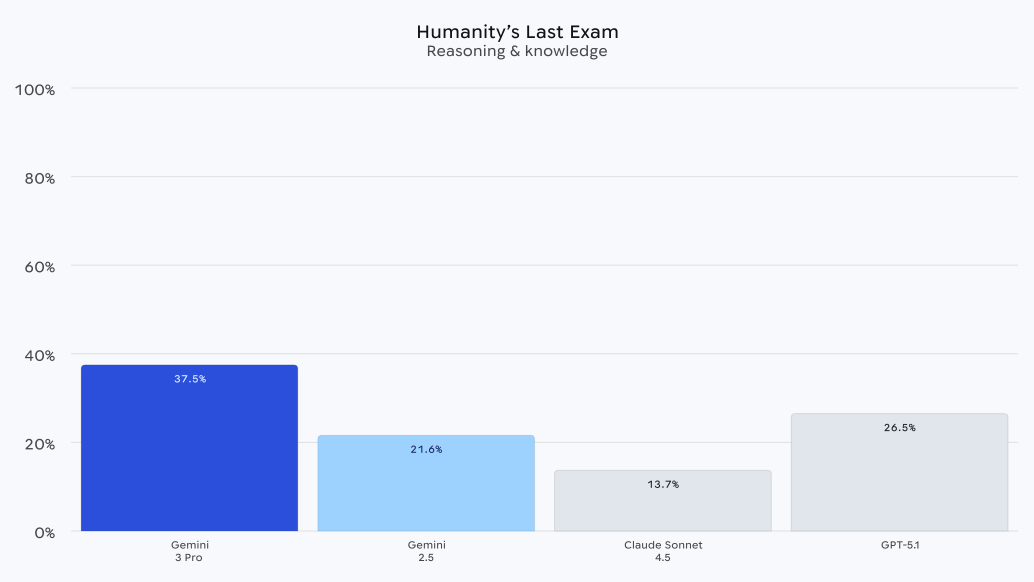
Last week was a HUGE week for Google. Among other things, they dropped Gemini 3 Pro, which blows other state of the art models out of the water on pretty much every benchmark.
Last week, in my post on GPT-5.1-Codex-Max (man what a mouthful), you all told me you’d love a deep dive on coding with Gemini 3 Pro.
So today, that’s what we’re going to do. I’ll show you what’s unique about Gemini 3 Pro, where you can use it (including for free), and then we’ll build a complete SaaS tool using it.
Three of the biggest traits of this model are
Speed (this matters more than you think)
Better agentic coding
Incredible reasoning
The speed of Gemini 3 Pro solved a problem I didn’t know I had. It’s really hard to get into a flow state when you’re going back and forth with a model, especially a reasoning model. The fact that Google balanced good reasoning with speed has been kind of game changing for staying in a flow state.
The agentic coding claim proves that this model is specifically targeted at software engineers. They even specifically mention vibe coding!

Where to use Gemini 3 Pro
There’s a few easy ways to use Gemini 3 Pro.
First, you can just use Google’s Gemini web interface.
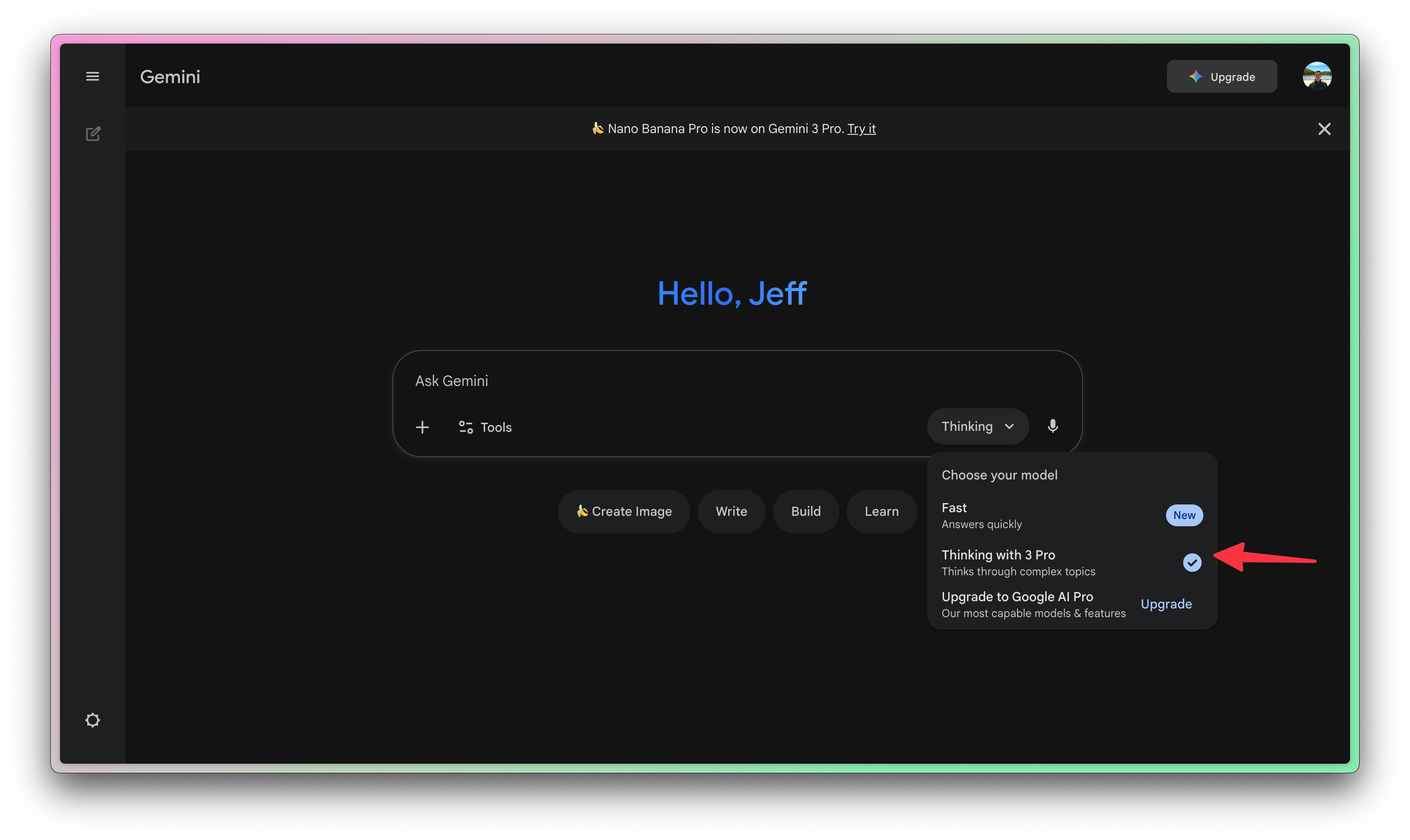
Be sure to select the Pro model!
Second, and the one we’ll focus on, is via an AI-assisted IDE. I love using Cursor, and it has an option to select Gemini 3 Pro as the model.
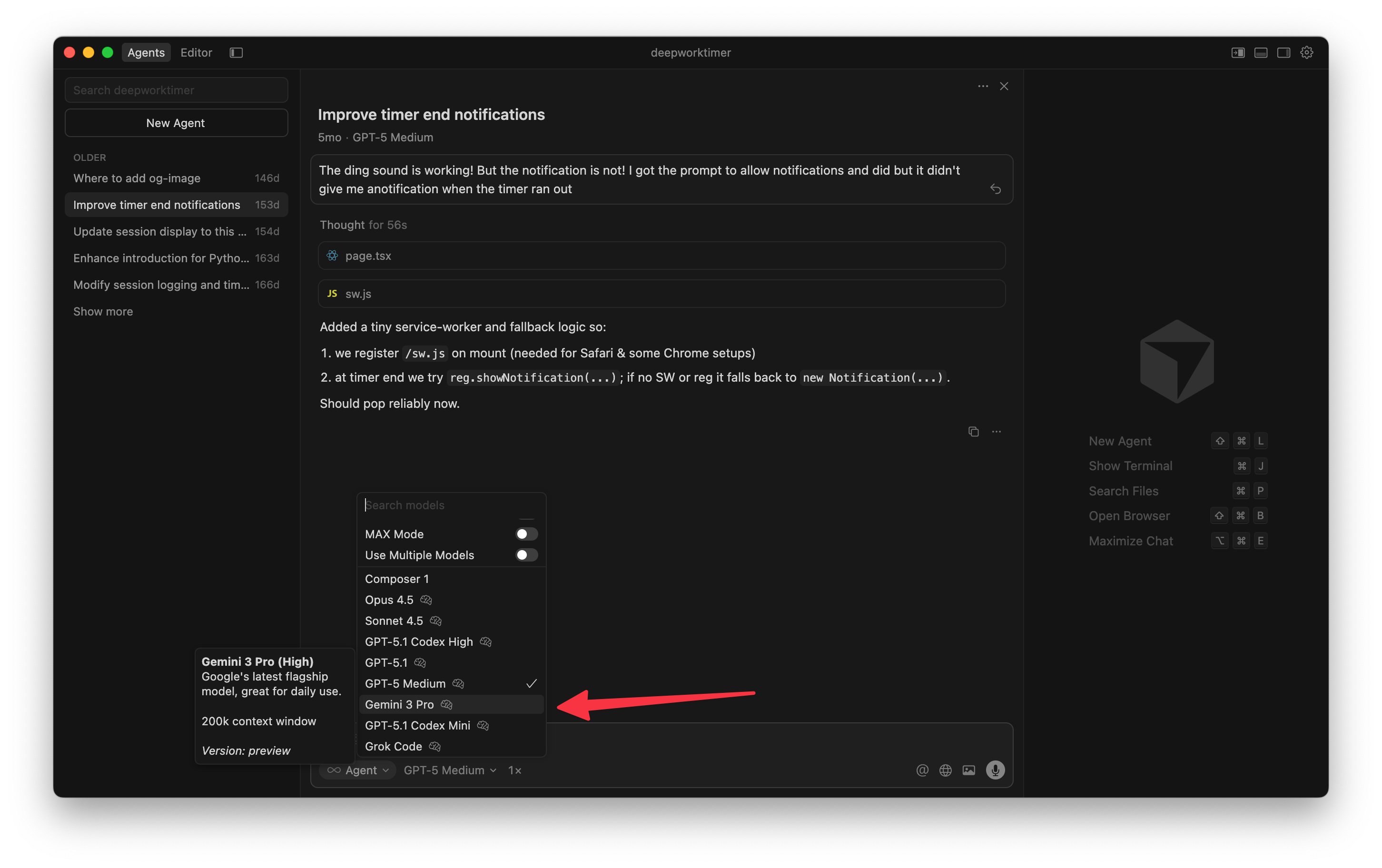
Another option is to use Google Antigravity.
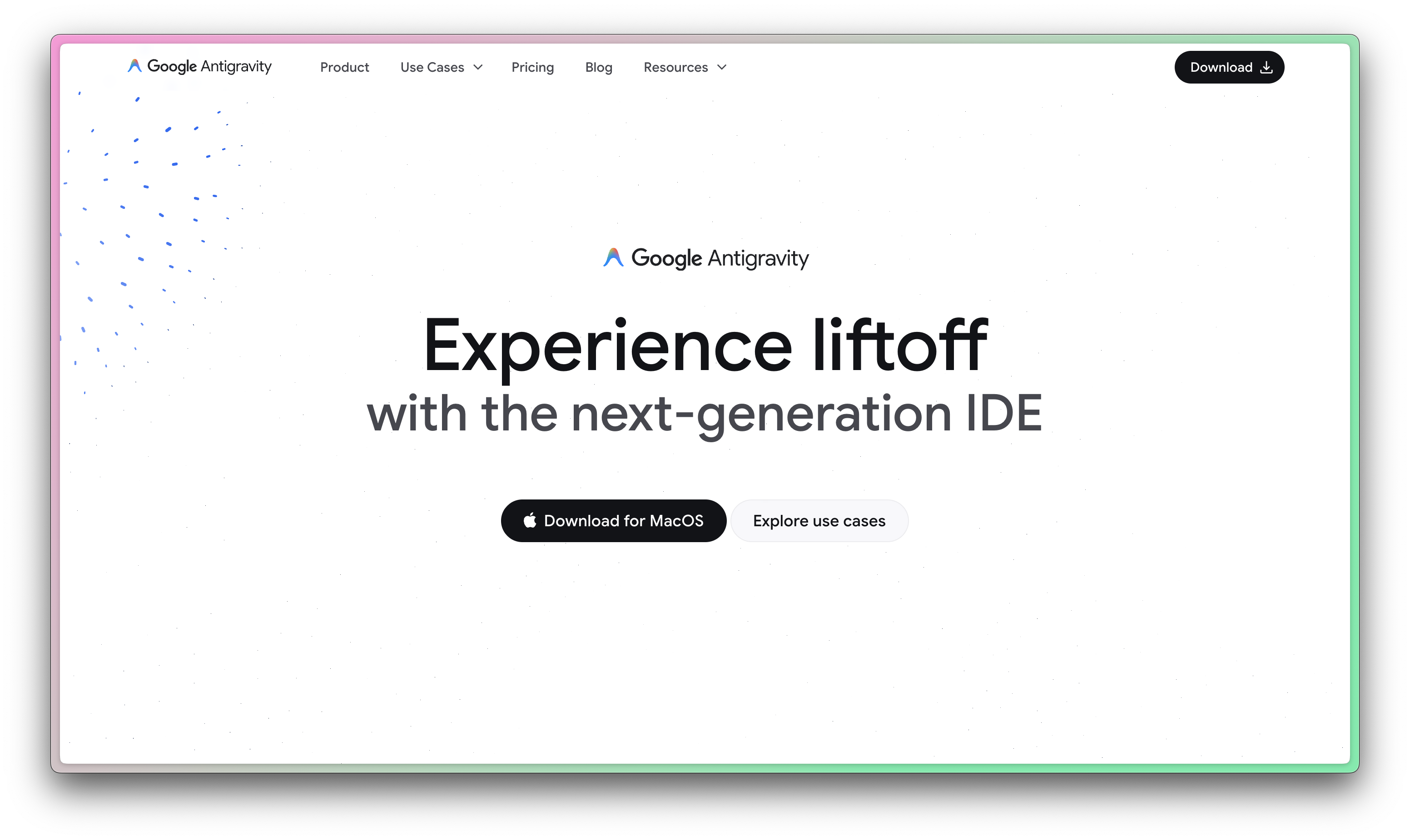
Antigravity is Google’s competitor to Cursor, built largely by a sort-of-acquisition of Windsurf. It’s a great product, but I think not quite on par with Cursor.
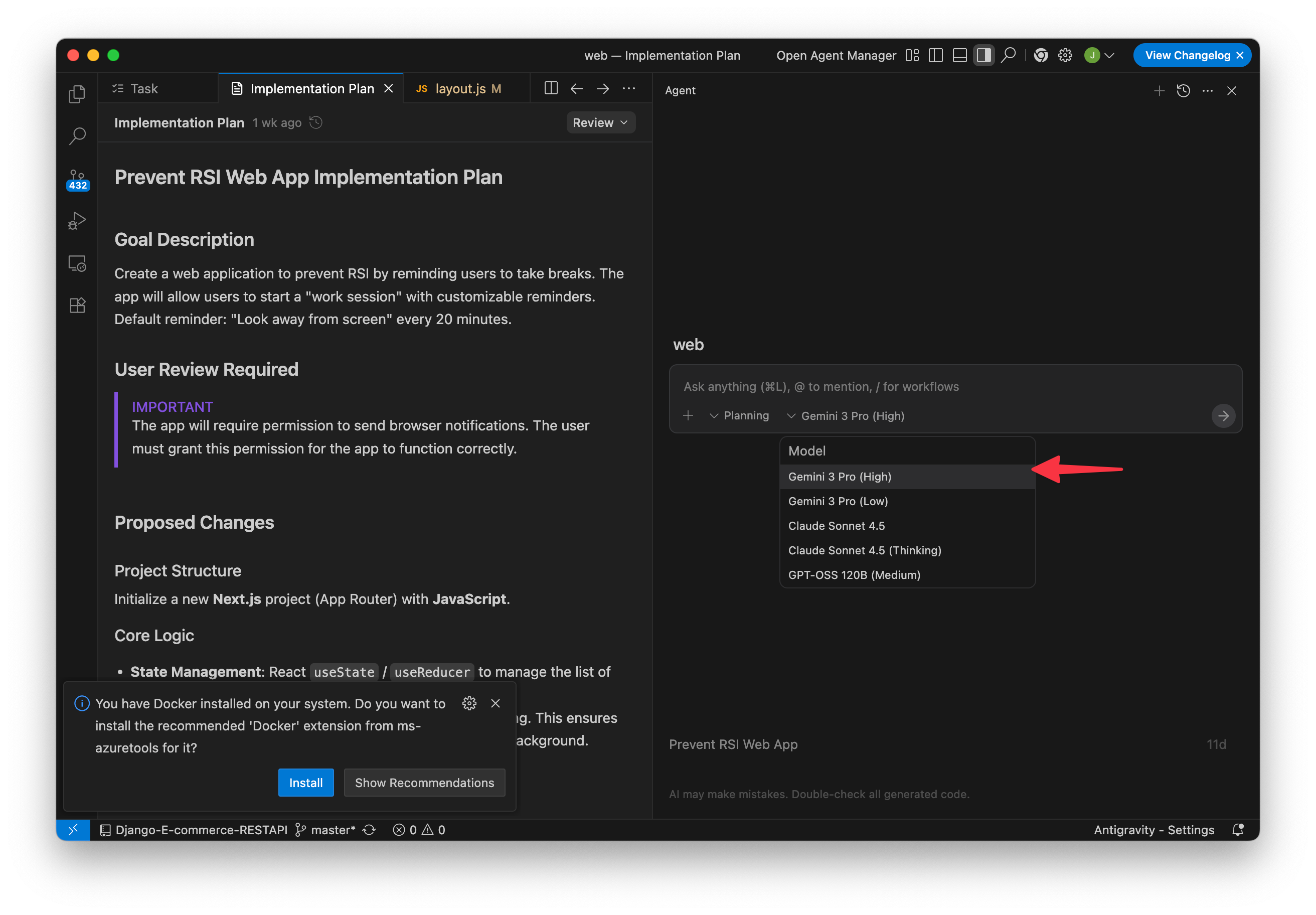
The big benefit of using Antigravity for most people is that it has included free access to Gemini 3 Pro. If Cursor’s pricing is a barrier to you, then Antigravity is a great and free way to access Gemini 3 Pro. In the chat model, just be sure to select Gemini 3 Pro.
Using Gemini 3 Pro to start a new product
Now that you’re able to use Gemini, I’ll walk you through how I use it to make a new product from scratch.
I really have been itching to have a custom tool to help me get short-form post ideas from my long-form writing. Something to help me turn posts here into Substack Notes or Tweets/X Posts. There are some options on the market but I don’t love the outputs, it feels a little too “slop”. Building something myself will let me tinker with the system prompt to get something that rocks.
So naturally, today’s example is going to be me building and shipping that product with only Gemini 3 Pro.
Ready to get your hands dirty?