
Experienced software engineers have embraced AI coding assistants like GitHub Copilot, Cursor, Claude Code, and more as game-changers for productivity. But with AI making coding easier and more “hands-off,” there’s a new challenge.
Preventing your hard-earned technical skills from withering away is a legitimate concern for us. Even seasoned developers are noticing this risk. For example, Cursor’s own Lee Robinson recently warned that one of his biggest worries about coding with AI is the “atrophy of skills,” admitting he’s “paranoid about this”.
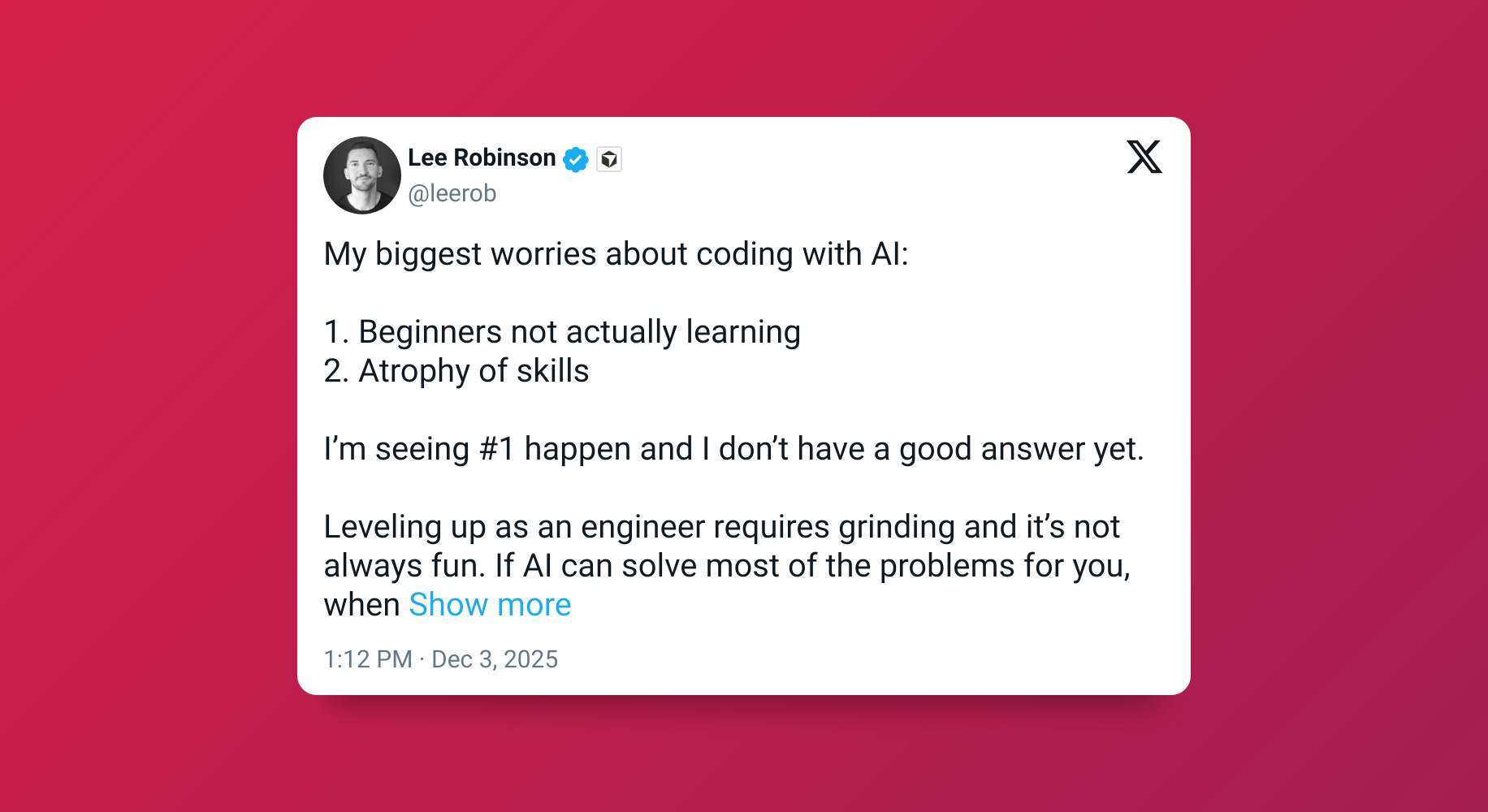
He wonders if in five years he’ll have forgotten some of the coding skills he once relied on.
He’s not alone. I feel this too.
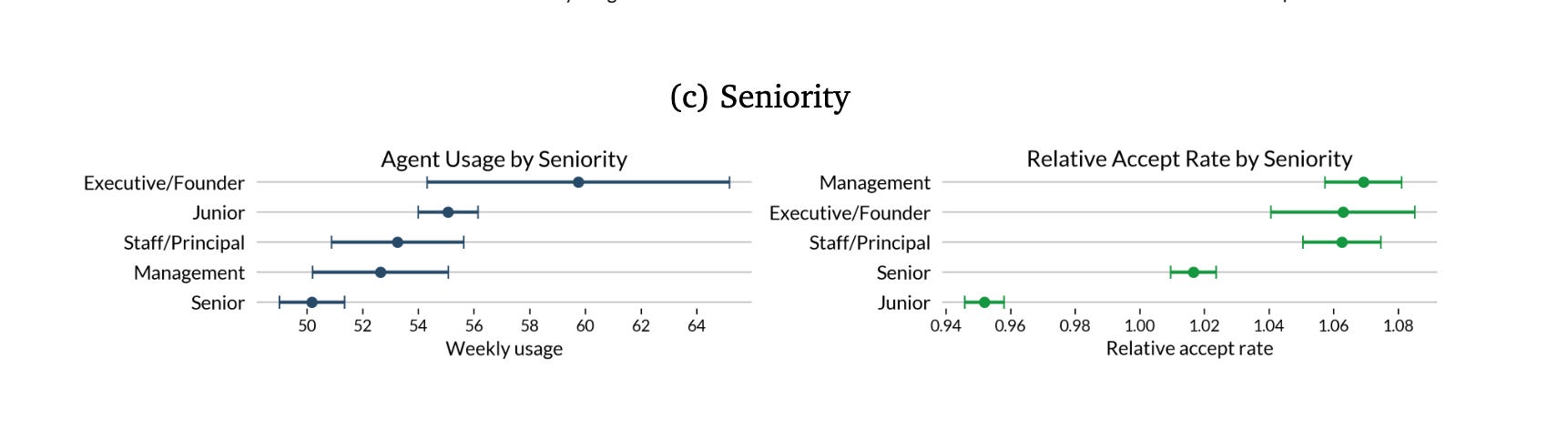
Veteran developers are leaning on AI a lot, which is great for speed but potentially risky for skill maintenance. A recent study found that the more experienced an engineer is, the more readily they accept AI-generated code (each standard deviation of additional experience led to a 6% higher accept rate of AI suggestions)
So how do you continue using these powerful AI tools without letting your coding muscles atrophy? I’ve thought about this a lot and I hope this article provides practical strategies to stay sharp and actively grow your skills while working with AI.
Stay actively involved in your code production
Don’t turn off your brain just because an agent is doing the typing.
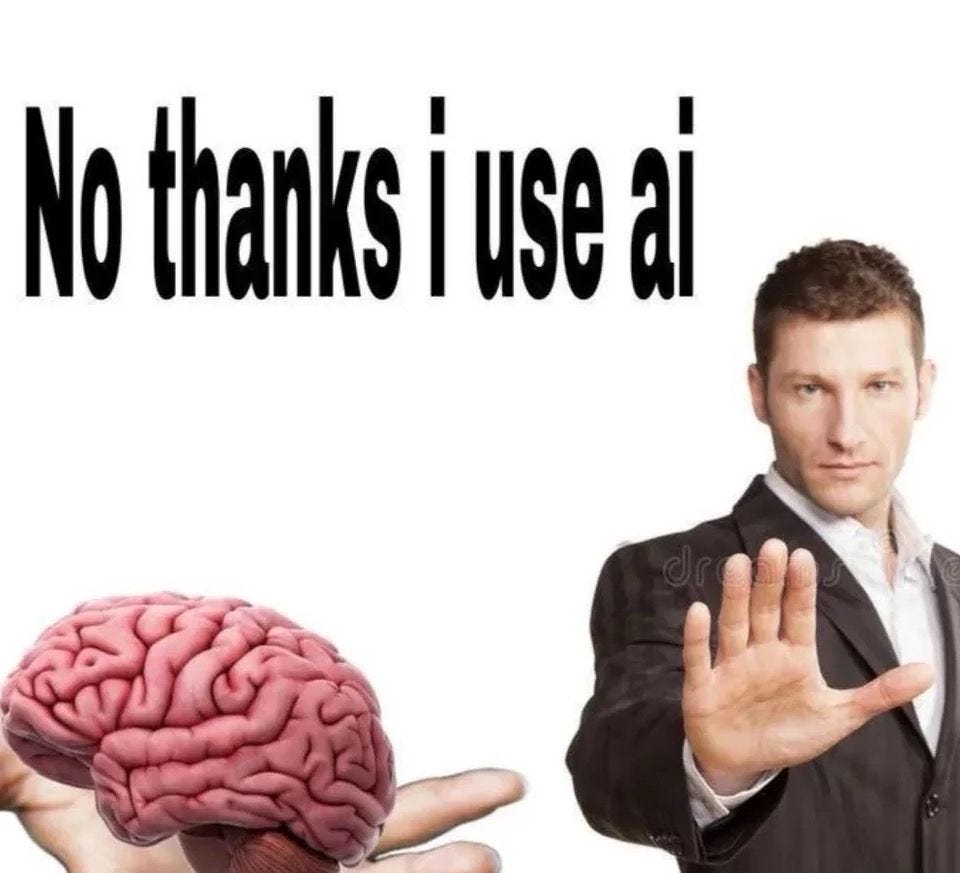
AI can generate code for you, but you should remain in the driver’s seat. Treat AI as a coding partner. If you were pair programming with a peer, would you check out of thinking altogether?
It’s easy to fall into passive use, blindly accepting suggestions, but that’s where skills start to fade. That’s vibe coding. We’re interested in using AI to make better software, not shipping slop.
Stay in the loop on every piece of AI-generated code. Review it critically, test it, and understand it. Think of this as “AI hygiene.”
Here 3 rules to keep in mind:
Verify and validate AI outputs
Insist on understanding the code
Review AI-written code as if a human wrote it
Staying actively involved like this prevents the scenario of turning into a mere code reviewer. Keep your brain switched on. Use AI to boost productivity, but always remain mentally engaged with what it produces. You’ll catch mistakes, learn new things, and ensure you’re not just coding on autopilot.
Here’s what we cover in the rest of the article, which is exclusive to paid members:
Know when it’s time to write code yourself
Keep your debugging skills sharp
Don’t outsource big decisions like architecture
Have a baseline understanding of syntax
Always be an active builder
The AI-Augmented Engineer recently became a Substack Bestseller, thanks to all your support! If you haven’t yet joined, we’d love to have you.
Know when it’s time to write code yourself
A key skill in the AI era is judgment, which is deciding when an AI’s suggestion is good enough and when it’s better (for learning or just correctness) to do it manually. To avoid AI making your skills atrophy, be intentional about this decision. Here’s how to strike the balance: