
My favorite AI assistant for code is making the leap into becoming the AI assistant for work. I mean, take a look at the landing page as of today.
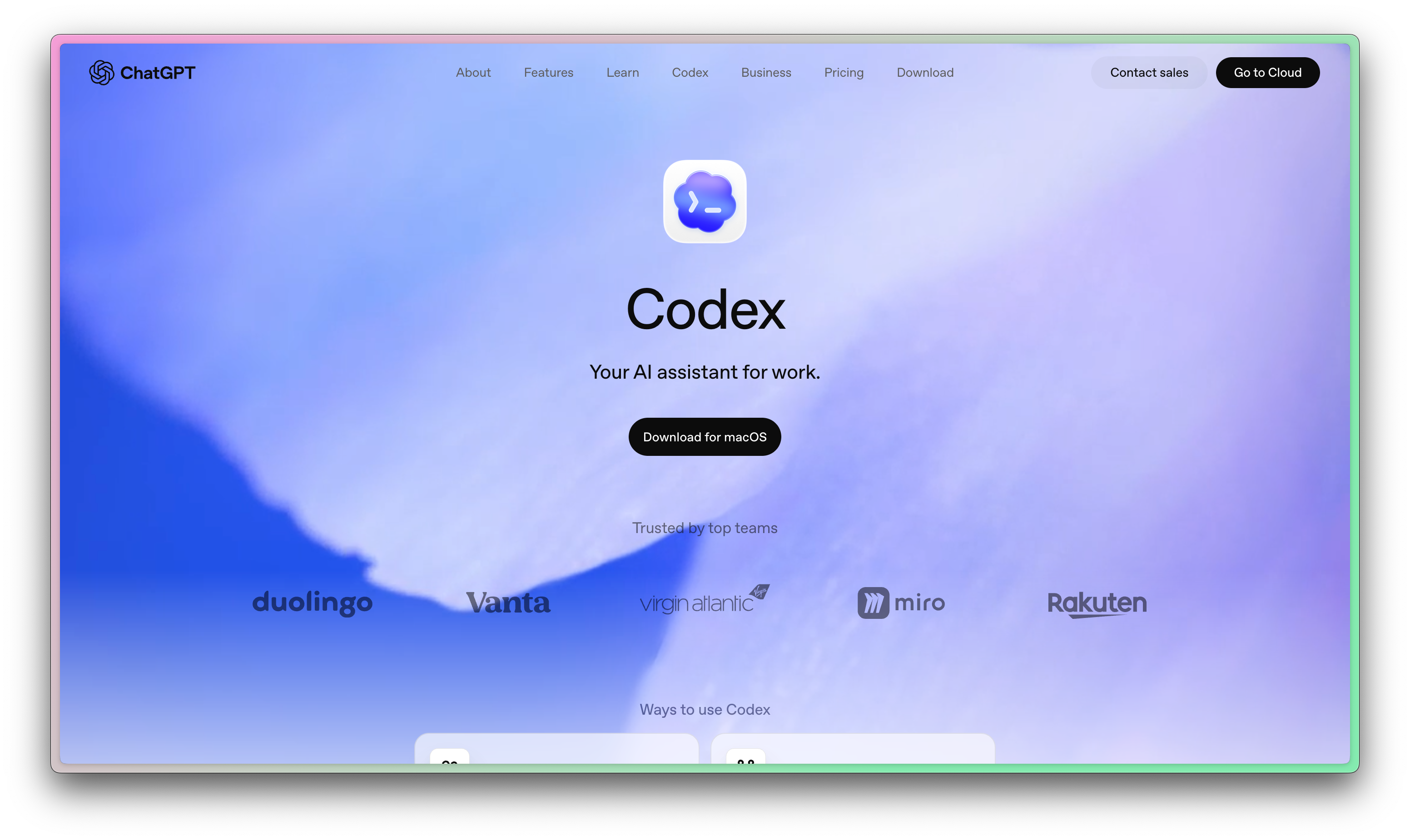
I’m not sure how to feel about this. I’m usually a big advocate of different tools for different things. I don’t like everything apps because they eventually become nothing apps.
But OpenAI Codex might be challenging that assumption with their recent releases and upcoming roadmap. They’ve built integrations for Gmail, Slack, Google Drive, Linear, even Stripe! The open MCP standard has given you a lot of options to work with Codex.
In today’s newsletter, I’ll show you:
What’s changing in Codex
Details on the merge with ChatGPT
Why I think this is a mistake
Some cool non-code things you can do with Codex now
Today’s newsletter is generously sponsored by Friday, an agent harness platform for building AI workflows that actually connects to the software you already use.
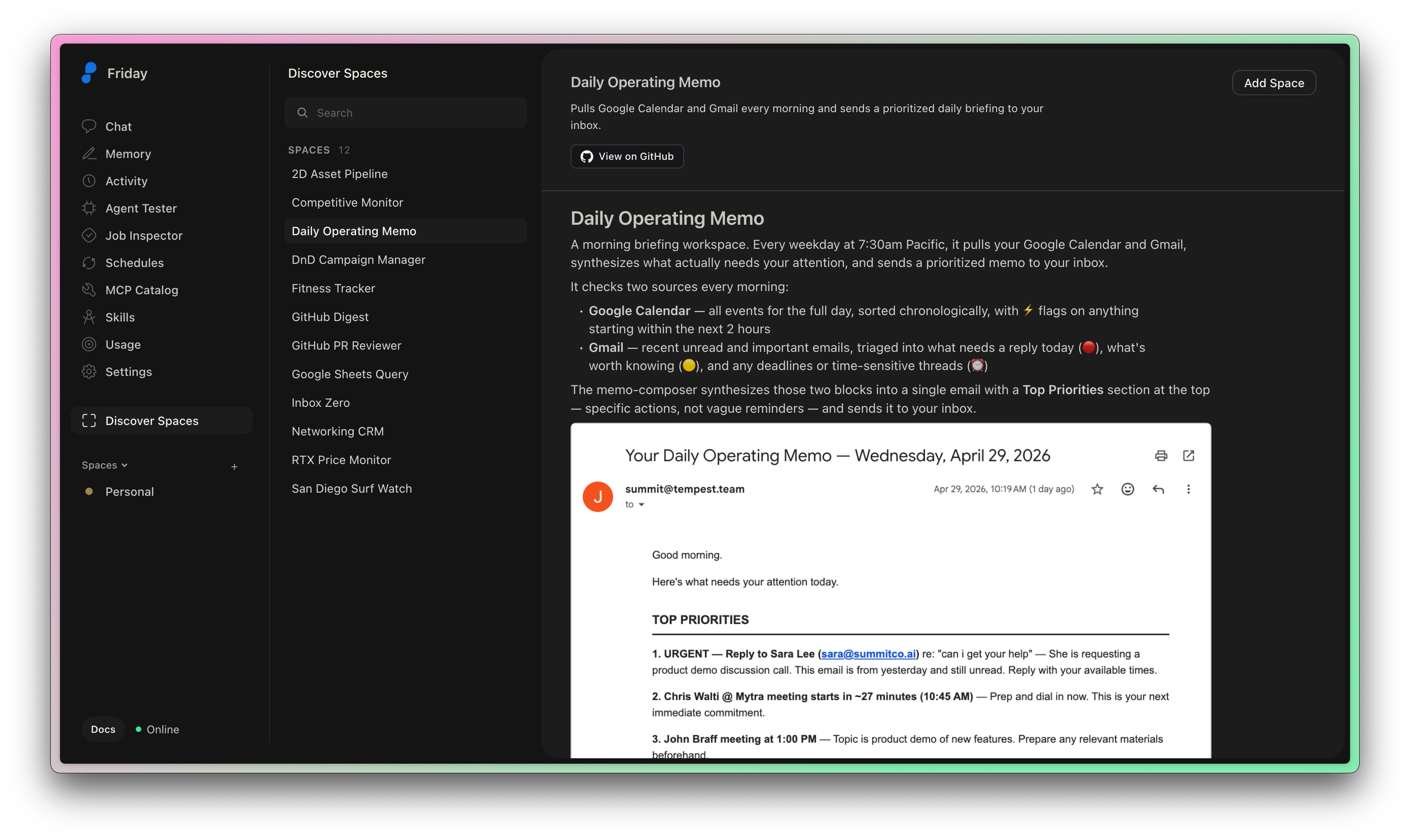
Friday gives you a way to turn plain-English instructions into reliable agentic workflows, complete with agents, MCP servers, memory, skills, and scheduled jobs. Instead of stitching together custom scripts or one-off automations, you can describe what you want Friday to do, connect the tools it needs, and let it run in the background.
The scheduled jobs are especially useful. You can ask Friday to generate a report, check a system, summarize activity, or email you an update every Monday at 9am, then inspect and extend the workflow as code when you want more control.
It is a practical way to make AI agents useful beyond the chat window.
What’s changing in Codex
Codex took OpenAI from just answering questions (ChatGPT) to actually doing meaningful work. It followed quickly from the success of Claude Code, and moved from web to CLI and then again to app.
In case you missed it, here are some Codex guides to get you up to speed:


From these articles, you can see pretty clearly that Codex is a tool for developers. It’s a direct competitor to Claude Code, but soon it will take on Claude Cowork more directly.
Is Codex merging with ChatGPT?
I don’t know how this isn’t bigger news. At OpenAI’s recent Intelligence at Work event, their product leadership shared that they’re “very excited to share that in the next few weeks we are going to put codex into ChatGPT".

For a developer, the unit of work is a commit or a PR. For other white-collar workers, the unit of work is something else! Presentations, documents, excel tables, emails, etc. OpenAI wants to move beyond just code.
ChatGPT is where Open AI models help you do work.
Codex is where Open AI models work for you. It’s agentic, and they’re moving past just software engineering.
So why bring it into ChatGPT? The everything app, that’s why. Claude did this recently with Claude Cowork. Now’s there’s a Claude Desktop app that contains a GUI for Claude (chats), Claude Code (software engineering), and Claude Cowork (other office-type work).
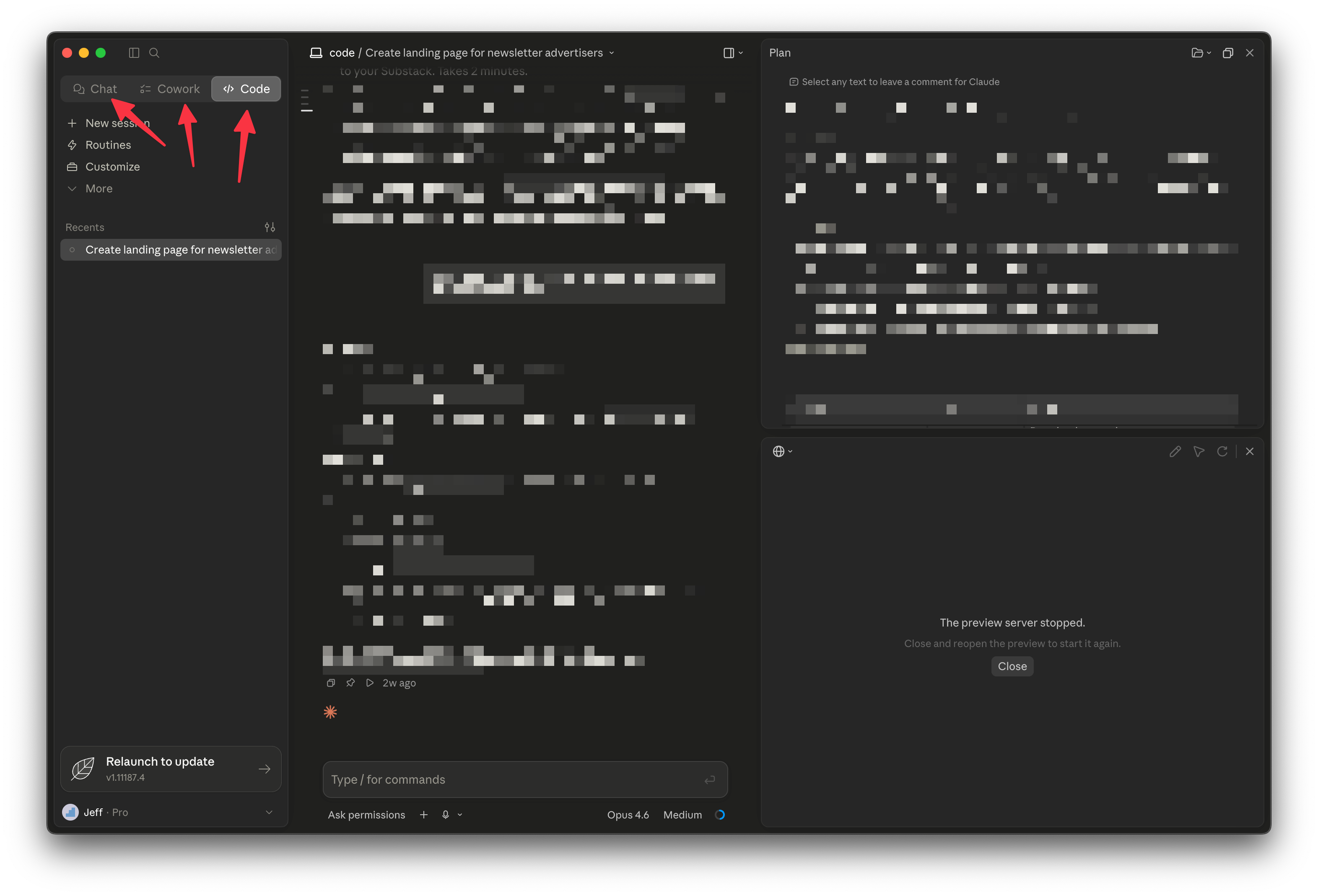
I expect ChatGPT to look a lot like this soon. They’ve neglected their desktop app to crush it on Codex, and it seems like they’re going to roll them together soon.
Becoming an everything app is a mistake
They recently highlighted that knowledge workers are adopting Codex 3x faster than developers, so it’s no surprise that they want to tap that market. Developers love Codex, so accountants should love Codex too, right?
I don’t think so.
I think Codex is so incredible because it’s for one thing. Taking focus away feels like a great way to lose the lead in the race for great developer tooling. But time will tell. Fortunately there’s a lot of choice in this market!
Some cool things you can do in Codex now
Now that I’ve complained about Codex becoming a tool for everyone, let me show you some genuinely cool use-cases that aren’t software engineering 😎
To use most of these, you’ll need to go to the “plugins” section of the Codex app.
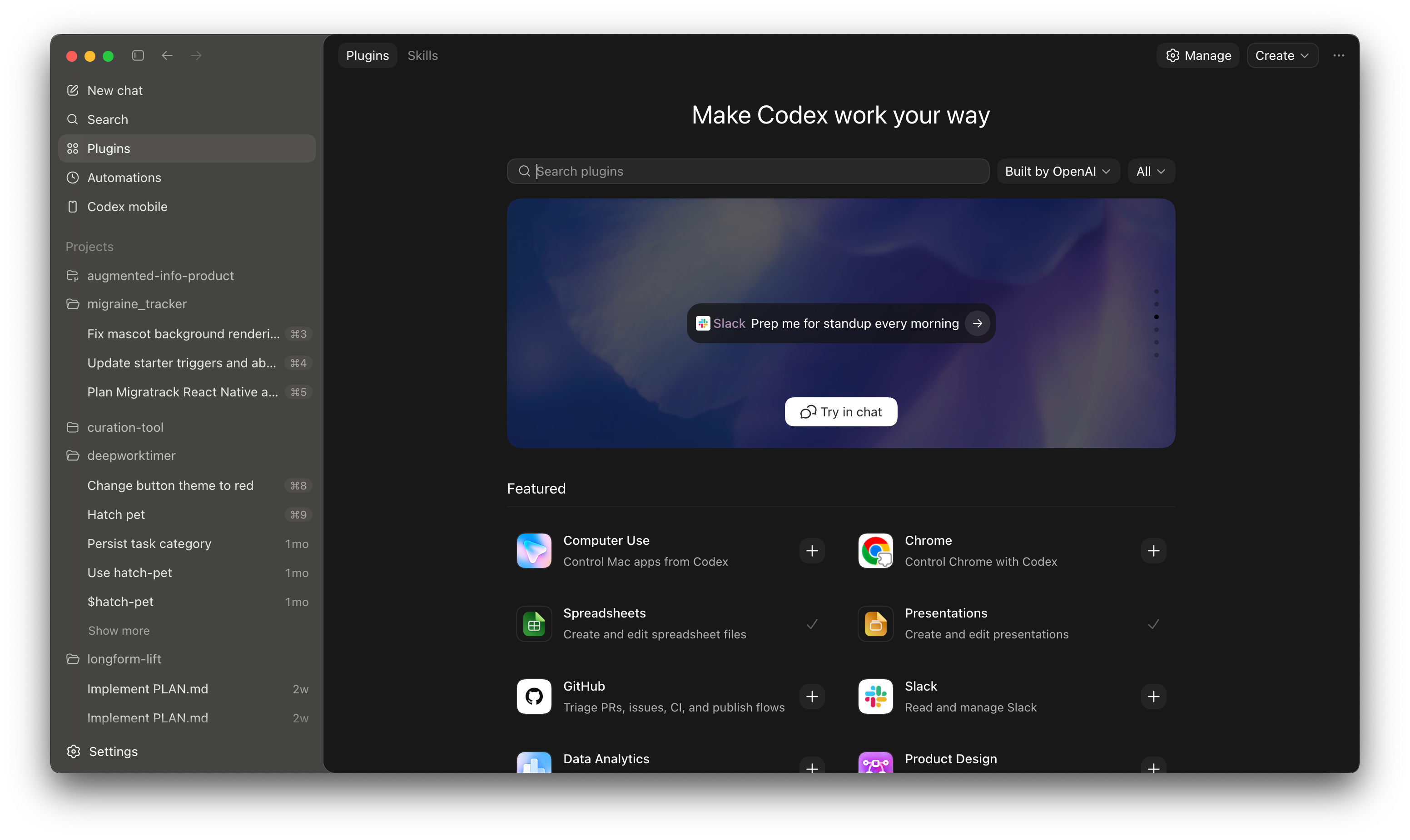
Google calendar in Codex
Once you install the calendar plugin, you’ll get a prompt to sign in to Google calendar and grant permissions.
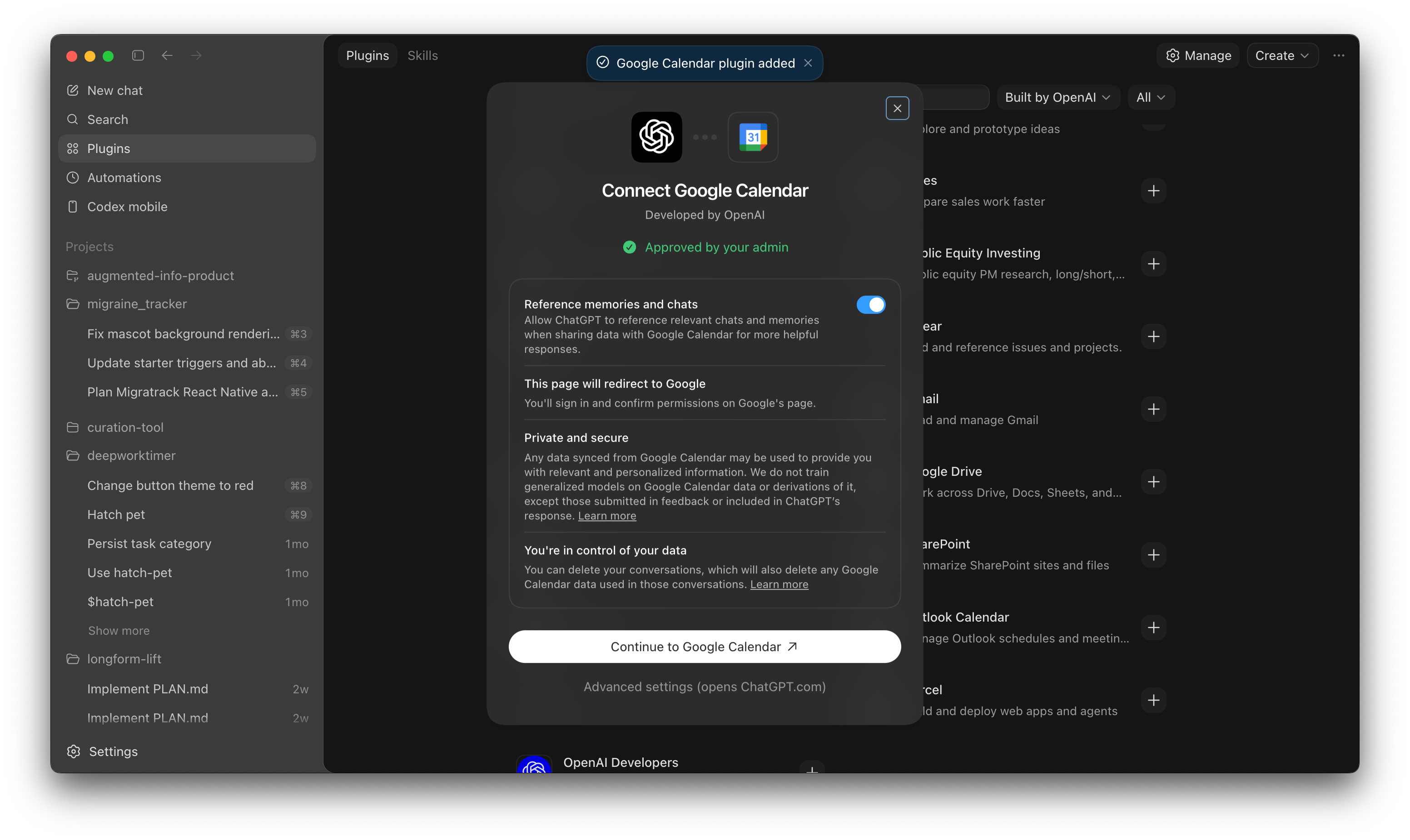
Once that’s setup, you can trigger calendar with @Google Calendar
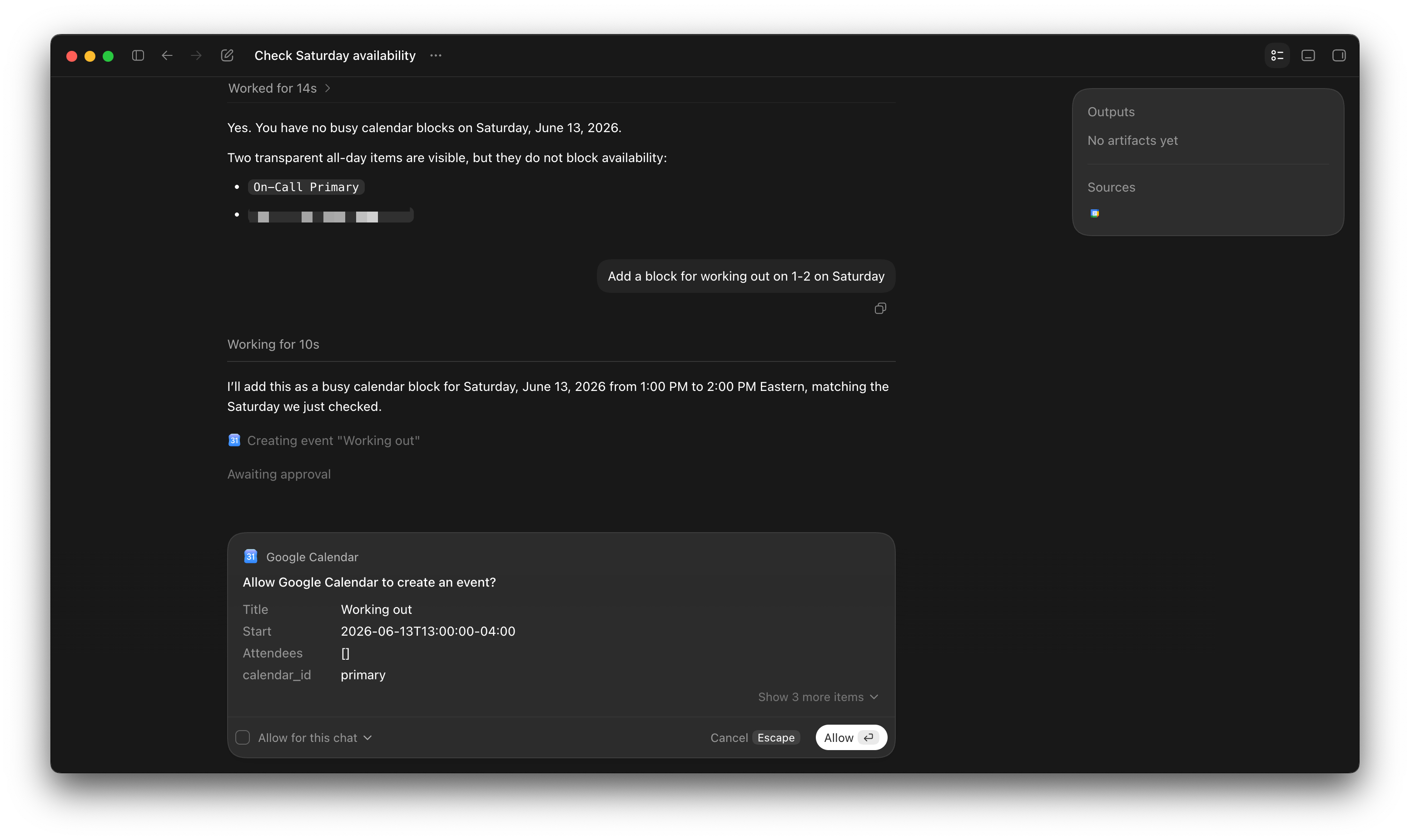
Here’s an example of me asking Codex if my calendar is free on Saturday and then adding an event to it.
Automations in Codex
The next cool new(ish) Codex thing is automatons, or recurring tasks.
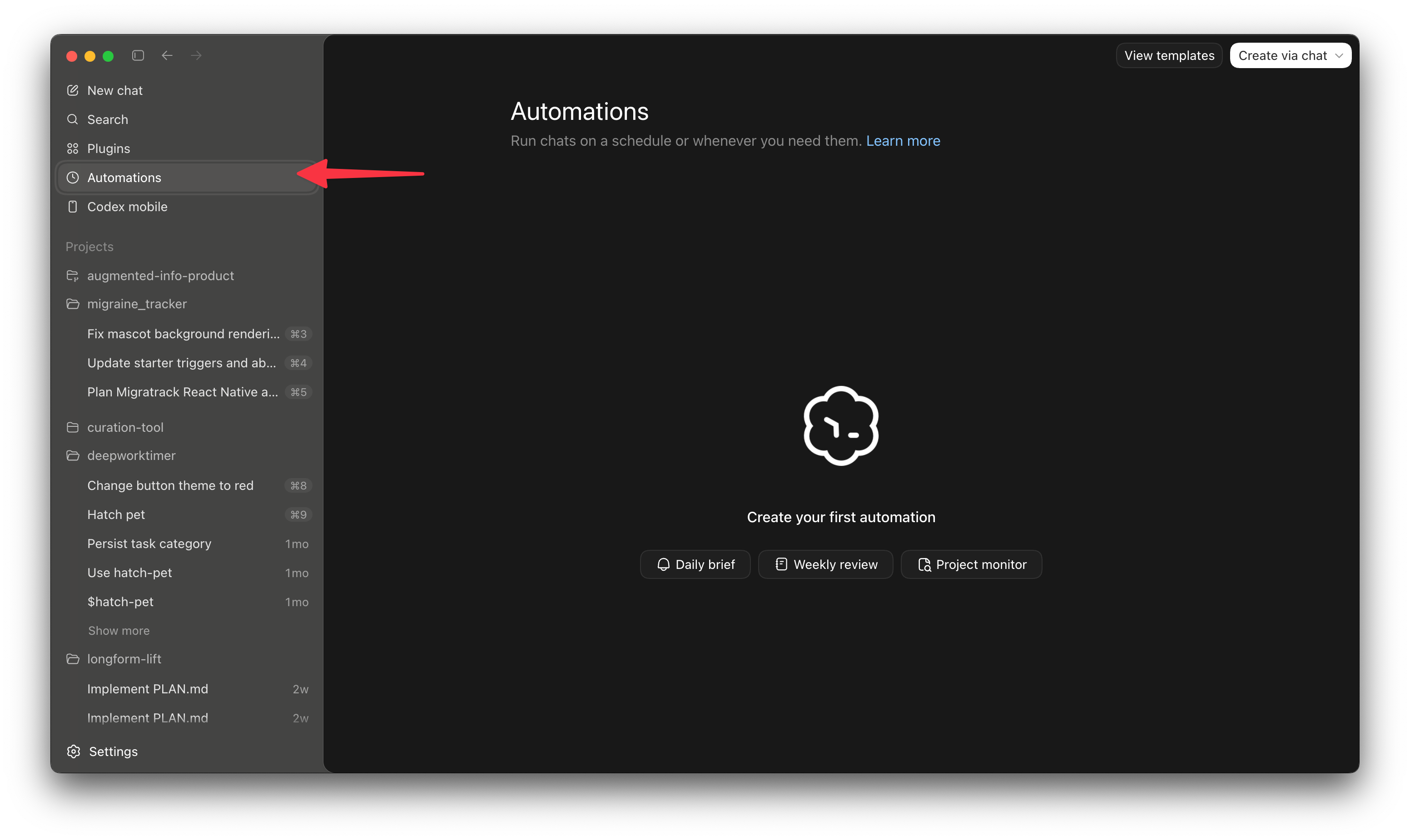
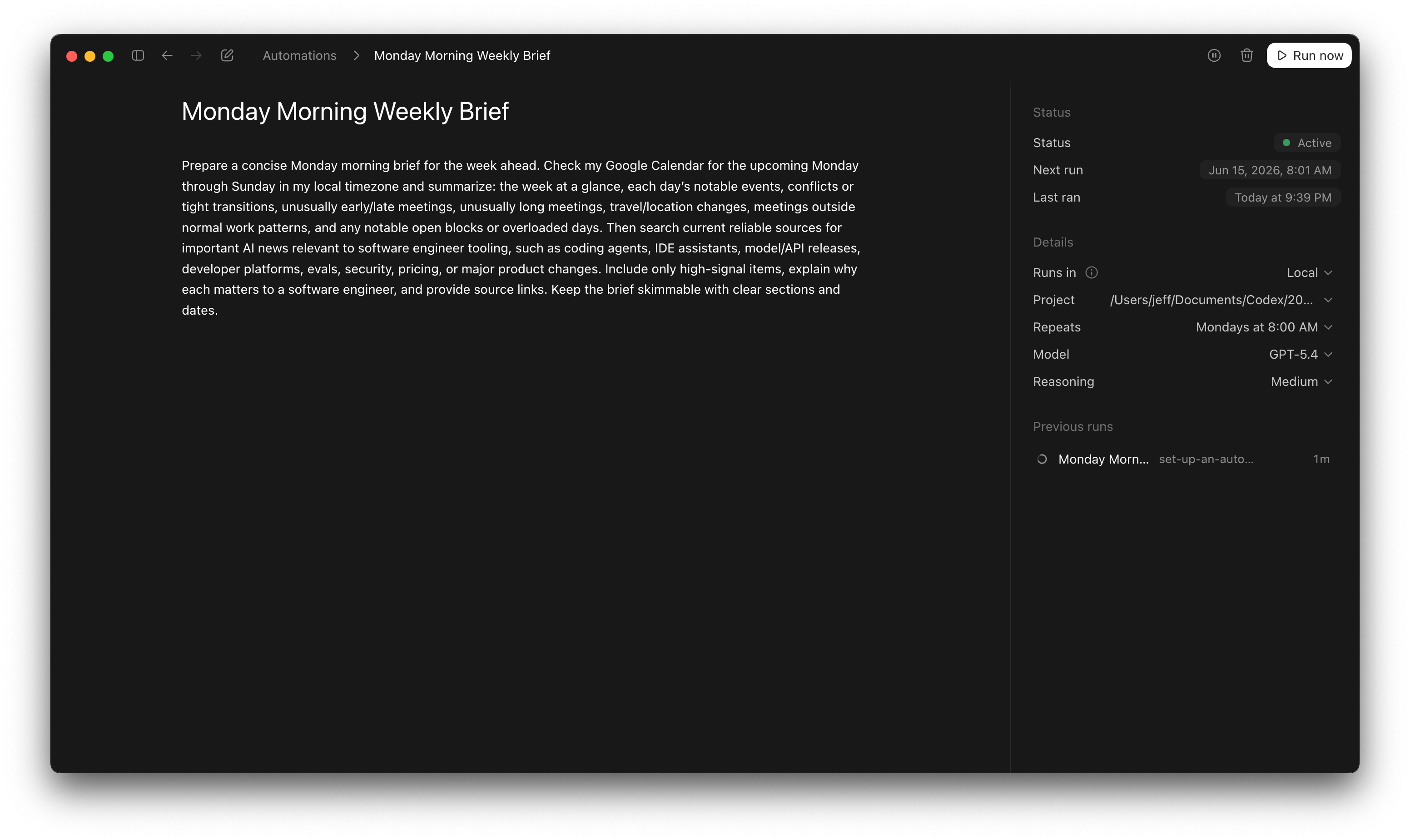
I don’t think Codex does this well, which is a symptom of being an everything app. See today’s sponsor, Friday, for a better recurring task experience! Regardless, here’s an example of a simple but useful automation I just set up.
Codex computer use
Computer use is the “Claude Cowork” feature. It let’s Codex actually use other apps on your computer directly, which is the fastest way to get it to be generally useful beyond just writing code.
Here’s a prompt OpenAI has in one of their docs:
@Computer
- Play some music to help me focus.
- Help me add my interview notes from Notes to Ashby.
- Look through my Messages app for the trip ideas Brooke sent me this week, add the best options to a new note called "Yosemite ideas", and draft a reply back to her.
It’s a killer feature if you’re willing to give it the access it needs in order to be useful. I haven’t experimented with it enough to give a full tutorial here, but perhaps in another newsletter!
I use Codex mainly to code but I just found out it can generate images. You should definitely give it a try if you haven't until now.
I also built a custom skill for my Hermes agent that calls the Codex CLI to generate images, basically I can use my ChatGPT Pro subscription instead of the API.