
Since the launch of Codex, we’ve covered dozens of tutorials on using the tool. Here, you’ll find an organized list of resources, so that you can get productive with Codex fast.
Codex has a CLI
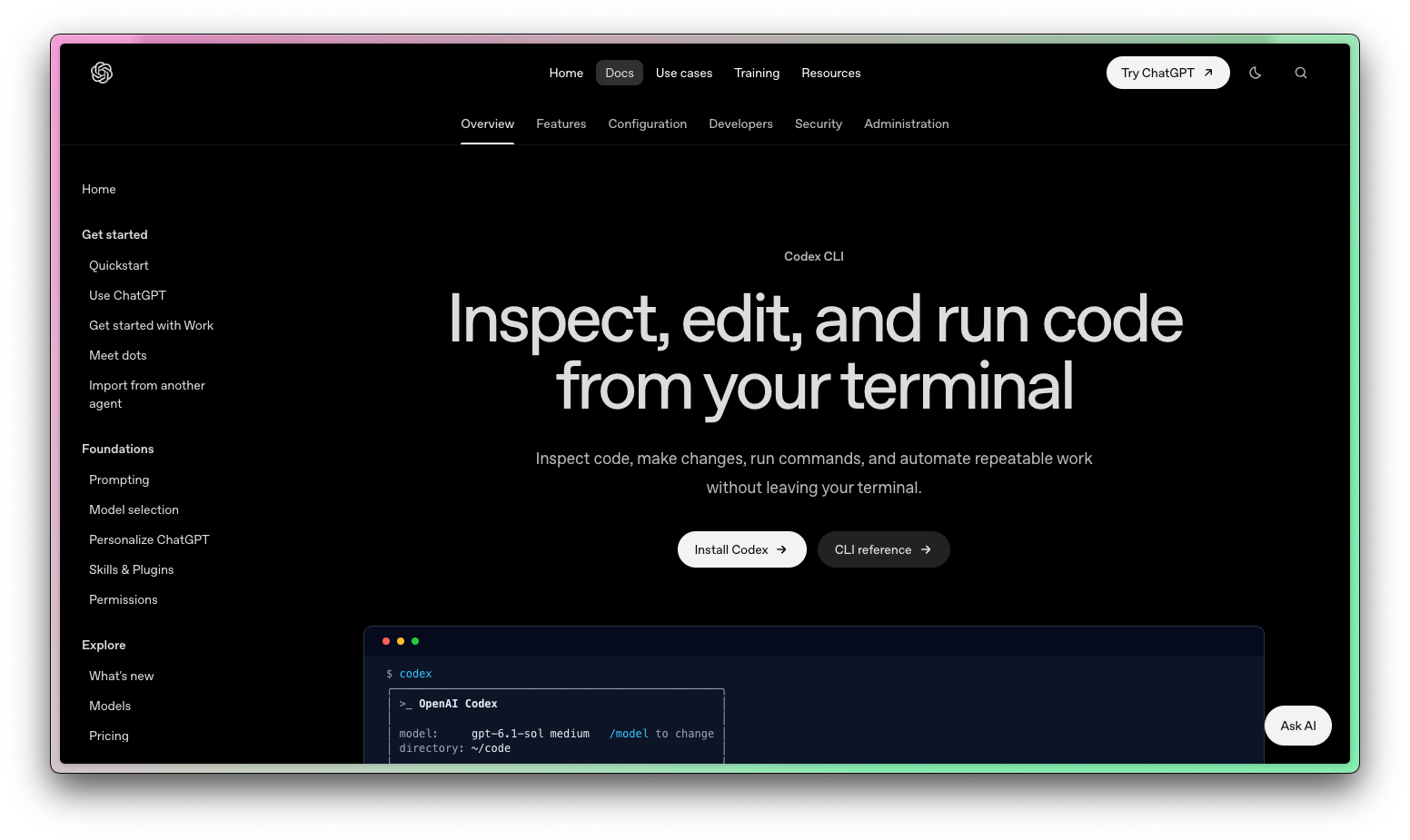
First, Codex has a CLI. If you’re a big CLI/TUI user or you’re already used to using Claude Code in the terminal, you’ll find it easier to start here.
How to install the Codex CLI:
You can install the Codex CLI with a simple cURL command:
curl -fsSL https://chatgpt.com/codex/install.sh | shThen, you can open the CLI with:
codexThe Codex app is now ChatGPT
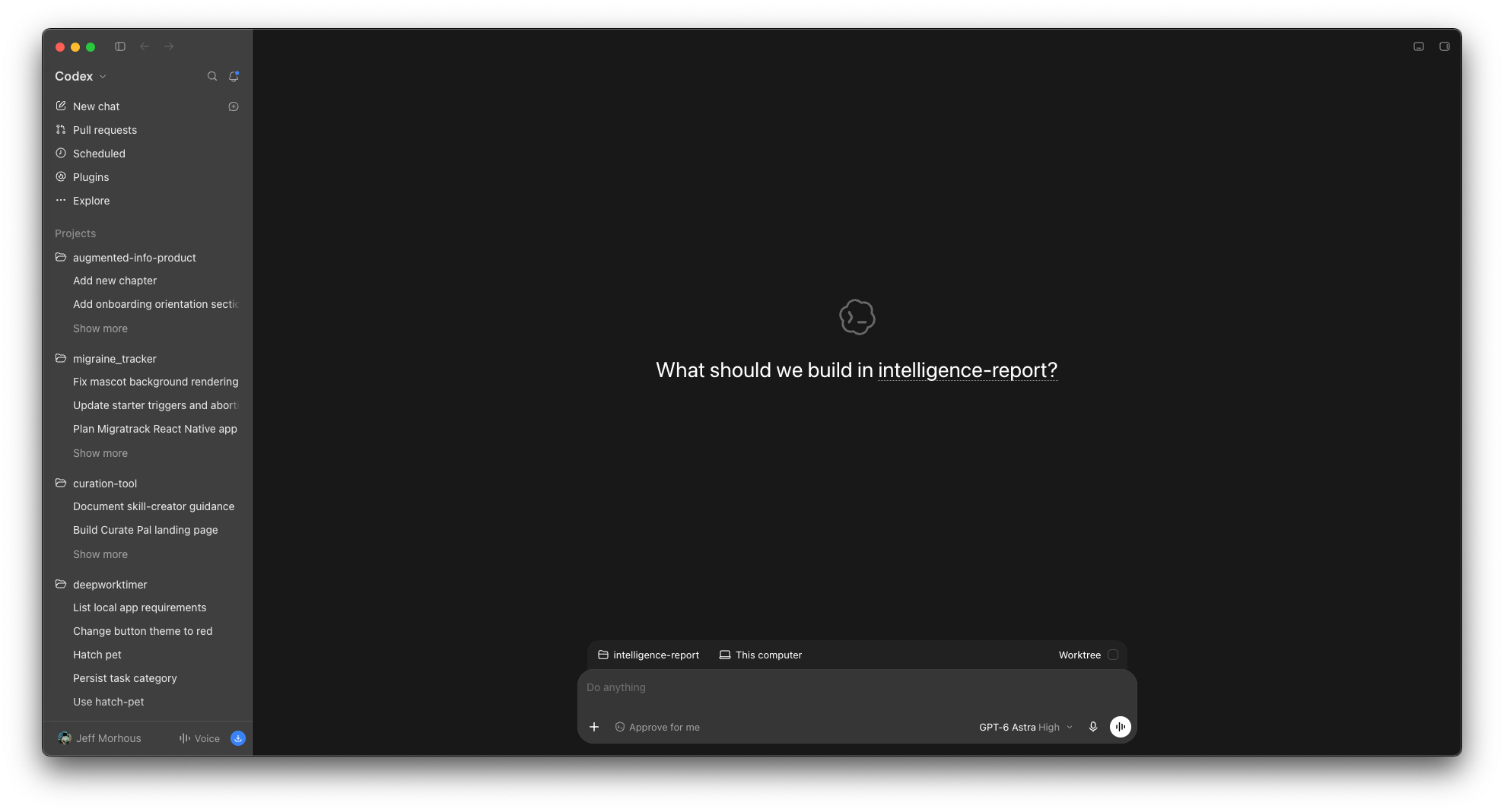
I’m honestly not a huge fan of Codex in the CLI. I much prefer the Codex desktop app.
I think managing parallel agents across projects with large diffs and plenty of subagents is a job better suited for a UI, and the Codex UI does it well.
The Codex UI did so well, in fact, that they merged the ChatGPT app into Codex. So download the ChatGPT app and select Codex as your use case.
Codex resources
If you’re curious about Codex, you’re obviously in the right spot. I spend dozens of hours researching each of these guides so you have a shortcut to building software with AI.
I’d love to have you join us and get notified when we share more tutorials like this.
Here are the newsletter’s best resources on Codex.


